Hi. I hope you are well.
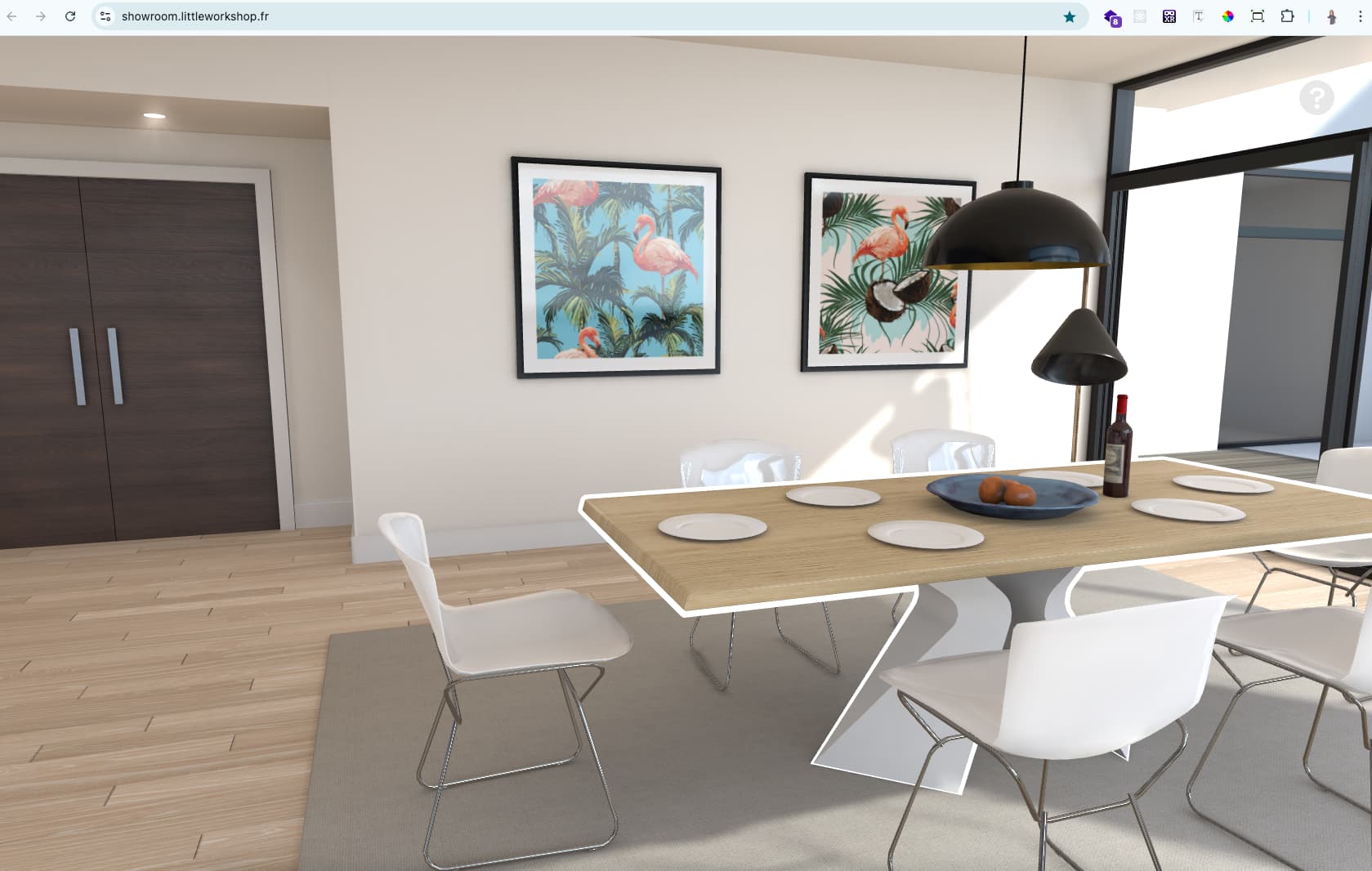
I need a high-quality 3d model like this website. Do you have any models to share with me? In Sketchfab most of them are like cartoons.
I want to know How we can have the best setting in three.js for such a result.
I used different settings for environmental hdr, lights,… but the result is not real. This is like animations. Can you tell me some tips to have a very nice result?
Render Quality
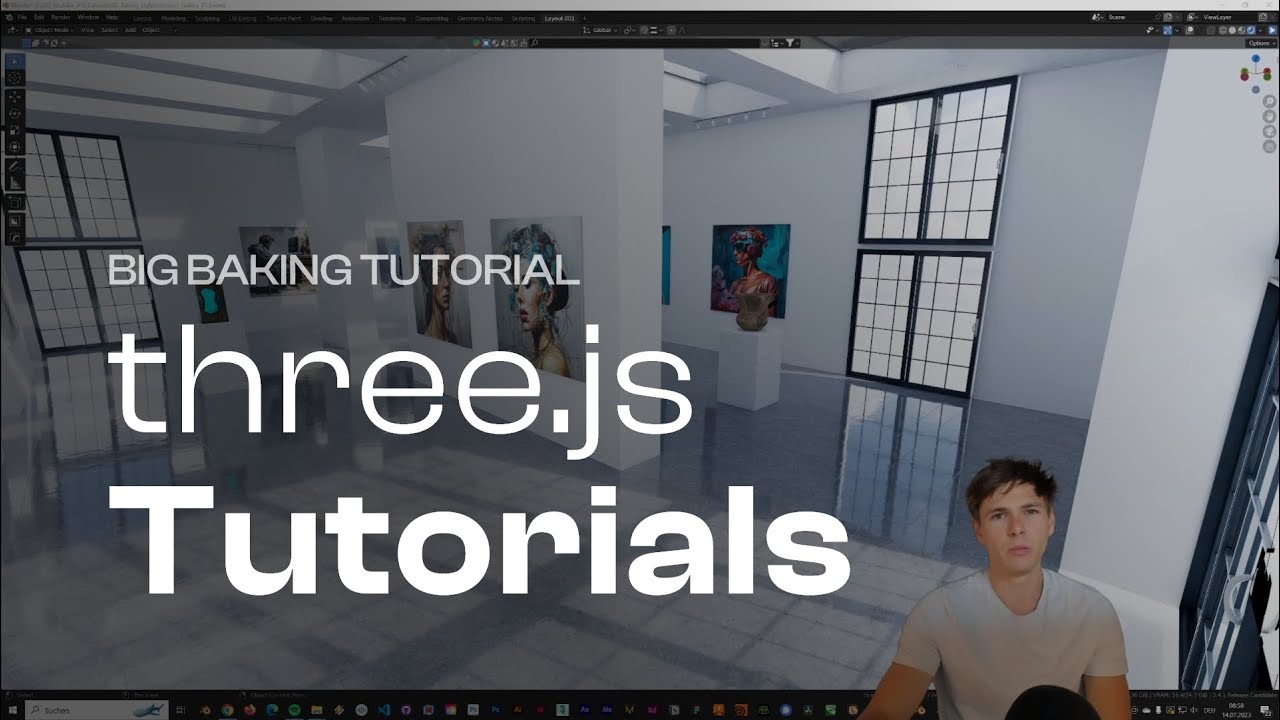
After Baking you shuld be able to load the scene as you would do normally and apply the baked texture to it. I am not sure what you mean with threejs settings… Because the light is baked you would apply the textures on MeshBasicMaterials (someone correct me if i am wrong, never done it myself).
baking is about your only option, you will never get a result like that without it. threejs on its own with its harsh lighting won’t get you even close.
btw ive made an example similar to what you posted above, selection and all open source Shopping - CodeSandbox built the model for that as well in blender and baked lights and shadows. it was the first time i went through the whole process and it’s worth it. you can learn how to do this in threejs-journey, then either build models from scratch or bake existing models.
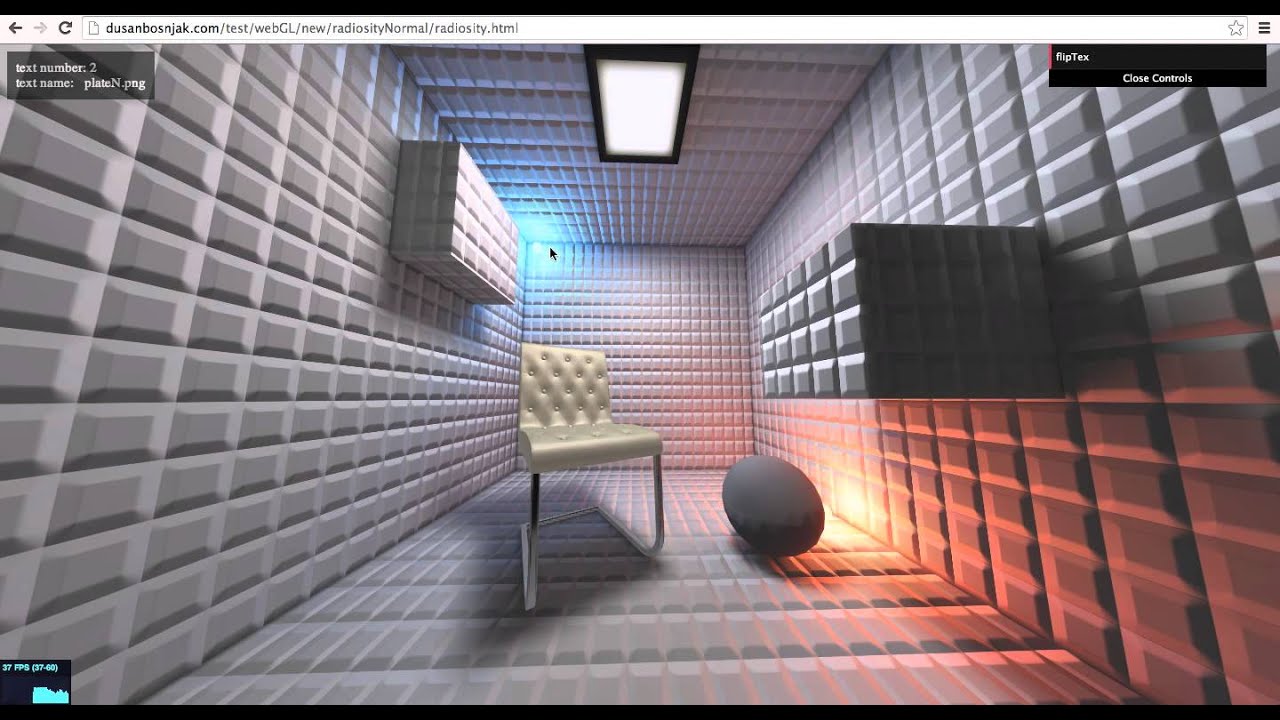
There are also ways to improve baked lights. I made this example 10 years ago, baking lights with 3ds max and vray. But instead of baking 1 map i baked 3.
Realism can be done by render-to-texture using baked materials or lightmaps. You can also do it with real-time rendering in Three.js, but that usually hits performance with little visual gain.