Happy New Year, Three.js community

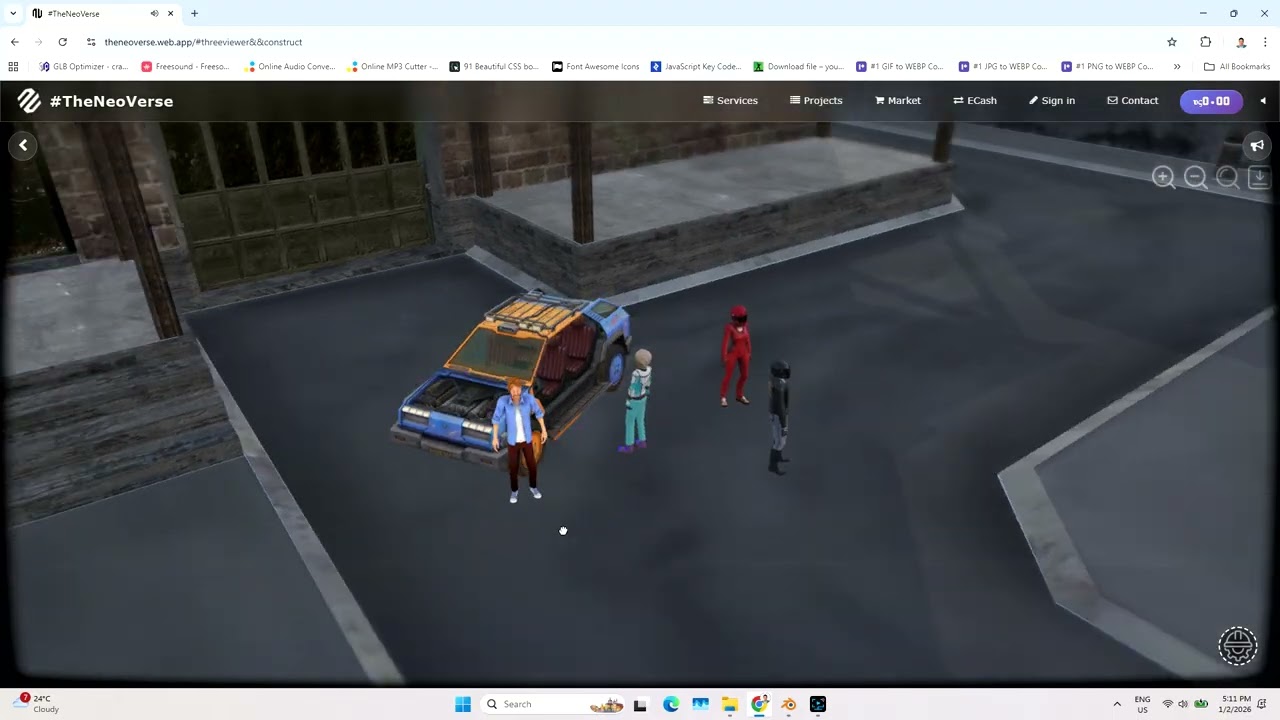
As we start 2026, I’m inviting designers, developers, and 3D enthusiasts to voluntarily collaborate on Crateria City, a detailed game map available here: Crateria City on RenderHub

You can also explore the live demo here: Crateria City Live Demo
Why Participate
Collaborating is a unique opportunity to:
-
Gain Hands-On Experience: Work with a browser-based Virtual Experience Engine built with Three.js and Web Physics
-
Expand Your Skills: Improve modeling, interactivity, optimization, and immersive visualization skills transferable to game development, architecture, or virtual design
-
Collaborate and Network: Connect with other designers and developers, share ideas, and contribute creatively to a growing virtual world
-
Showcase Your Work: Contributions can be used in your portfolio or for personal learning
Reference Engine
The engine’s architecture and workflows are available in this Virtual Expereince Engine.pdf (5.0 MB) book to help participants experiment independently
Participation Terms
Participation is completely voluntary. Contributors are free to join or leave at any time. There is no obligation or recourse to me regarding contributions, decisions, or outcomes. This collaboration is purely for learning, experience, and creative exploration
Who Can Contribute
-
Designers and architects familiar with 3D tools like Blender, SketchUp, 3ds Max, or Rhino
-
Developers interested in interactive 3D web applications
-
Anyone passionate about immersive virtual environments
Let’s Make 2026 Creative and Interactive
By participating, you can help turn Crateria City into a fully interactive, living virtual world, while gaining practical skills and experience in a voluntary, flexible, and self-directed way