Three.js Virtual Experience Engine for Architects and Level Designers

Three.js Virtual Experience Engine for Architects and Level Designers

Hey Three.js community

I wanted to share a project I built a few years ago that hasn’t really gotten much attention because of my day job. It’s a Three.js Virtual Experience Engine for architects, level designers, and engineers.

I built this so I could showcase my urban design projects and explore them right away, making it easier to spot potential issues and refine my designs. The process is simple: you can drag a .glb file, like a model from SketchFab, into the browser, and it’s ready to explore.
Meshes that the avatar or vehicle will interact with are cloned as colliders, stripped of materials to keep them light, and renamed phy-body-main-trimesh-0kg-collider. Add a plane axis named avatar-here, and when the level or environment loads, the avatar is repositioned there to navigate the scene.

You can load buildings, urban layouts, or interior projects and start exploring immediately. Multi-level designs, complex structures, and even large-scale environments work automatically, letting architects, designers, and engineers focus on evaluating or presenting their projects instead of dealing with technical setup. It’s also useful for level and game designers who want to explore their scenes quickly.

For developers, it’s a clear example of how to:

  • Generate colliders from selected meshes automatically

  • Reposition avatars using a plane axis

  • Optimize GLB files for physics-ready interactive environments

Three.js devs can share it with architects, designers, or level designers who want to explore their projects without writing code.
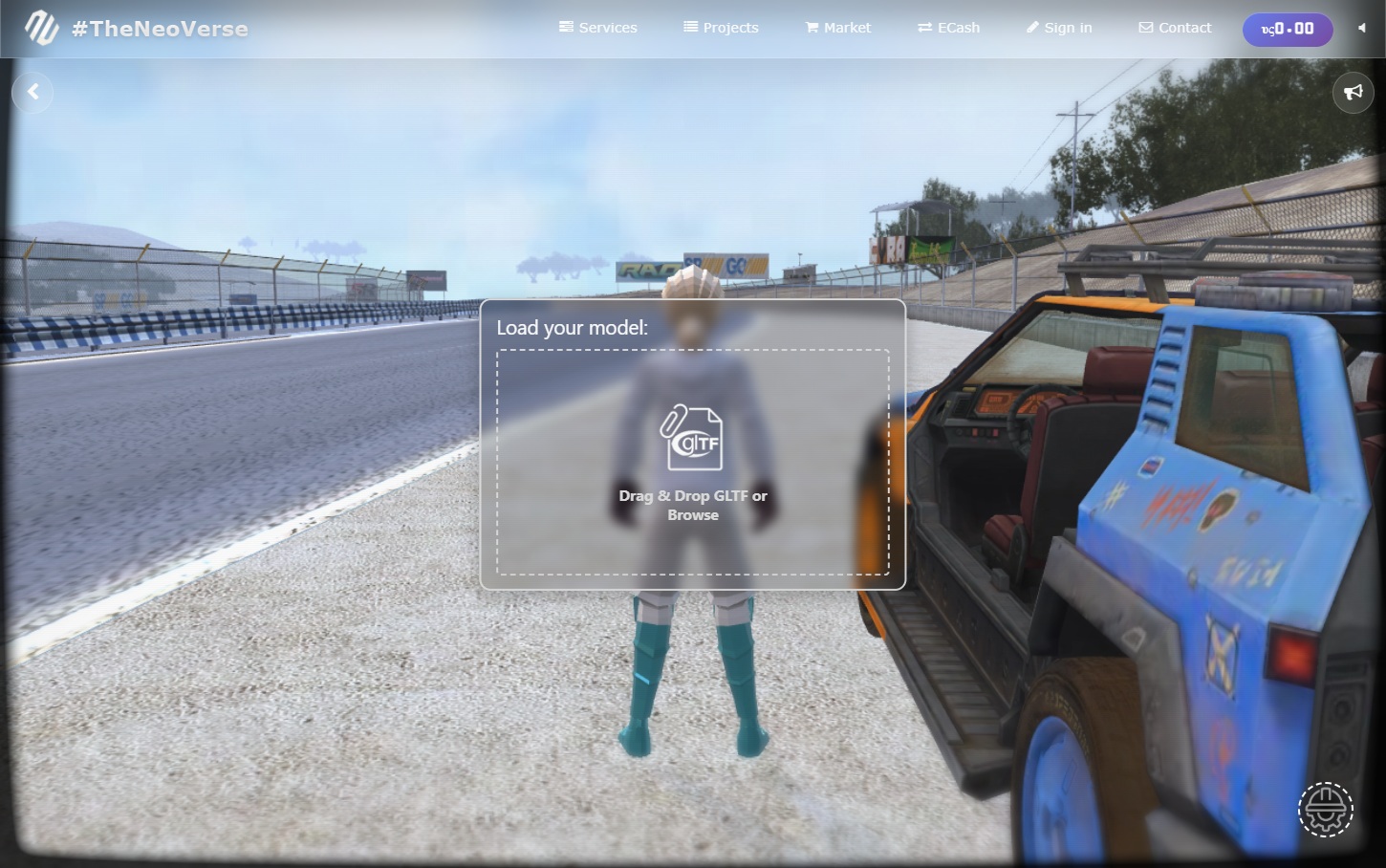
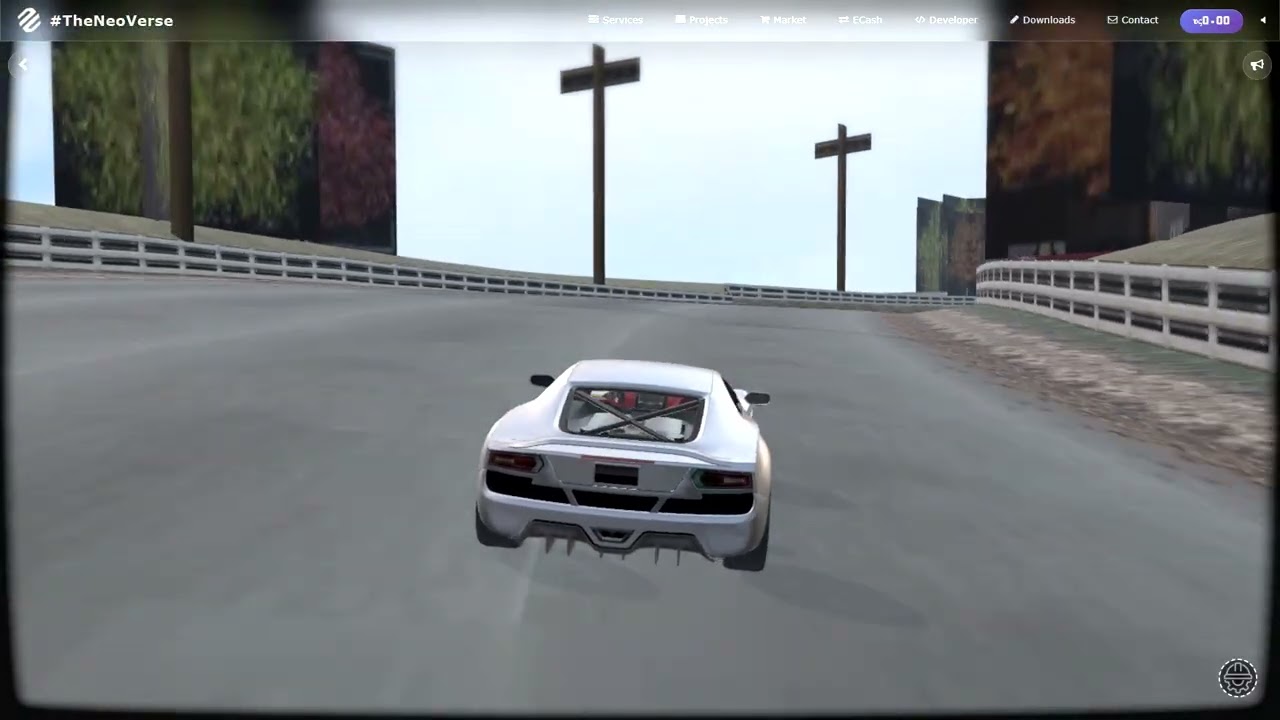
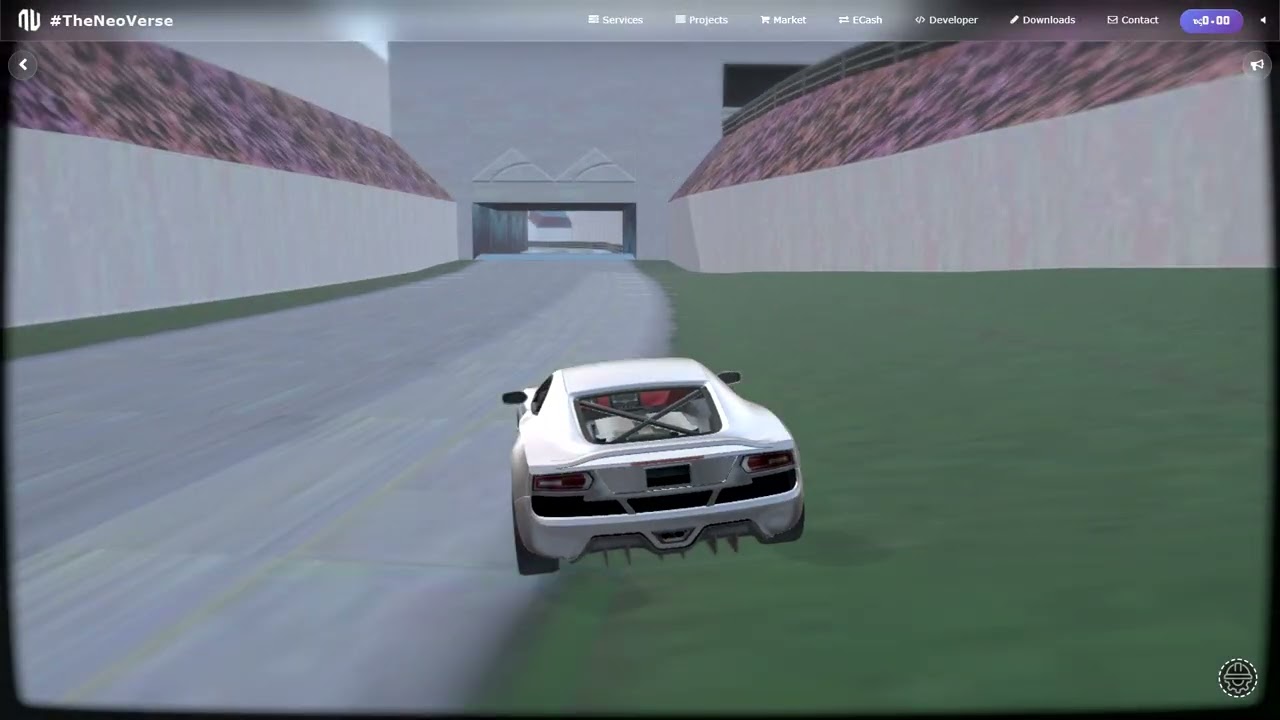
Screenshot #1 - Laguna Seca Track

laguna seca track.glb (8.5 MB)

Try it out

Drop a GLB in, any mesh named phy-body-main-trimesh-0kg-collider is converted into a physics collider, the avatar is repositioned to avatar-here when the level or environment loads, and the scene is ready to explore.

2 Likes

I downloaded this map,

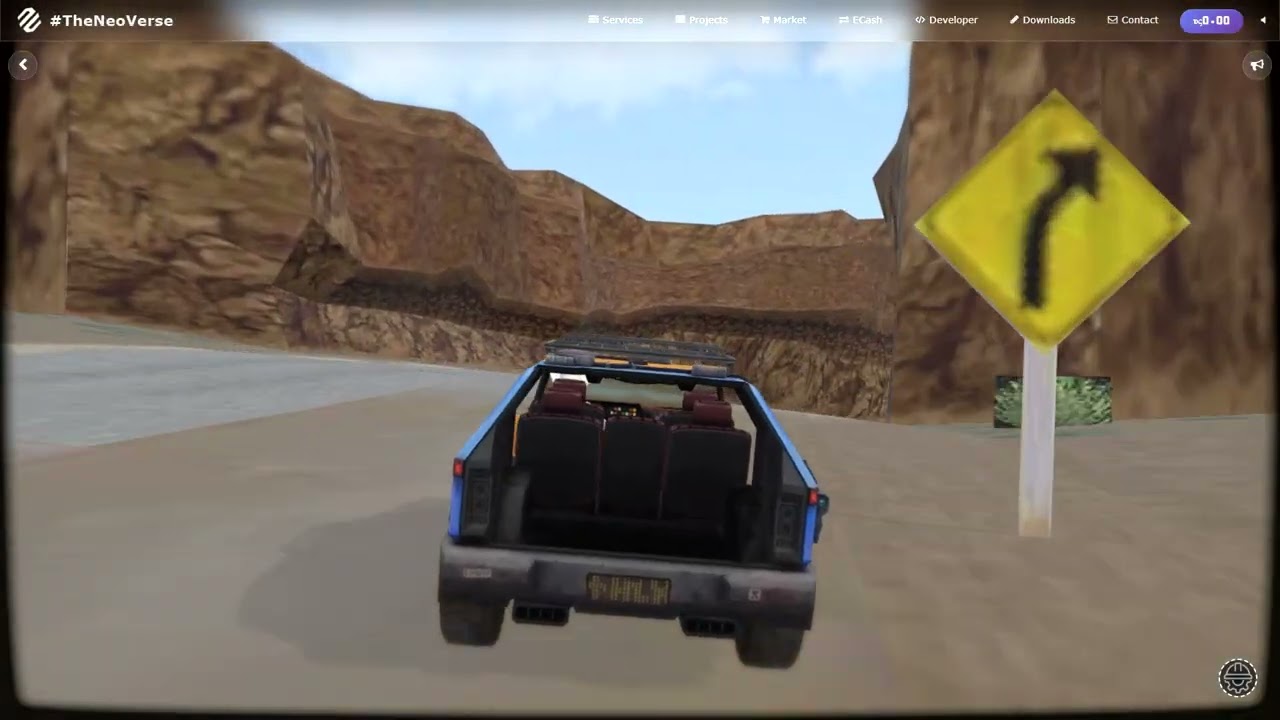
it appears in the video you drive cars? there are issues with the controls, the joy stick is just gone when the map is loaded

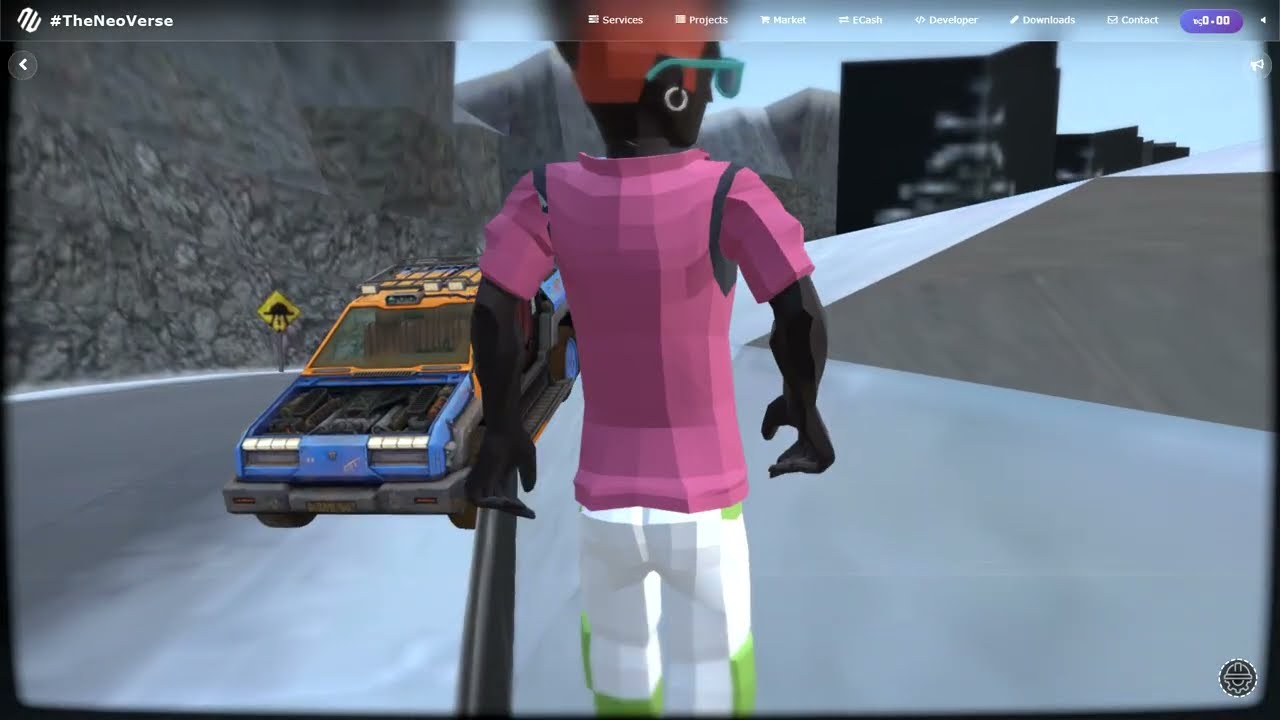
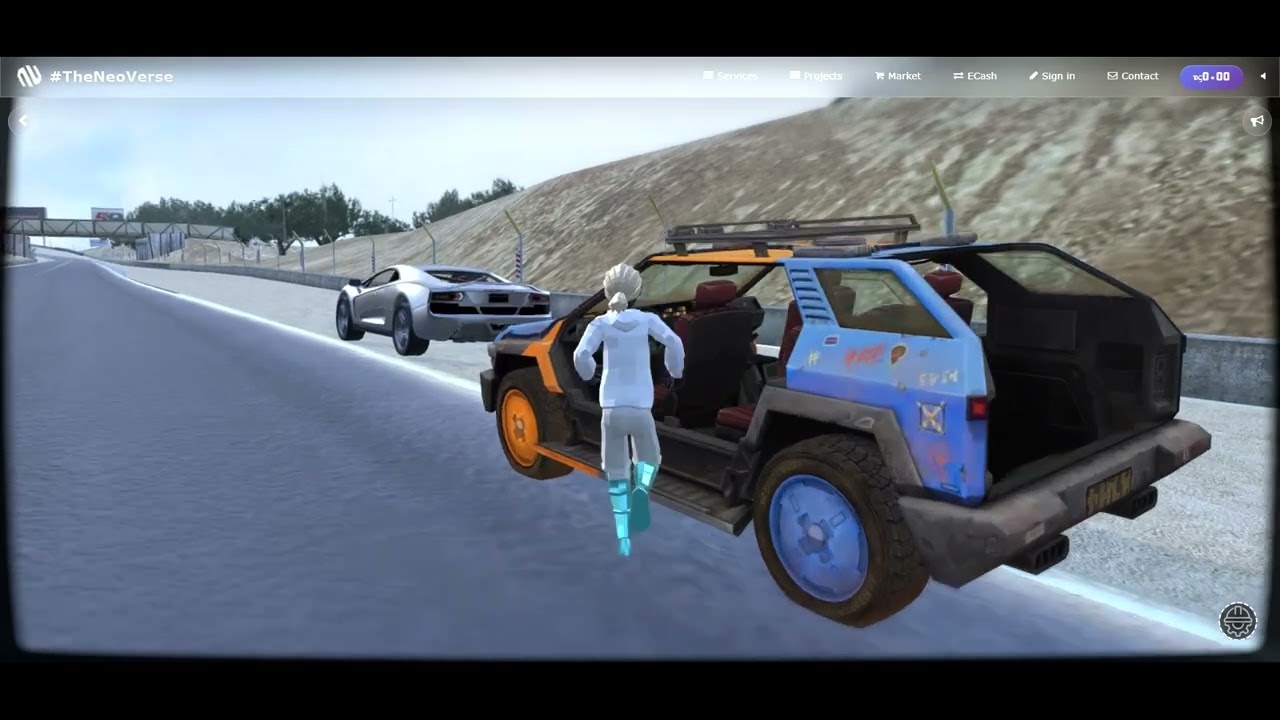
Yes, the video does show driving cars, I’ve attached the files related to the vehicle glbs.

The joystick disappears when the modal opens because the controls switch to orbit. Switching back to follow makes the joystick active again.

Cannon bodies near the avatar stay active. Bodies farther away are temporarily archived to reduce load, but they are not deleted.

There has been an update related to cannon.js: the avatar now uses a ray cast bodies, follows the cannon ray cast bodies approach discussion here:
https://discourse.threejs.org/t/character-controller/89137/9

Cars:

normadic.glb (1.5 MB)

furnariscafatigtvehicle.glb (921.2 KB)

Updated Maps with Ray Cast Cannon.js:

laguna seca track.glb (8.5 MB)

burnin rubber crash burn city.glb (4.7 MB)

Hey Three.js community

I wanted to share an update to the Three.js Virtual Experience Engine I built a few years ago for architects, level designers, and engineers. The idea was always to make it easy to explore urban designs, buildings, interiors, or game levels right in the browser without any coding or complicated setup.

Now there’s a cool new feature. You can drag and drop GLB units into your scene and the engine will automatically recognize them as video-texture ads, screens, or billboards. It works by adding keywords to your material names like ads, tv-, tvscreen, television, or billboard to mark it as a video texture, and portrait, vertical, or landscape to set the orientation. The order doesn’t matter, so something like ads-name-of-video-etc-portrait.0001 or name-of-video-etc-portrait-ads.0001 will work just fine.

Everything else works the same as before. Meshes named phy-body-main-trimesh-0kg-collider are automatically turned into physics colliders, and if you add a plane axis named avatar-here the avatar will be repositioned there when the level loads. Multi-level buildings, urban layouts, interiors, and even large environments can be explored immediately.

For example, a material named ads-laguna-seca-intro-portrait.0001 will play the video in portrait mode on that mesh. This makes it super easy to add interactive displays or signage to your scenes without writing any code.

You can try it out here: the live engine is at https://theneoverse.web.app/#serini&&construct and the GitHub repo is https://github.com/VeinSyct/ThreeJsCannon. I’ve also attached a GLB file called garage units.glb that you can drop in and test right away.

garage units.glb (294.2 KB)