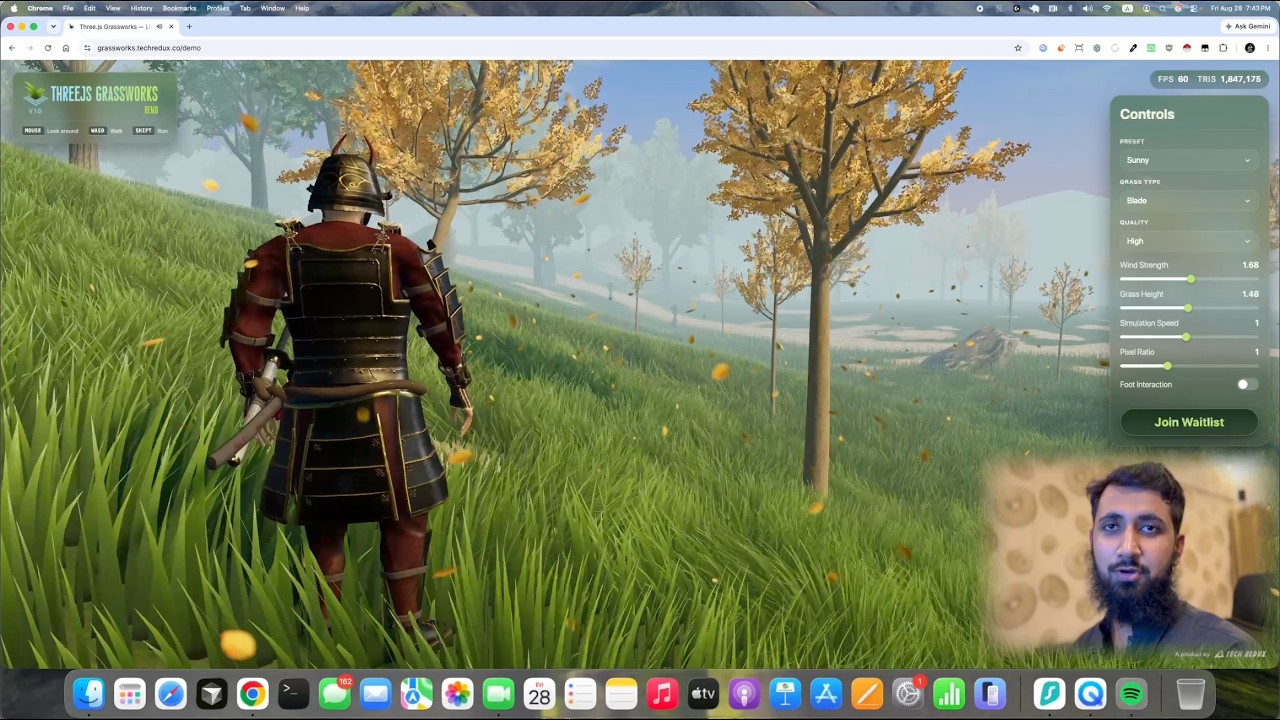
After 200+ hours of development, I’m finally sharing the first public demo of Three.js Grassworks, a real-time grass system I’ve been building for Three.js and WebGPU.
The demo is now live:
Three.js Grassworks is built specifically for WebGPU and is designed to handle large amounts of interactive grass while maintaining steady performance.
For the demo, I built a complete environment around Three.js Grassworks, including terrain, trees, water, rain, player interaction, environmental effects, LOD systems, and more. The interesting challenge for me was getting all of these systems running together while keeping the grass performant.
The actual Three.js Grassworks plugin is still being polished and is planned to launch in the next couple of weeks.
I’d really appreciate feedback from the Three.js community, especially around performance, visuals, and the overall approach. There’s a waitlist inside the demo for anyone interested in the plugin.
I also made a video walkthrough of the demo:
Thanks for checking it out. I’d love to hear what you think.
The goal was simple: make it possible to add large scale, realistic, performant grass to a Three.js project without having to build the entire system from scratch.
It’s built around WebGPU and TSL and has been designed with real-world projects in mind, not just a demo scene.
Grassworks is a one-time purchase and includes support and ongoing updates.
I’m really looking forward to seeing what people build with it.
If you try it out, I’d love to hear your feedback, ideas, and feature requests.
One thing I’ve never really liked about Grassworks was the visible LOD pop-in. I tried a bunch of different approaches to solve it, but none of them actually worked well enough, so I eventually settled on an immediate LOD switch.
For v1.1.0, I finally revisited it.
The solution combines related LOD geometry with spatial dithering. Lower LODs now remove blades from the higher LODs while keeping the remaining blades in the exact same positions. This gives me a consistent set of grass instances to work with across the different LODs.
I can then use spatial dithering to gradually transition between them instead of switching the whole grass population at once.
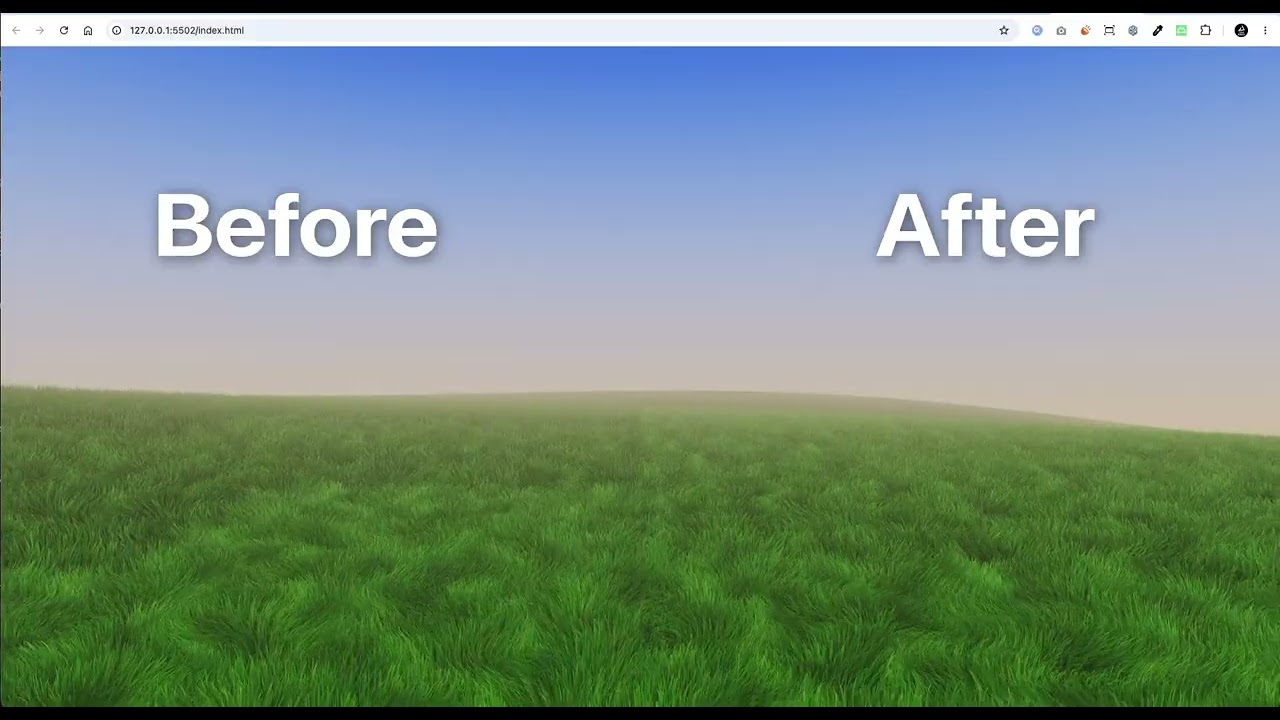
Here’s a before/after comparison. Both versions are using the exact same LOD, density, and detail settings:
The difference is pretty noticeable, and I’m much happier with how the LOD transitions look now.
This will be part of Three.js Grassworks v1.1.0, which is coming very soon.
This update brings a few improvements I’ve been working on for a while:
Smoother LOD transitions
Improved Billboard Grass
Better grass interaction and influence recovery
A new AI skill for working with the Grassworks API and workflows
The LOD changes are probably the biggest one. I reworked how the LOD geometry is generated and added spatial dithering to make transitions much smoother.
Grassworks is still built around Three.js + WebGPU/TSL and is meant for large, dense grass environments.
I’m also running a 50% discount for a limited time with code GRASS50.
One of the things I worked on in the latest version was making grass interaction feel really smooth.
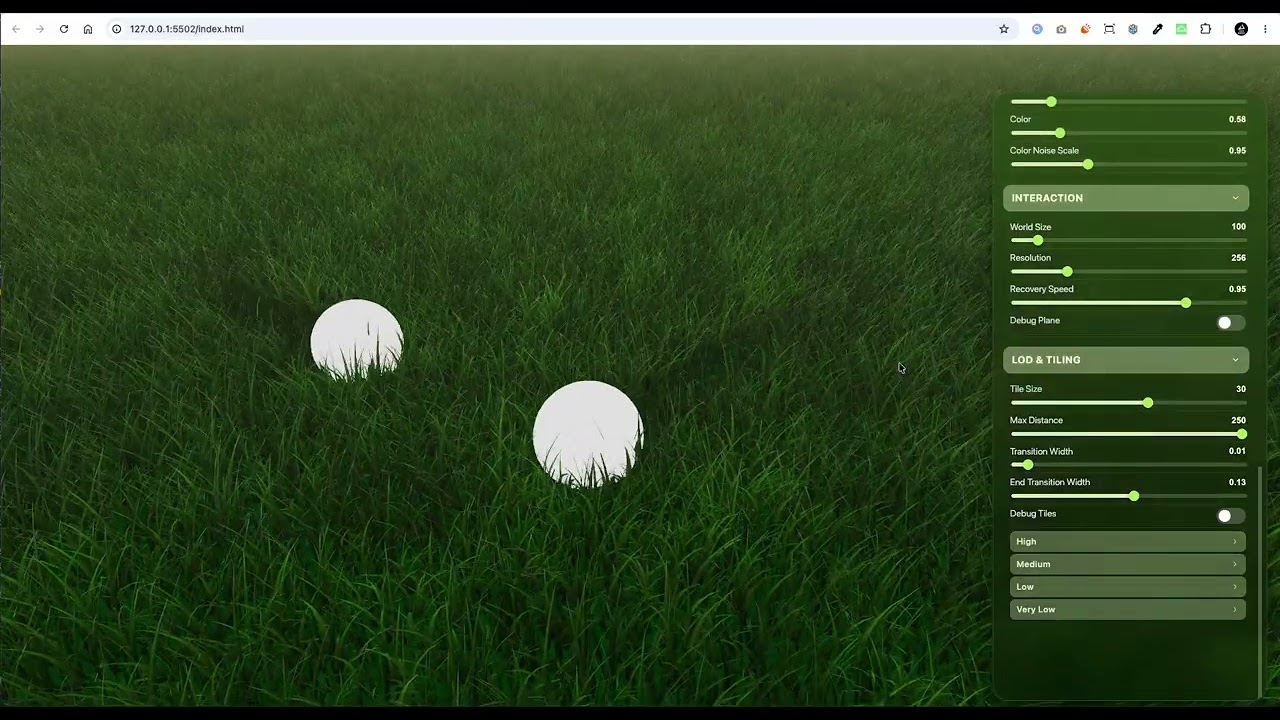
The system uses an influence map to store where the grass is being affected. When something interacts with the grass, the influence is written into the map instead of changing every blade directly.
The interesting part is that the influence map moves with the camera. So instead of calculating interaction across the whole grass field, it only happens in the area around the camera.
The size of this area is customizable, and so is the resolution of the influence map. A lower resolution is cheaper and gives less detailed interaction, while a higher resolution gives more accurate interaction.
The influence also slowly fades away over time, so the grass smoothly returns to its normal position instead of snapping back.
Getting all of this to feel smooth while keeping it fast enough for large grass areas took quite a bit of work.
This is now part of v1.1.0 of Three.js Grassworks.
I made a short video showing it in action:
And if you’re interested in the system itself, it’s available here:
I’ve been sharing updates about Three.js Grassworks here, but I realized I haven’t really documented the engineering journey behind it.
I’ve started a series breaking down how I built the system, from my original WebGL grass experiment to WebGPU, scaling the renderer, LODs, and getting grass to follow real terrain.
The first 5 parts are already out, and there’s a lot more to cover.
I’ll be publishing new parts regularly until the whole journey is documented, including the billboard grass system and other features.
If you’re interested in how it all started, begin here:
I’ve been working on another feature for Three.js Grassworks: Color Maps.
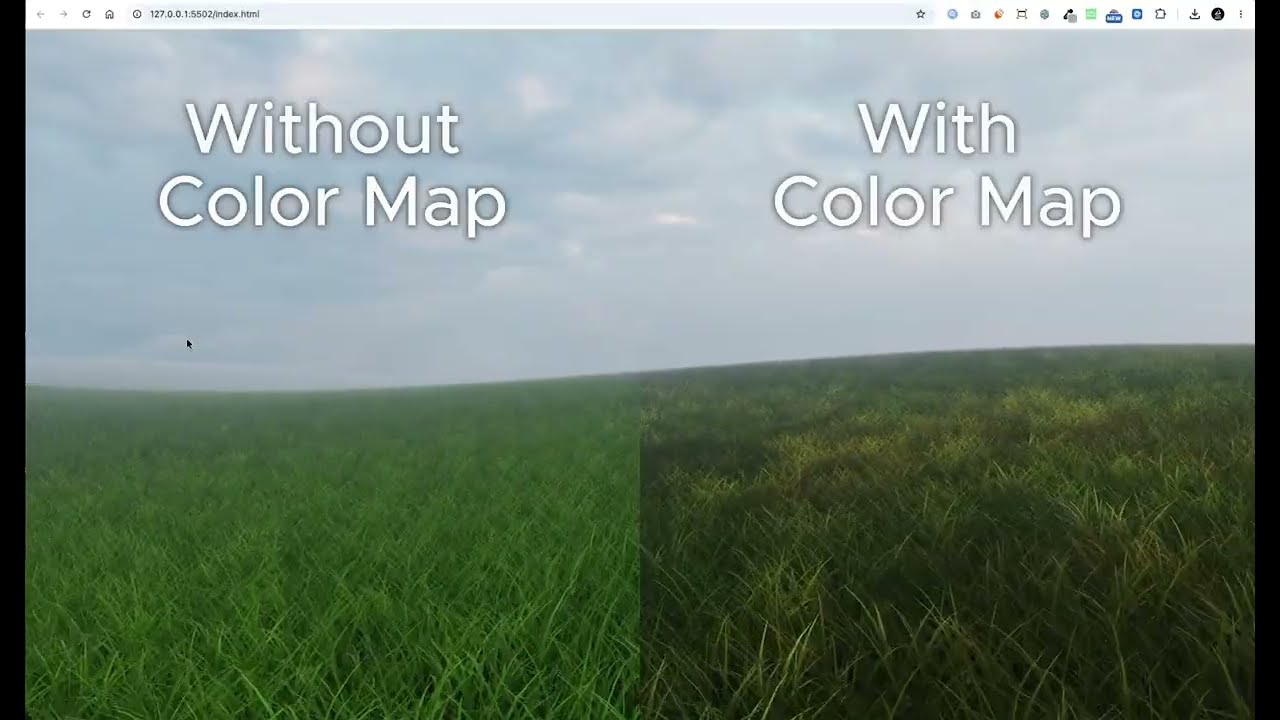
Right now, grass has random color variation, but that variation is spread across the entire environment. You can’t control which colors appear in specific areas, which makes it difficult to get the exact look you’re going for.
With Color Maps, the idea is to let artists create their own maps and use them to control the colors of grass in different areas of the terrain.
This gives much more control over the final look. Different parts of the field can have completely different colors instead of relying on random variation everywhere.
Here’s a quick comparison showing the grass with and without a color map.
I’m still working on it, but I’m hoping to include it in a future version of Three.js Grassworks.