A while ago, some decade ago, in fact. I came across an article by Nathan Reed “Depth Precision Visualized”. It was a fascinating read. And by now the concept of Reverse Z projection is a fairly uncontentious one. To borrow Nathan’s diagrams, here’s what the standard Z projection looks like (what three.js uses by default):
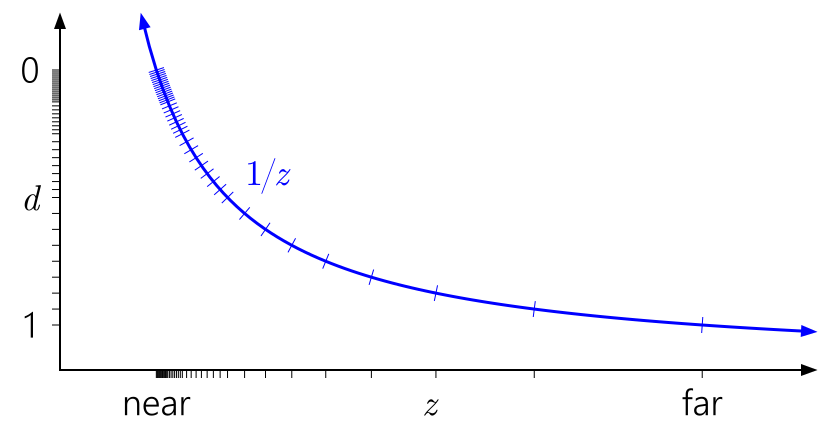
And here’s reverse Z:

This is why we have had log depth implementation in three.js, and why the new Camera.reversedDepth has appeared (false by default).
A brilliant resource “WebGPU samples”, has a great visual demo for this as well:

I’ve been using reverse Z in Shade from the start, it was one of the design parameters I set for myself as that’s just a no-brainer.
Something that I marked for myself as a curiosity 10 years ago and moved was the bit that Nathan wrote about infinite projection. I was thinking to myself “yeah, cool, but what’s the point?” and I successfully have forgotten about that part.
Now here we are, years later, and I re-discovered that article again.
So, I will attempt to explain in practical terms why infinite far clipping plane is actually good and why I integrated it into Shade as a default.
Math is simpler.
Infinite far plane doesn’t make math more complex. It makes it significantly simpler.
Here’s how you typically re-construct linear depth:
float convert_depth_to_view(in float d){
    float d_n = 2.0*d - 1.0;

    float f = fp_f_camera_far;
    float n = fp_f_camera_near;

    float fn = f*n;

    float z_diff = f - n;

    float denominator = (f + n - d_n * z_diff );

    float z_view = (2.0*fn) / denominator;

    return (z_view - n);
}
Honestly - a pain. Part of this pain is the -1 … 1 clipping bounds. But in WebGPU, the clipping planes at at 0…1, which makes our lives easier.
Here’s the equivalent for infinite far in WebGPU:
fn convert_depth_to_view( d: f32 ) -> f32 {
   return fp_f_camera_near / d;
}
Setting up actual matrices is also simpler.
Manual user parameter
Camera.far is a widely accepted and well-understood parameter. In fact, so well understood and accepted, that when I was implementing this feature in my engine I kept asking myself “Is it really ok to take the parameter away?”, but in reality, you as a programmer implementing some kind of a 3d experience - you don’t care about this parameter, and you set it to whatever is the smallest value that you can get away with.
Removing this parameter is an overall good. Here’s an example from Shade, with different levels of zoom:
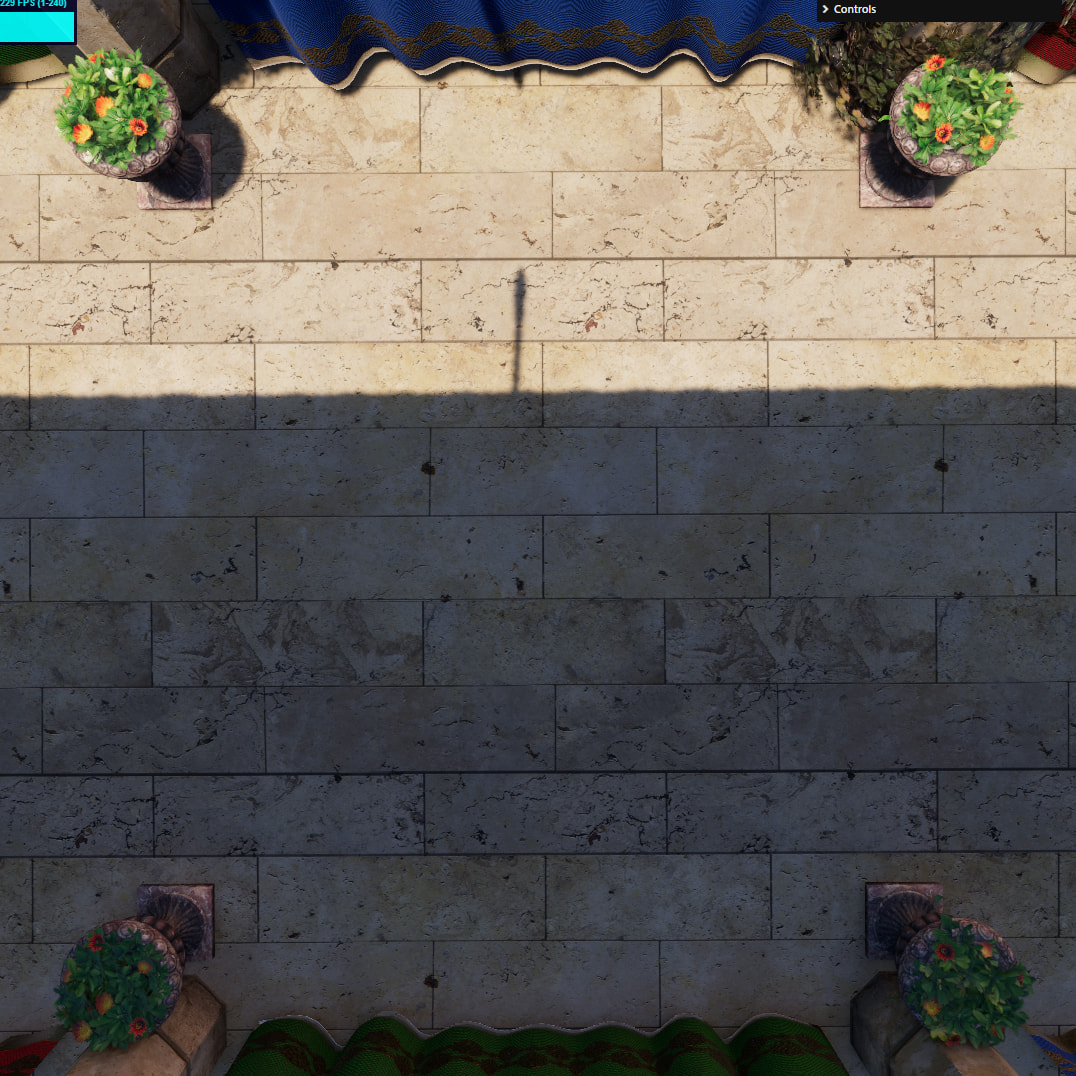


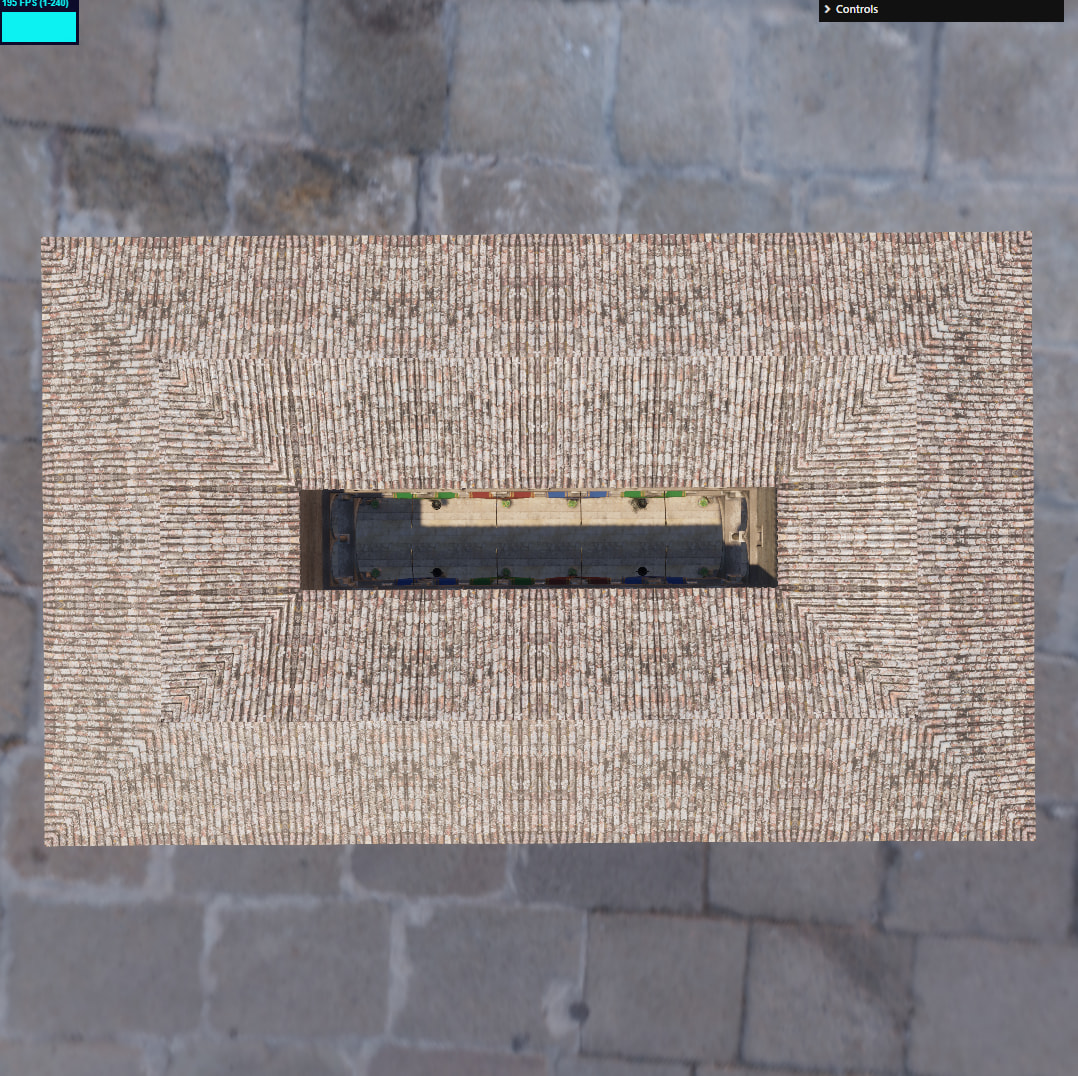
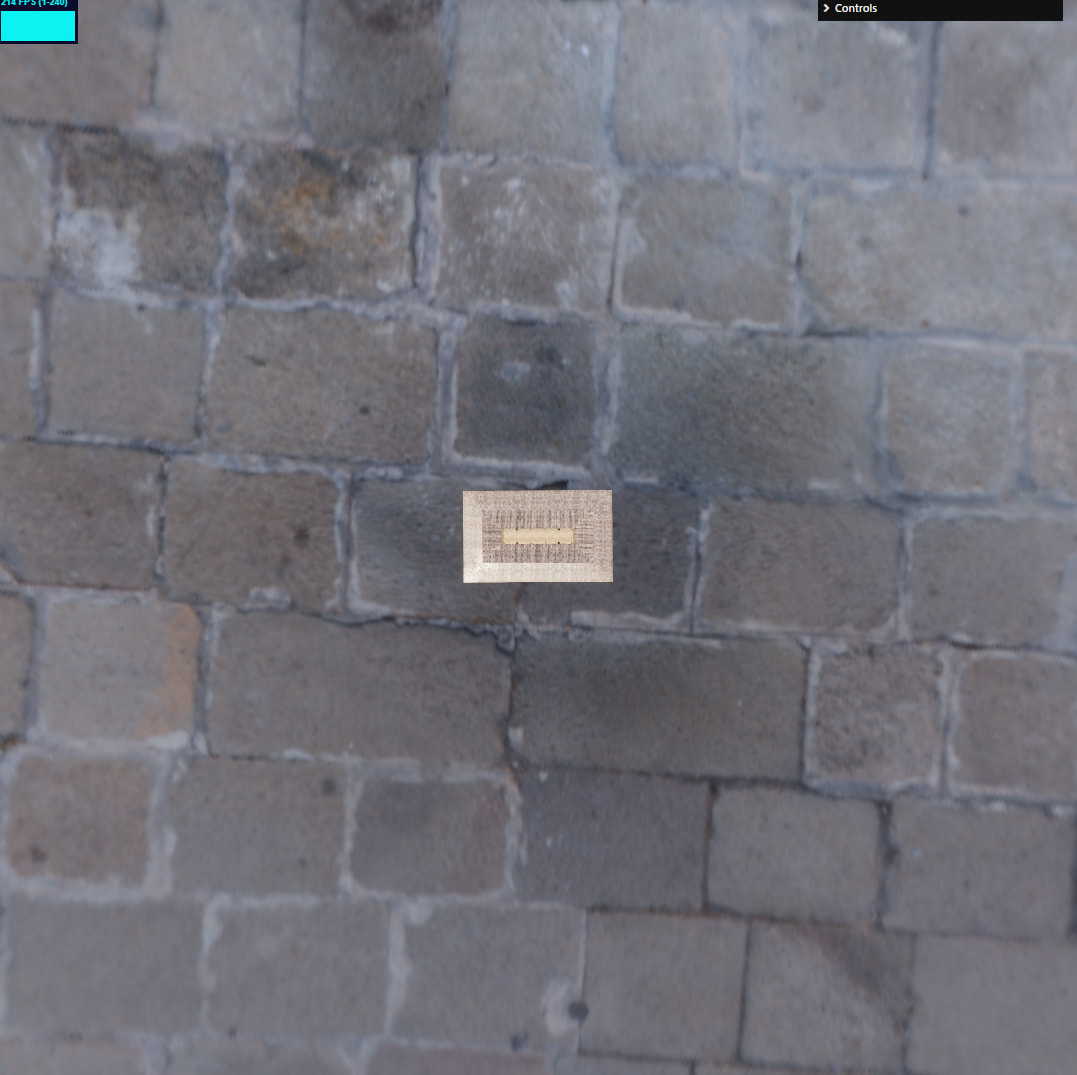
This is a 30 meter-long building viewed from 5,000 meters away


You’ll have to take my word for it - but there is no visible z-fighting or precision loss, and you get it for free.
Problems
It would be remiss of me to not mention some of the issues I personally ran into implementing this.
- Since device depth 0 maps to true infinity now, you have to have custom logic to reconstruct direction for background. If you just use the standard
uv + depth -> position_wslogic, it’s going to fail spectacularly. I’m talking about NaNs everywhere and you’re going to have a black sky box. - clustered techniques, such as clustered lighting or volumetrics pretty much rely on a finite far plane. There are 2 ways to go about dealing with this:
- Use a custom fixed far plane just for those techniques. The effects of clustered techniques will essentially cut off that that point.
- Reserve the last slice of the cluster for infinity. This makes the math a bit of a headache, but should be a fairly elegant solution. I haven’t tried myself yet, but I can see myself going for it in the future.
- Cascaded Shadow Maps. CSM technique relies of slicing up a view frustum, and again - the fact that it goes into infinity is an issue. A bigger issue than that for clusters, I won’t go into too much details as it’s not relevant, but trying to stretch a texture over an infinite distance even if mathematically possible will produce pointless results. So you are forced to use some kind of a fixed cut-off here.
- Kind of related to the previous point. There is no infinite far for orthographic projection. So you’ll have to stick with a mixed system.
These issues, however, are nice issues to have. Because all of that extra view distance you’re getting is free already. You didn’t have the issues before - because you couldn’t render anything there.