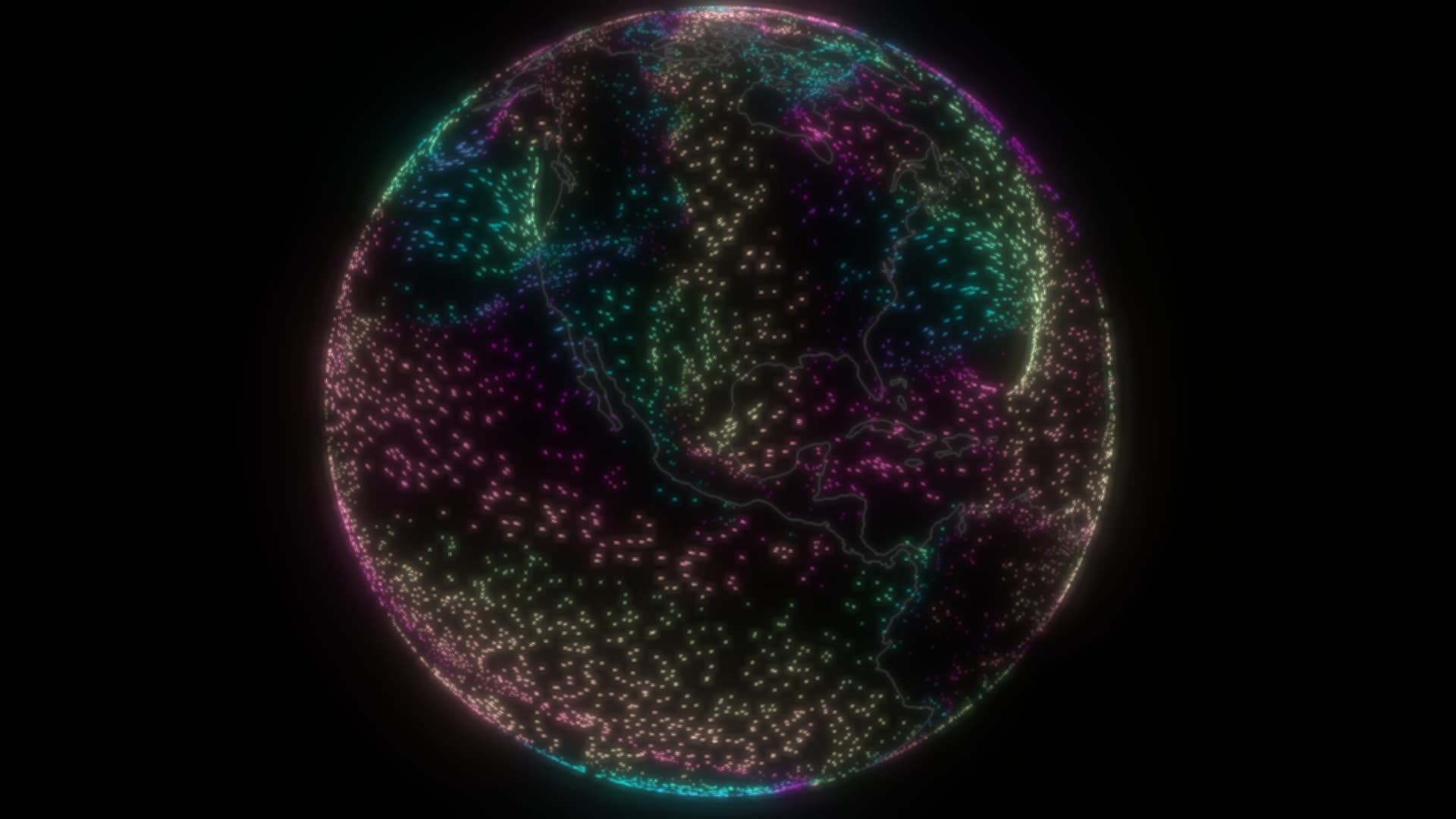
If I use raw webgl to update the postion texture, all nearly black pixels ‘s color are changing, you cannot found any pixel which color always keep nearly black
I tried for weeks to fix it but couldn’t find what the issue is. It’d be a big help if someone can help me in this. I’ll also attach the project file so you can try it out if you need. Thank you in advance!!
In below attached project, I use three.js tried two ways to update the wind particle position texture.
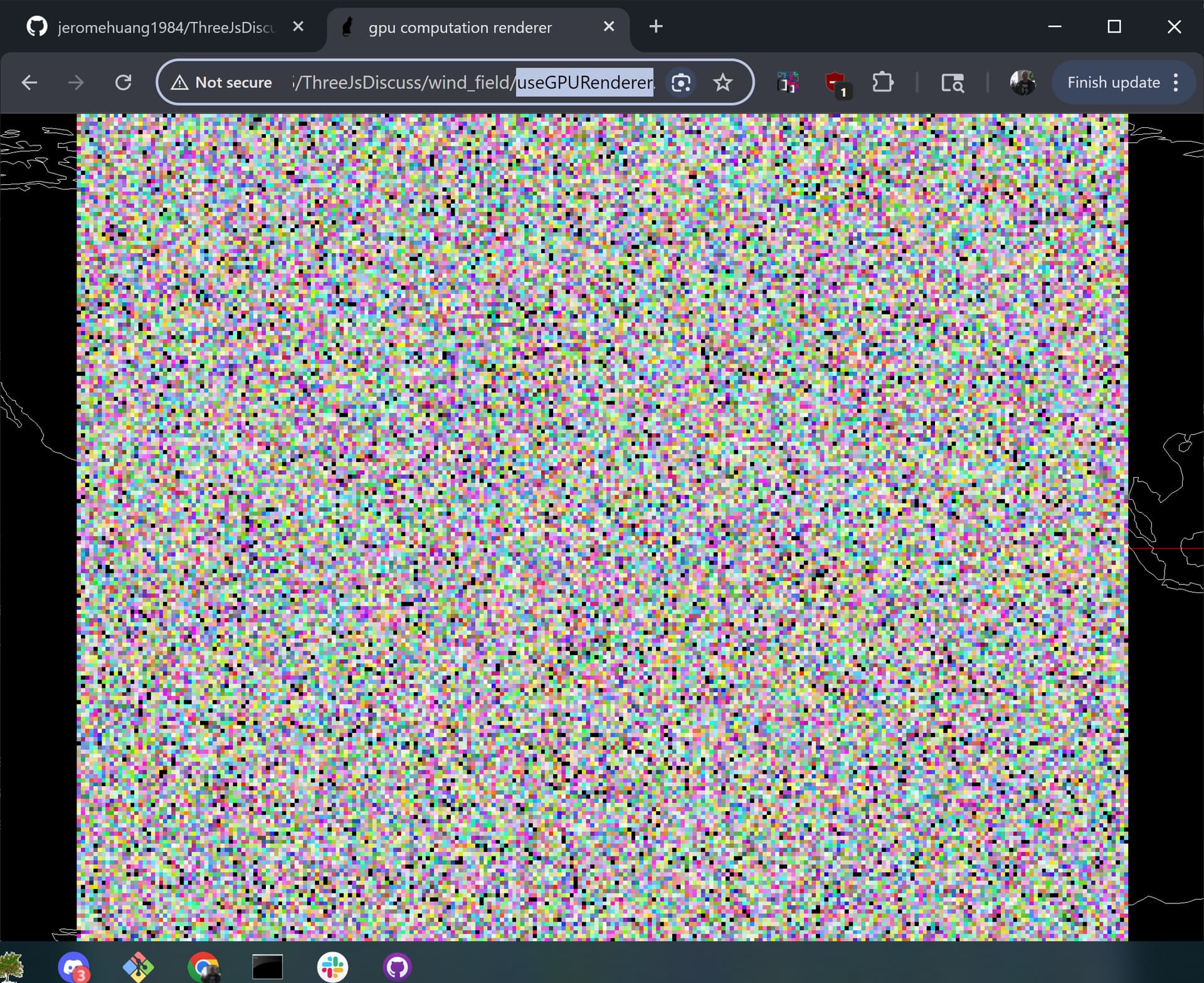
TestUpdateParticles.html and useGPURenderer.html are these two ways I have tried. Both not work as expected.
in the wegl folder, I use raw webgl without three.js , the wind particles position updated correctly,
these nearly black pixels also are changing their color.
Did I make mistake by there.js, use it in wrong way ? Or this is bug ?
Cool yeah I pulled again and got em. not sure what was wrong on my end.
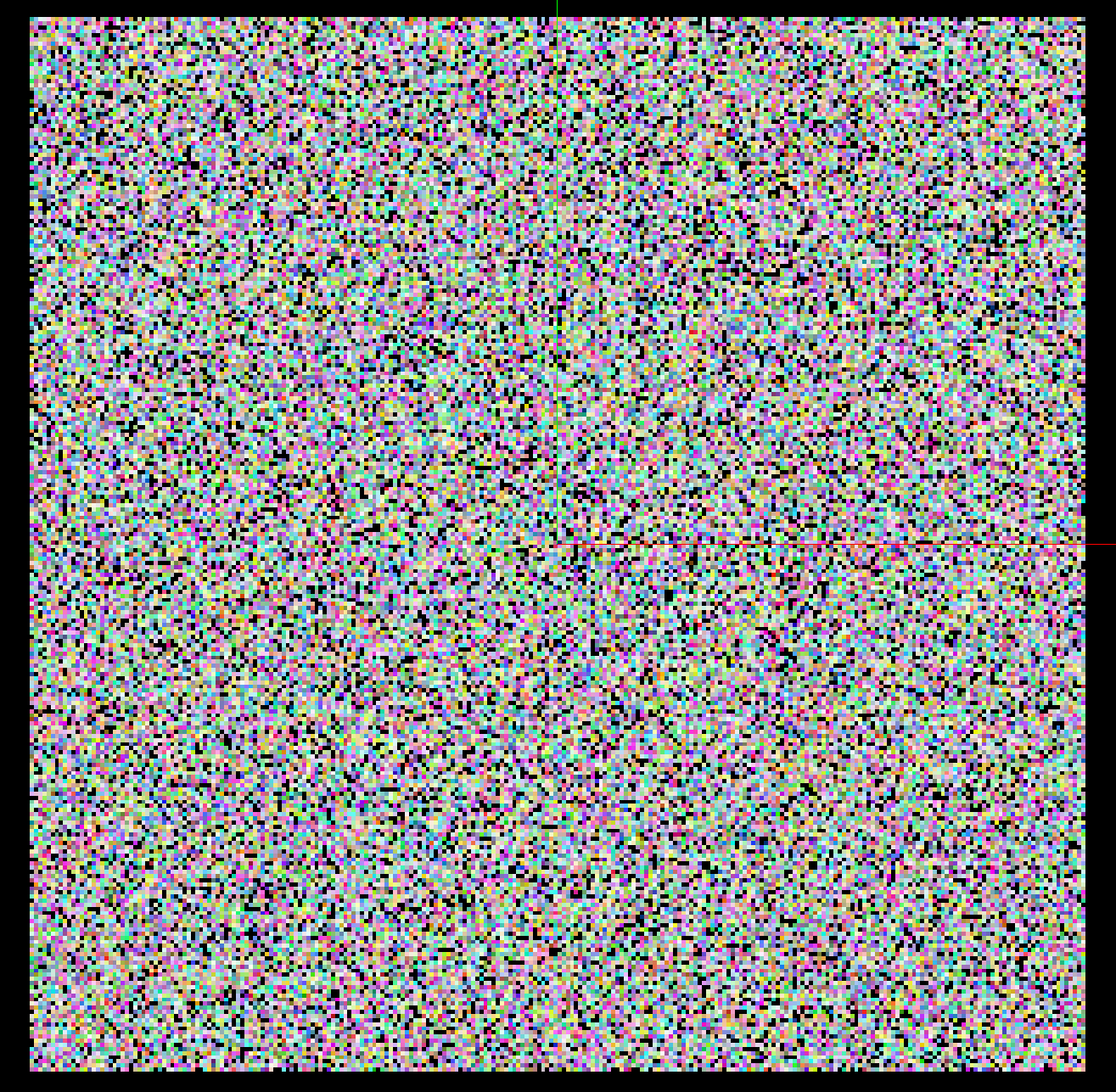
I see the black spots on the particle texture, and noticed that the seem to grow over time.. which makes me think something in the simulation arrives at a bad state like NaN or something…
I also see a GL warning in the console that might be worth checking if it happens in your working version of three?
You might be able to check for NaN in a shader by doing
if( gl_FragColor.r!=gl_FragColor.r )gl_FragColor=red;
if( gl_FragColor.g!=gl_FragColor.g )gl_FragColor=red;
if( gl_FragColor.b!=gl_FragColor.b )gl_FragColor=red;
if( gl_FragColor.a!=gl_FragColor.a )gl_FragColor=red;
right at the end of the shader, and see if any of the particles start turning red.. or the problem changes…
Yeah so something in the simulation is resulting in NaN’s. Once the particle position is NaN, it seems to be broken.
I did some digging into what is throwing your warning..
this line isn’t valid: particleStateTarget0.texture = particleInitialStateTexture;
You can’t just set the .texture of a renderTarget. The rendertarget allocates that texture by itself.
It’s also only binding that texture on the second time through.. but if its the initial state texture, it should be bound on the first frame?
It’s possible this is related to the issue.. that the renderer gets into some bad state…
So I would untangle that logic first to get rid of that warning.. then see if the problem goes away.
@PavelBoytchev the main differences i’ve noticed betw this and OPs original version…
original is webgl (not webgl2)
original uses mediump not highp in the particle sim
Can you think of any reason why this wouldn’t happen in the original GL but does in the port?
edit: poking around on the web, divide by zero is just undefined.. some platforms yield 0, some yield Inf. still.. weird that it would behave differently in the different version on the same hardware…
I found the issue with the division because of a similar experience in the past with TSL Textures. On some computers the textures were broken. The issue was some GPU’s (or the drivers) refused to calculate pow(x,y) when x<0 even if y was even number. So I rewrote it as pow(abs(x),y) it worked fine. And the funny thing was that the newer GPUs were more restrictive, the old GPUs didn’t care whether x was positive or negative.
So, it could be some difference between WebGL and WebGL2, or the 3D drivers, or how close the corresponding GLSL specifications are implemented by the driver.

 cheers!