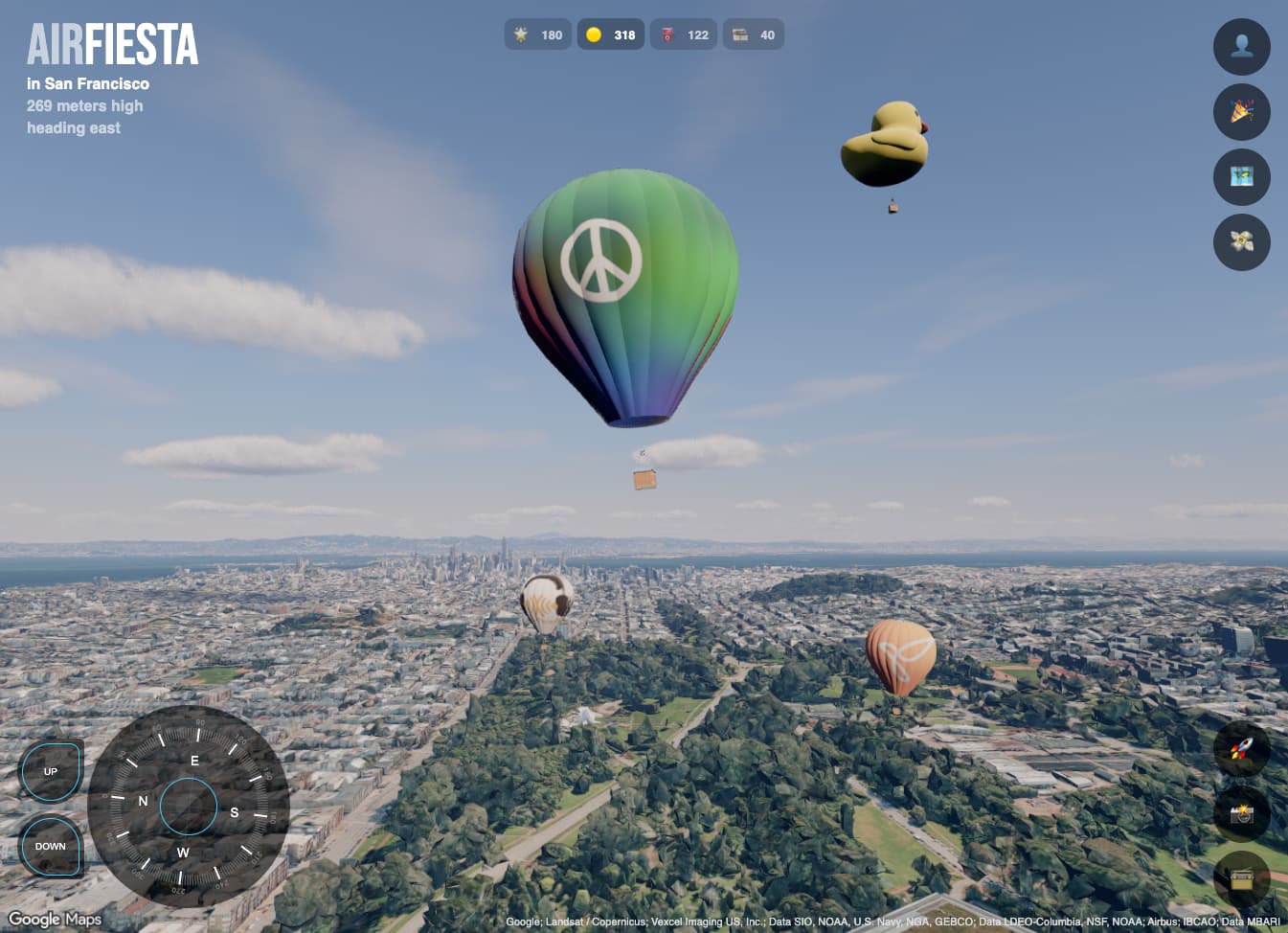
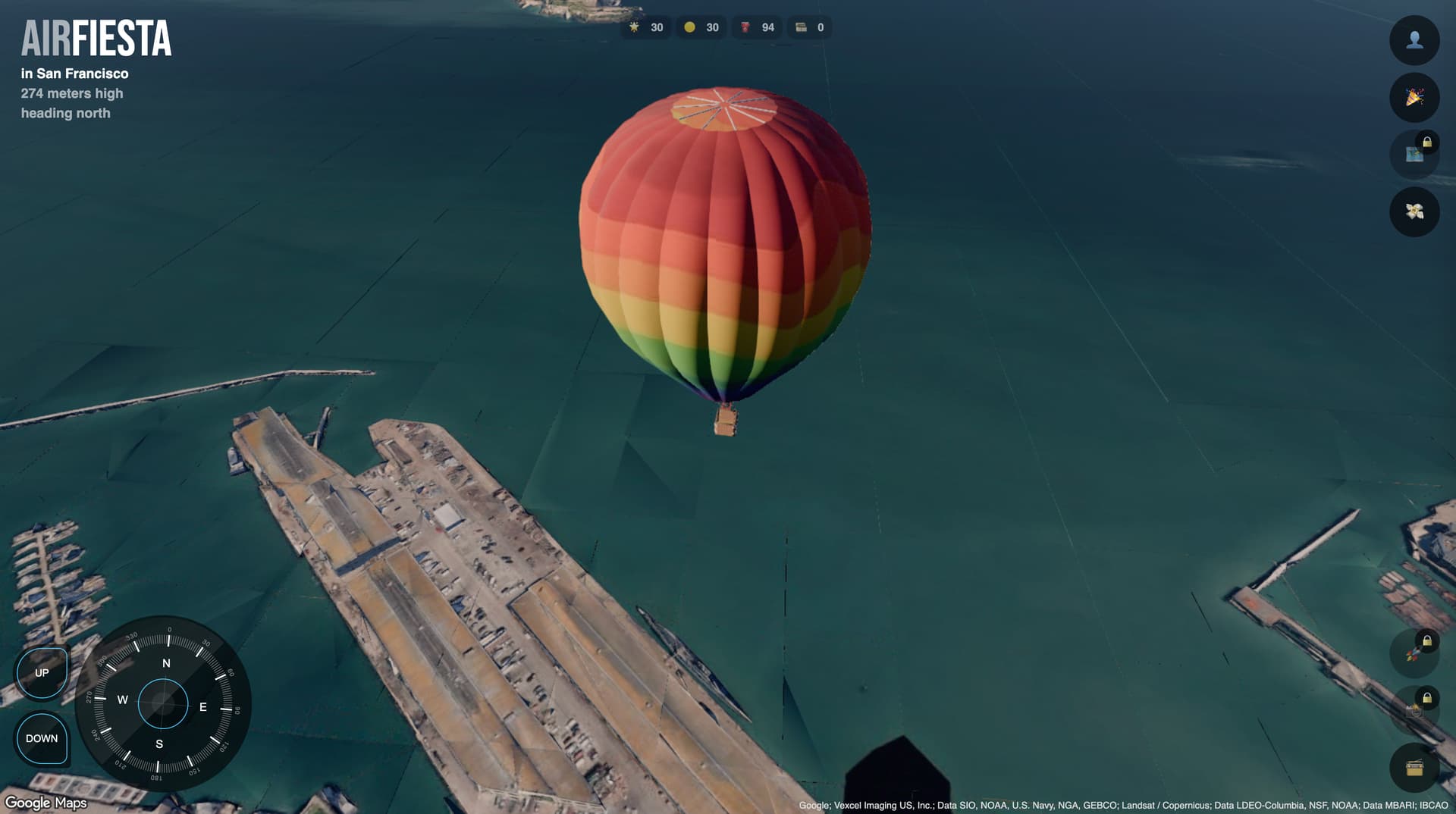
Hello folks, we’ve been working on this experience for quite a while, and I’d love some feedback.
This is a hot air balloon multiplayer game on top of Google Earth. You can freely explore the world or join festivals, like scavenger hunts. As a traveler, you can listen to local radio stations, take pictures, and share tips with other players.
We’re still trying to optimize the experience, but Google map tiles are challenging to make smoother.
As a licensed paraglider pilot I have some limited experience with slow moving airborne vehicles. So I’m going to comment on the matching and mismatching experience as a 3rd-person viewer playing your game, compared to my expectations:
I like the speed/direction-control gizmo.
the diminishing ground view and horizontal view when entering into one of the volumetric clouds is very realistic. In fact it’s quite scary in reality if this happens to you inadvertently and I actually felt an echo of the adrhenalin rush I had when this happened the first time to me as a novice paraglidist.
on the same occasion, it comes across as a little bit odd, that the 3rd-person view of the ballon isn’t likewise affected when inside of a cloud.
it’s unrealistic to maintain constant height with a hot air balloon without consuming any fuel.
if you do consume fuel, I’d expect the gain in elevation to continue (with a diminishing rate) for a little while after turning off the flame, until loss of elevation (with increasing rate) resumes.
arbitrarily selecting speed and direction of air travel in a hot air ballon is also not possible. In real-life, hot air balloon pilots can influence speed and direction of air travel only by exploiting varying wind speeds/-directions in different flight levels (elevations) of the atmosphere.
the elevation itself is indicated as “above sea level”. Sometimes, for instance when crossing ridges, you’d like to know the elevation above ground.
also, the elevation sort of auto-corrects, apparently to maintain a minimum clearance above ground. You can use this feature to “hack” your game to increase elevation without consuming fuel
I’d like to see some kind of “speed-scaling” with increasing height, to make crossing large distances less painful.
Great work! I see 3d-tiles-renderer and the three-geospatial atmosphere getting some good use, as well
We’re still trying to optimize the experience, but Google map tiles are challenging to make smoother.
If there’s anything specific you’re having trouble with or think can be improved in the project please do make an issue and we can see if it’s something that can be addressed.
One thing that really bothers me is the visible tile edges in the oceans.
This is a data problem and not something that can be dealt with in the tiles renderer, unfortunately. The core of the issue is that Google Photorealistic Tiles do not seem to be designed to be lit and therefore do not have normals associated with the tile geometry. The “three-atmosphere” package generates normals for the geometry on-the-fly but of course the resulting normals aren’t ideal. Things like tile “skirts” to hide holes between tiles, for example, can result in odd normal angles producing odd lighting artifacts or effectively highlighting the edges between tiles.
If you’d like to see things like normals or other adjustments in the data you may want to make a request to Google. There’s an issue here, for example, requesting a higher level of detail for the leaf tiles.
Do you have any recommendations for mobile settings? Specifically, scene setup and tiles?
For the scene, I noticed that turning off antialiasing and stencil improved it quite a lot. On Android, setting precision to lowp or medium was simply making the scene completely black.
For tiles, I’ve done some adjustments, these ones seemed to help a bit:
this.tiles.lruCache.minSize = 1;
this.tiles.lruCache.maxSize = 250;
this.tiles.lruCache.unloadPercent = 0.5;
this.tiles.errorTarget = 16;
this.tiles.downloadQueue.maxJobs = 2;
this.tiles.parseQueue.maxJobs = 2;
this.tiles.processNodeQueue.maxJobs = 2;
Pretty cool! Love the idea, and how I can return and keep exploring.
At first it is very smooth, but then eventually is slows down until crashing my tab in Edge on a MacBook Air.
There’s lots of memory growth and collection (likely because of the 3D tiles loading/unloading, i.e. as we look around with the camera), and over time the memory grows and is not freed which will eventually crash the tab.
Here’s a performance profile screenshot that shows the JS memory (blue line) growing over time (about a minute) without going back down (normally it would already go down after a second or two):
The blue line zig/zag is memory that is able to be freed (I’m guessing the tiles), but something is adding up over time to make it keep going up and up.
Nailed it! It wasn’t the 3D tiles loading or unloading. It was a bunch of stuff I deployed in production that I was using for debugging in development. But there were also some other things happening only on Edge and not in other browsers.
Many people were struggling to find the pins during onboarding, so I decided to add arrows pointing to important elements in the environment, which is very common in these simulators to guide the user. I’m quite happy with the results.