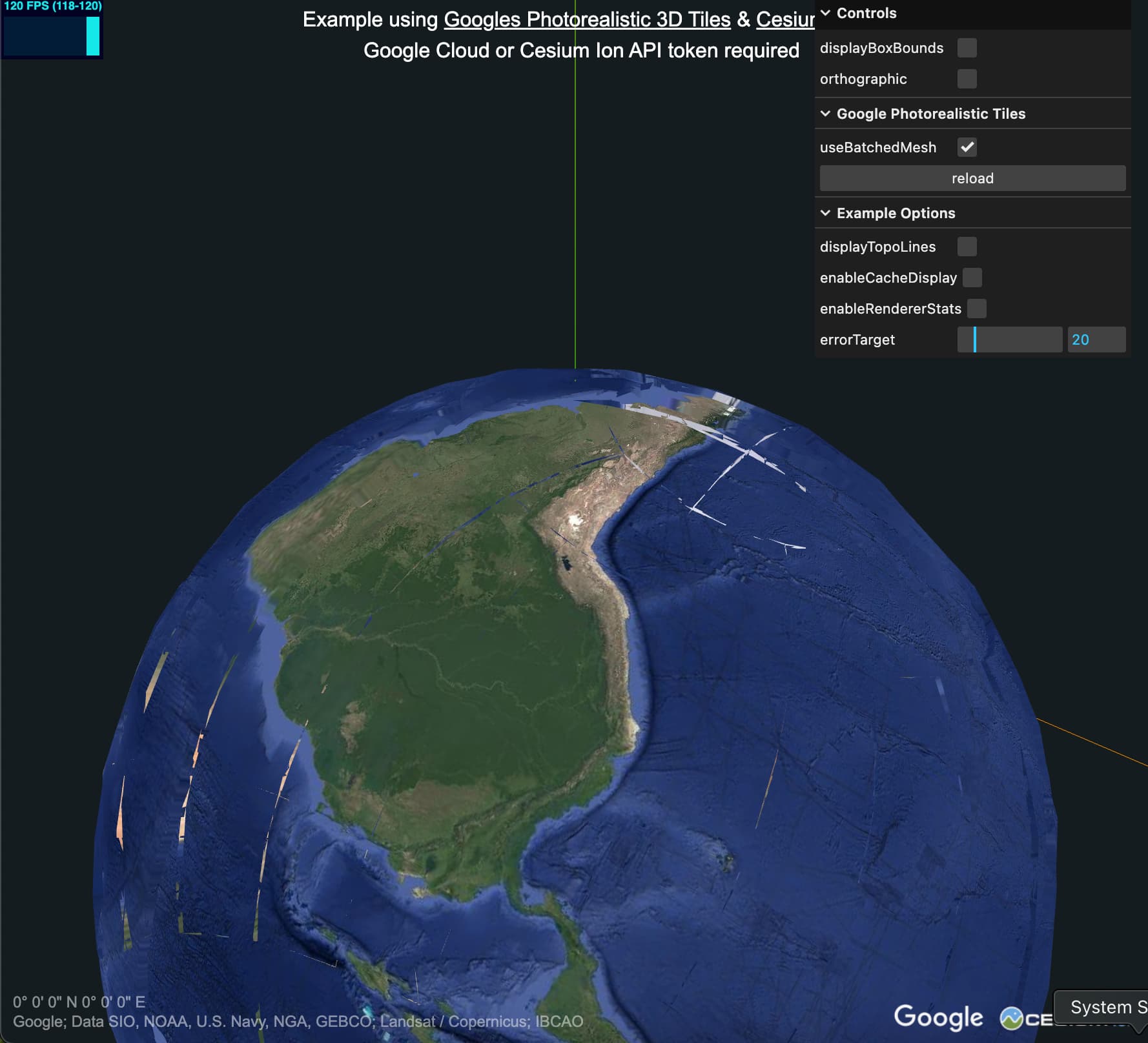
I am trying to figure out how to work with 3DTilesRenderer and a tile set. I am looking at the google tiles example, and i tried to modify it. I picked a point (salar de uyuni in bolivia), and then i tried to transform the globe so that my point, at some lat and lon, is at 0,0,0 in my scene:
const cartesian = Cesium.Cartesian3.fromDegrees( lon, lat, 0, Cesium.WGS84_ELLIPSOID );
And then used the normal, north and the point to transform the globe. However, it’s 100m higher than the actual point I picked.
I know nothing about these conventions and am unsure where to start looking. Basically, i want to load earth tiles, in a much much smaller area, maybe 100km x 100km and i would like the tiles to be centered in my scene, and aligned a certain way (say Z up, y north, and x east). If there is a better way than what im attempting, please advise.
If i use mapbox tiles, when i decode the height from one of their tiles, i get the expected results, and some other data, at a certain elevation aligns.
The ReorientationPlugin would be the recommended way reorient the globe like you’re after. Positioning the globe so that the mesh surface is exactly at 0, 0, 0 is more complicated, however, for a few reasons.
“Altitude” in this case is relative to the WGS84 Ellipsoid which is an idealized representation of the earth globe model. “Altitude” or “elevation” is usually in reference to Mean Sea Level, which is more complicated and not simply mathematically describable since the sea level undulates across the globe based on a number of localized factors. The Google Photorealistic Tiles data set (and any reconstructed model) is also, naturally, imperfect and depending on the intent of the data set, such as scientific use vs basic visualization, and loaded LoD it can be significantly off further complicates things. All to say that positioning the globe such that the mesh surface is at 0, 0, 0 is not so straight forward.
The “easiest” thing to do would to manually pick an altitude value for your dataset so that it’s positioned the way you want. A more generalized approach would be to raycast to find the surface and update the globe placement altitude based on that. Because the LoD levels can be pretty severely different - in the Photorealistic data set in particular - it would be best to do this fairly frequently.
Another option that I know others have used is detecting the “lowest point” within a shape and positioning the globe based on that. There’s a demo repo here with an “AltitudeDetectionPlugin” that was funded by a company that was interested in something similar. This is a video flattening Tokyo Tower and adjust the globe height automatically based on detected “lowest altitude” point:
As i’m zooming in and out, my point of interest can vary in altitude, depending which LOD the tile is loading? One of these could even be at the correct height? Is there some way to get the altitude from MLS via some library thats unrelated to visualization?
As i’m zooming in and out, my point of interest can vary in altitude, depending which LOD the tile is loading?
Yes - especially the shallow LoDs of the photorealistic tiles data set are severely different. Here’s a screenshot showing the boundary between some shallow tiles and a higher LoD tiles taken by pausing tile updates. This "data cliff” may be hundreds of meters tall. Once zooming in past a current level of detail the variance seems to decrease.
Not in any deliberate or detectible sense as far as I understand.
Is there some way to get the altitude from MLS via some library thats unrelated to visualization?
There should be data sets out there but I haven’t delved into them myself and I’m not aware of a free service for querying MSL at a given point. And even then the data in Photorealistic Tiles likely won’t match the expected values anyway due to the reasons I described.