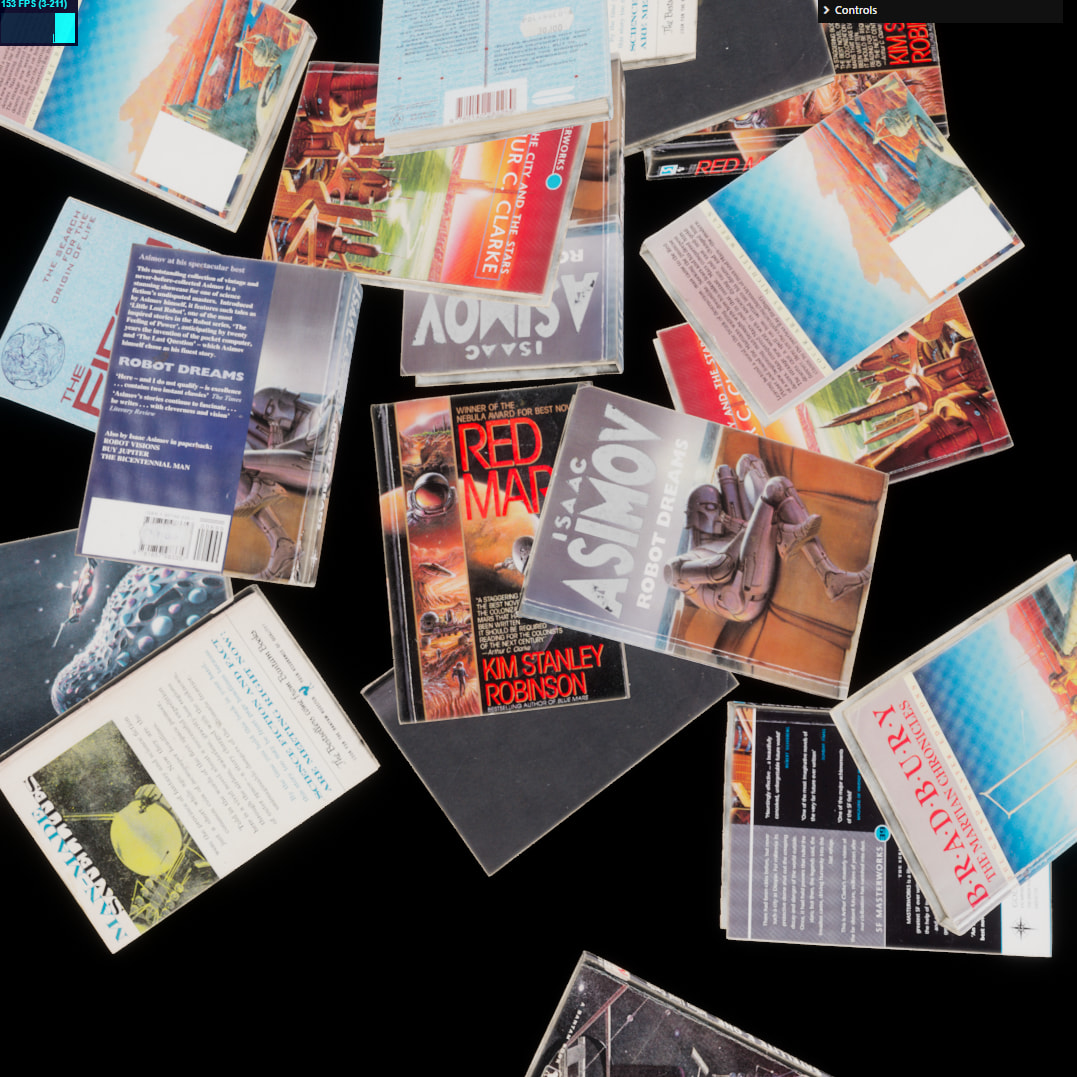
Spent more time optimizing probe placements. Here’s what I started with
and here’s what we have now
At a first glance it may look like there is some denoising going on - that’s not the case.
The first is more noisy because it’s baked at 1024 samples per probe, and second is 16k samples per probe. But that’s not super important.
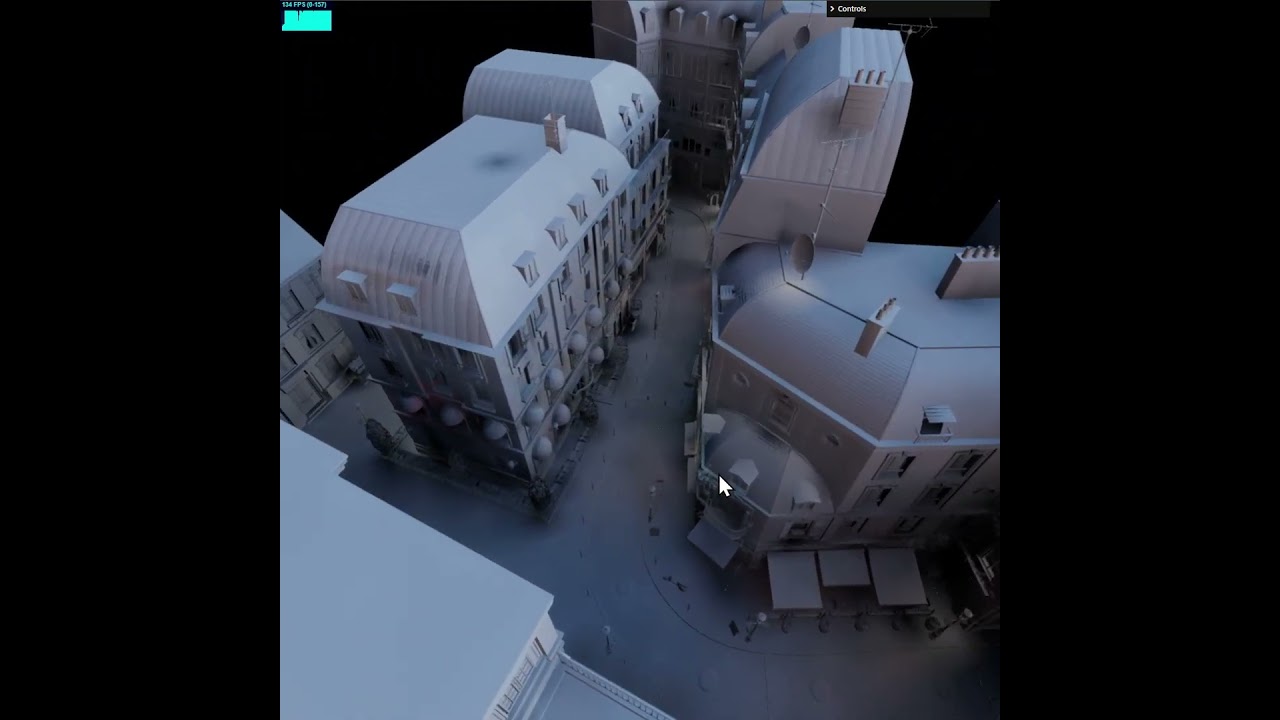
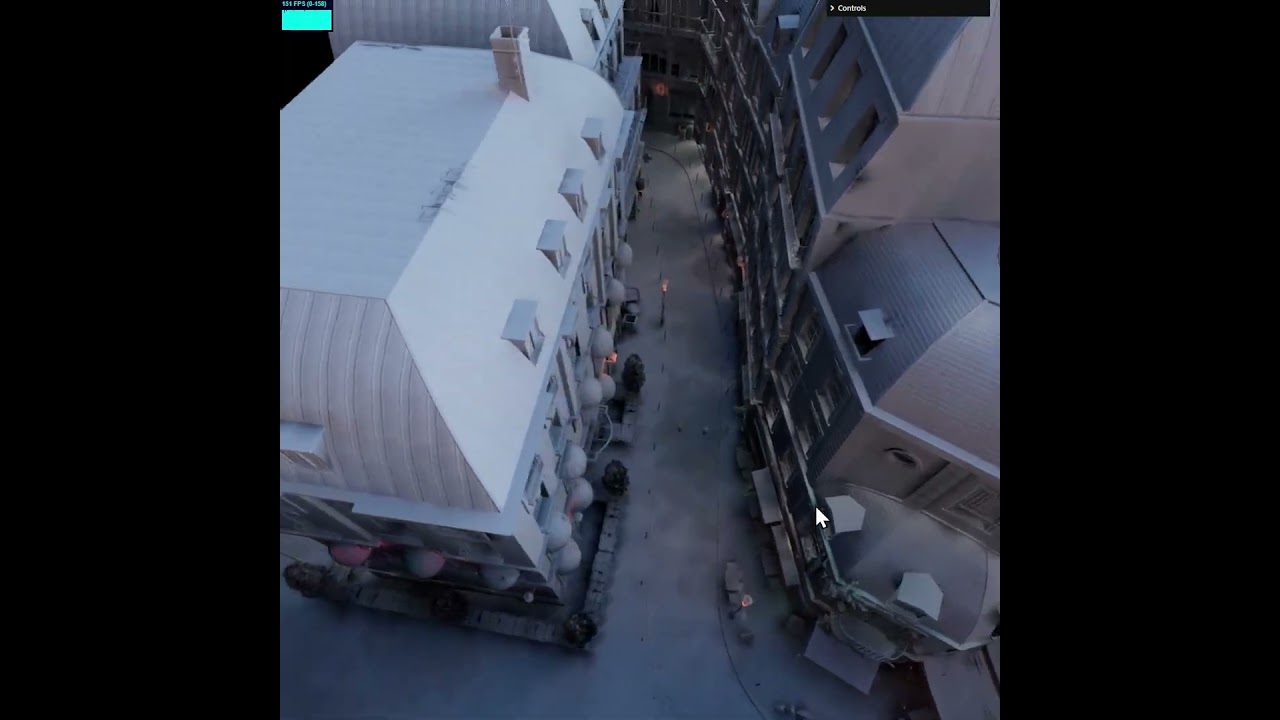
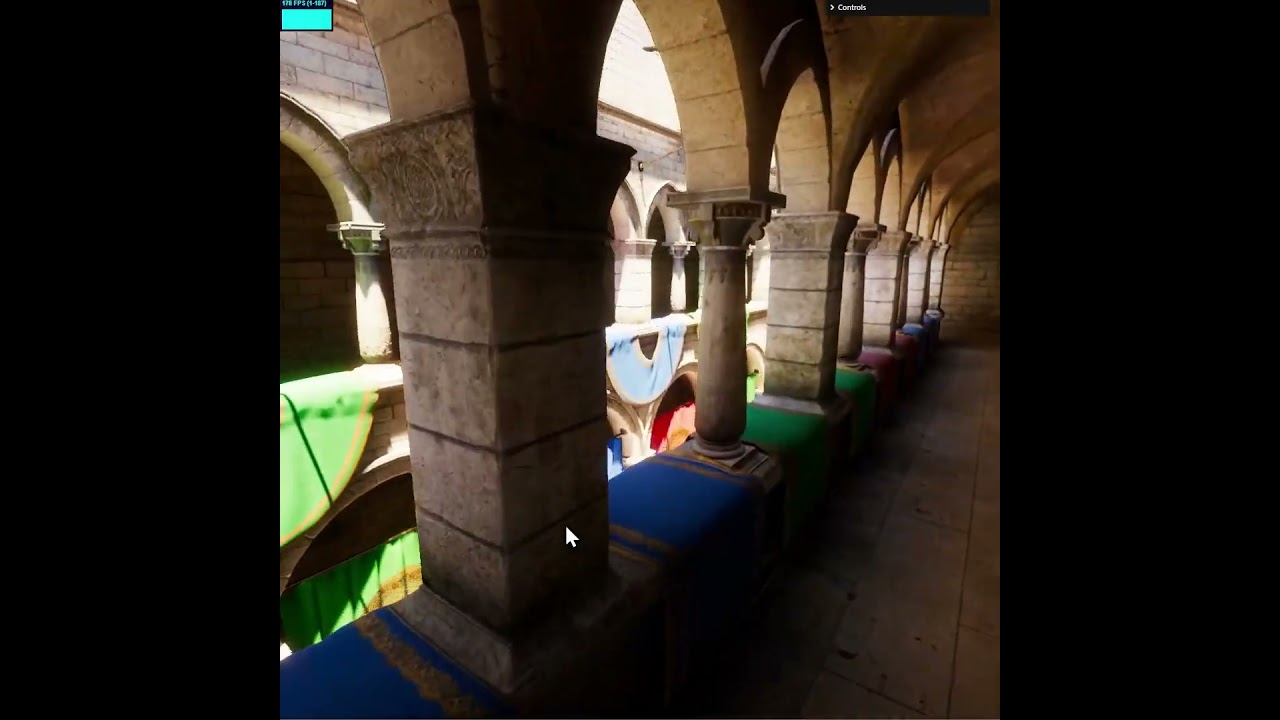
Let’s take a look at some artifacts which are a result of poor probe placement
These are just some of the more prominent leakage artifacts.
The reason this happens is because our probes have implicit locations, based on a recursive grid
The geometry of the scene doesn’t care about this fact, so we end up commonly with situations like this
If we follow the surface across the probe grid, from A to B
We can see that lighting will change drastically, because the closest probe at A is on the left side of the surface and at B it’s on the right side. Imagine if the surface is a solid sphere and B is inside of the sphere - we’d get a massive light leak, with B being shadowed just because the nearest probe is sunken into the surface.
So B is problematic. But actually, so is A, A is too close to the surface, and is going to oversample the surface. This is often just referred to as aliasing.
Ideally this is what we want
We take probes behind surfaces and push them through, so they don’t cause leaks, and we take probes in front of the surfaces that are too close and push them out from the surface.
Let’s back up a bit. I said just a little earlier that the probe locations are implicit from the recursive grid, which means that where we sample is fixed. So we want the locations in blue, but when we will sample the light map, we will always have locations in pink.
This may seem like cheating, but the answer is “yes”. That is -we can bake with locations in blue, and sample with locations in pink.
But isn’t this wrong?
Yes, it’s wrong, in that - it creates a bias. But this bias produces end-result which is less wrong than if we didn’t bias. So actually we’re cancelling out the bias that comes from the grid-like nature of out probe mesh.
Second thing about this bias is that if we choose between light leaks and slight lighting shifts - lighting shifts are preferable. Light leaks are very obvious to our eyes, subtle lighting shift because we moved the probe during baking is going to be incredibly subtle.
Light leaks create visual discontinuities and increase contrast (erroneously).
How do we achieve this?
Here’s the relevant piece of code:
const hit = new SurfacePoint3();

for (let i = 0; i < probe_count; i++) {
	let probe_location_x = locations[i * 3];
	let probe_location_y = locations[i * 3 + 1];
	let probe_location_z = locations[i * 3 + 2];

	if (!bvh.query_point_distance_to_nearest(hit, probe_location_x, probe_location_y, probe_location_z)) {
		// nothing nearby, this should never happen
		continue;
	}

	// got something close by

	const near_surface_x = hit.position.x;
	const near_surface_y = hit.position.y;
	const near_surface_z = hit.position.z;

	const to_hit_x = near_surface_x - probe_location_x;
	const to_hit_y = near_surface_y - probe_location_y;
	const to_hit_z = near_surface_z - probe_location_z;

	const near_surface_orientation = v3_dot(
		to_hit_x, to_hit_y, to_hit_z,
		hit.normal.x, hit.normal.y, hit.normal.z
	);
Hopefully this is enough to figure out the rest.
One quite important piece to keep in mind, is that when you move probes - you should be careful not to worsen aliasing. I cast a ray from the original position to the desired location and if we get a collision - we move the probe to the mid-point between where it was and the raycast hit.
It’s dry and boring stuff, but it’s something I’ve learned the hard way not to neglect.







 and then you look for a button that says “Message”
  , click that thing and you’re good to go!