Hello to everyone. I want to give light effect to my transparent texture. I researched this subject and i found solution. i decided to use shader material. But vertex shader and fragment shader is more complicate for me. Can you help me?
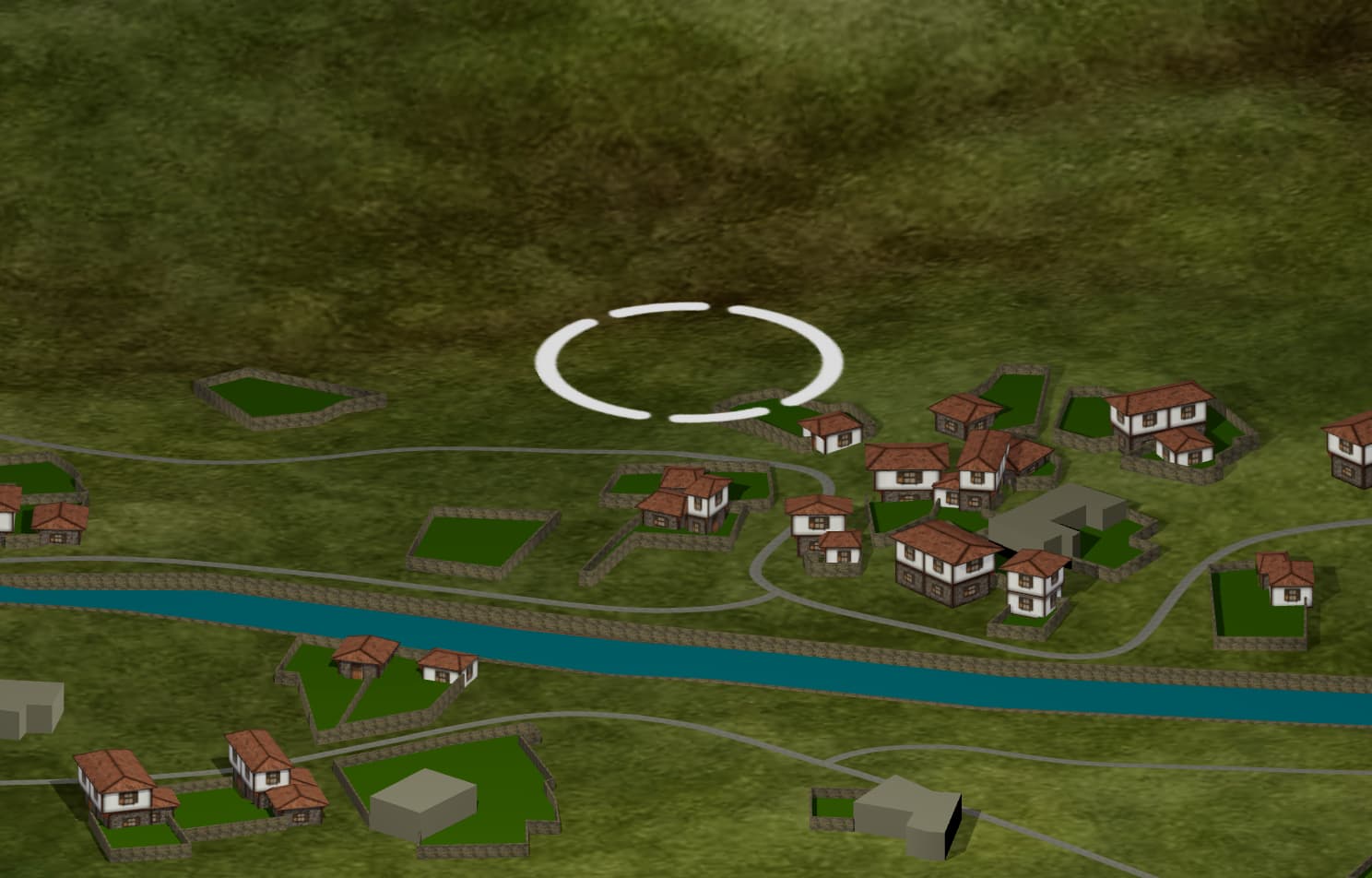
my texture:
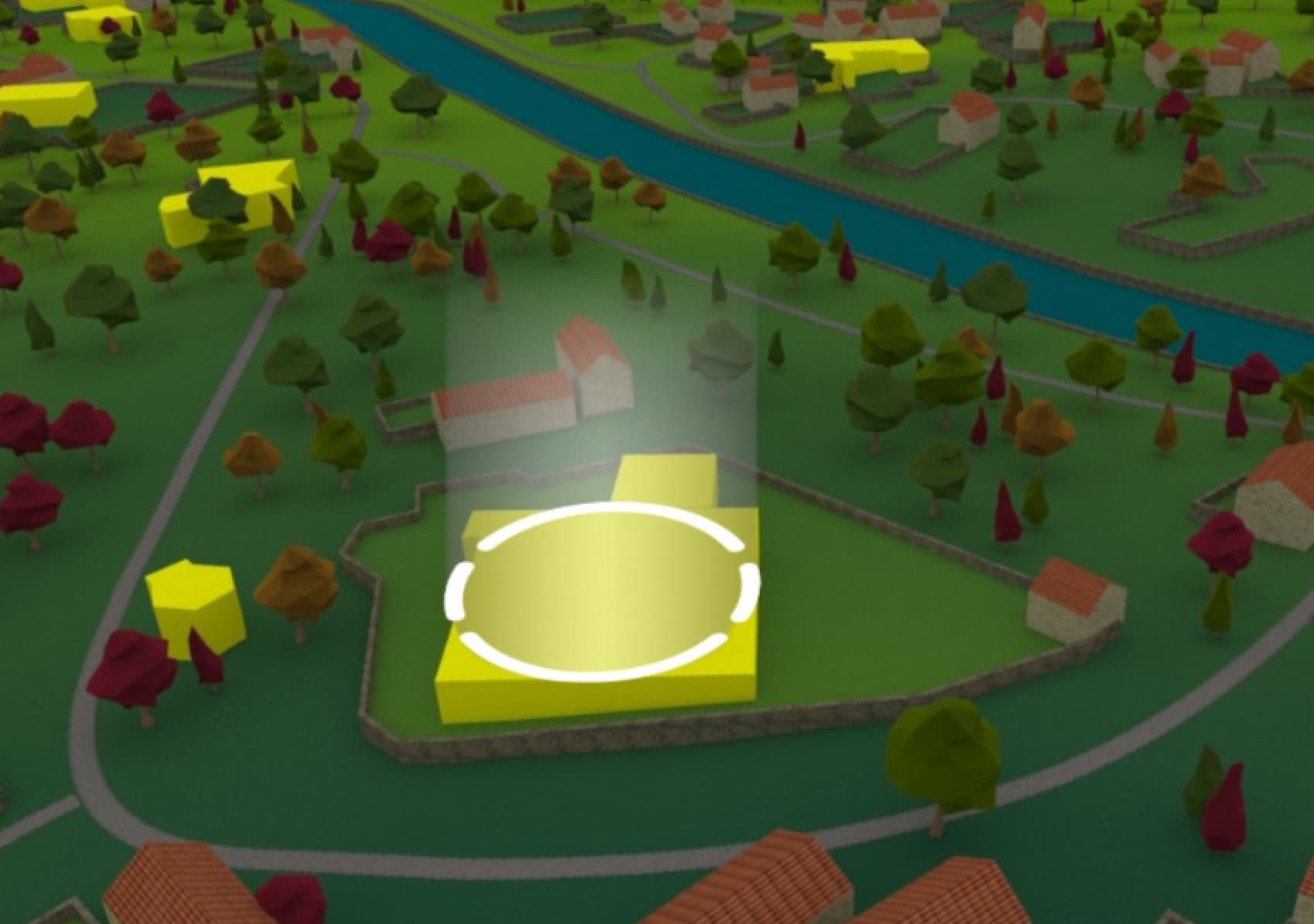
the effect thats what i want to show you:
Have you considered to place a textured sprite right over the circle and use AdditiveBlending to create a simple bloom effect? In this way, you don’t have to implement shader code. The map should be a grayscale, semi-transparent texture. Stuff like that is often used to fake light shafts or rays.
Firstly, thanks for your answer. But i am new to three.js and i don’t know how can i do this. Can you share me a little code.
You can actually keep this simple and avoid custom shaders.
It can be done with two parts:
First, a plane (or sprite) that sits flat on the ground using a grayscale, semi-transparent texture. Use THREE.SpriteMaterial or a PlaneGeometry with transparent: true and blending: THREE.AdditiveBlending. This gives you the soft glow source on the surface.
Second, a cylinder that uses a transparent gradient texture. The gradient should fade from bright at the bottom to fully transparent at the top. Apply it to a CylinderGeometry with transparent: true, depthWrite: false, and AdditiveBlending. This will look like light being cast upward from the plane sprite.
So visually:
Because both use additive blending and semi-transparent grayscale textures, you get that light effect without writing vertex or fragment shaders.