It has been a while since my last post about my 3D merch configurator.
From day one, my clients always pointed to Spized or Owayo as their benchmarks for crisp texture quality. In the beginning, I tried to match them by bumping my global canvas texture to 4096x4096. But the performance was horrible, and it became unusable. No matter how much Three.js or Fabric.js tweaking I did, I couldn’t fix it. So, I reluctantly settled for an ‘okay’ 2048x2048 texture for many years.
Something crossed my mind the other day while working on a 3D model. In Blender, I usually split each mesh UV and maximize the space so I have a sharper texture. So I thought, why don’t I do the same to my configurator? Instead of using one massive global texture, I split the garment and gave each mesh part its own dedicated 2048px texture.
After some iterations, I finally solved it! The quality is now sharper, the performance is solid, and I want to share this approach with all of you.
You can check the before version, where it shows minimal version of what I used on all of my configurator.

https://codesandbox.io/p/sandbox/normal-method-canvas-rn9gjm
And here’s the optimized version
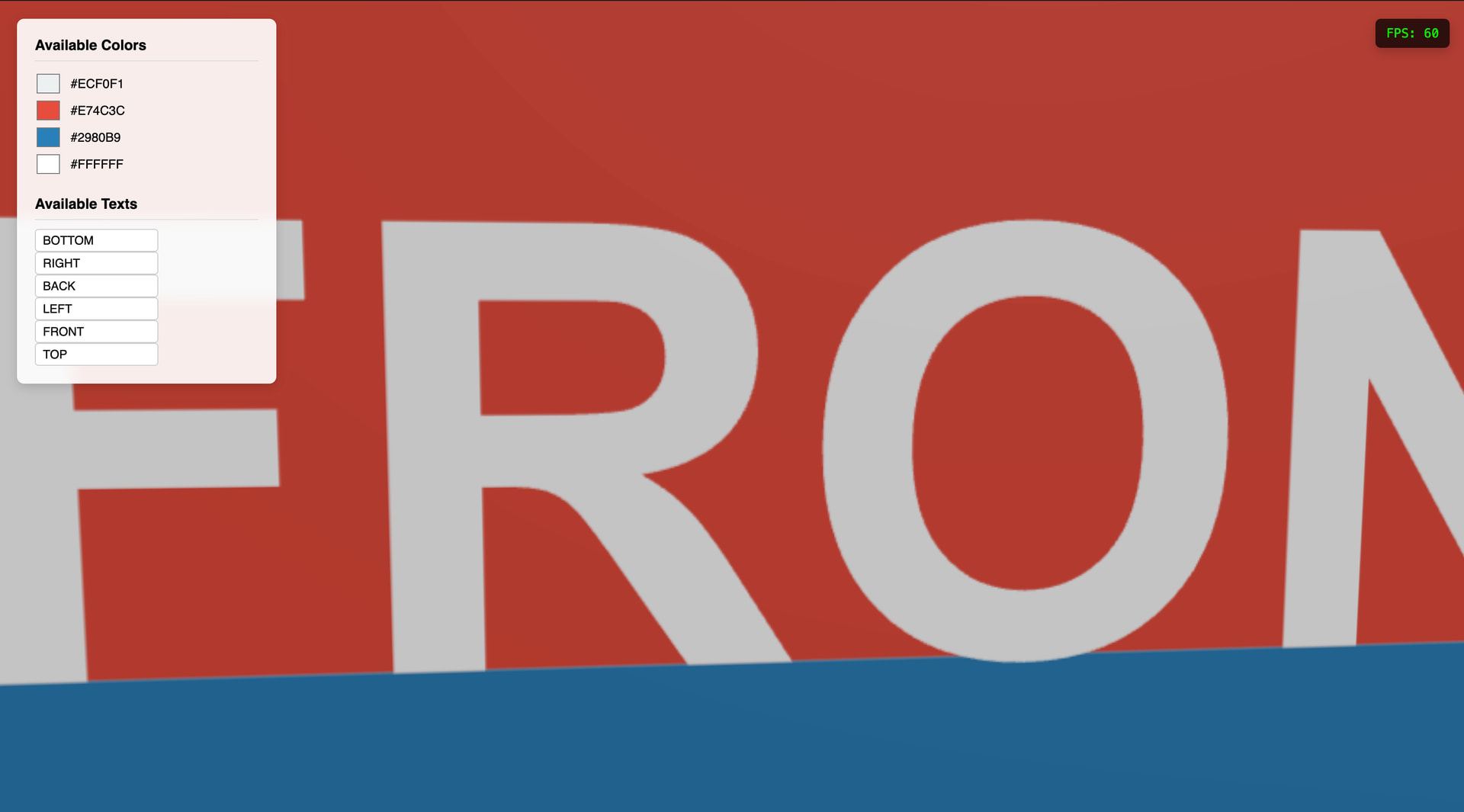
https://codesandbox.io/p/sandbox/crazy-shtern-f2ymtl
Next, I’ll try to add the raycast feature which I also shared on my previous post. Let me know what you think and what I can improve on this version!