A few days ago I released Quick AO Lightmapper for Babylon.js Sandbox. After seeing the interest and potential, I decided to bring it to the Three.js ecosystem as well.
The Chrome Extension is now available for Three.js Editor and works directly inside:
The extension includes a free tier with some limitations.
If you’d like to unlock all features and support future development, there’s an optional Buy Me a Coffee upgrade for only $4.
Every contribution helps fund maintenance, bug fixes, new features, and future tools for the Three.js and WebGL communities.
Full Desktop Version
For users looking for a complete standalone workflow, there’s also AO Lightmapper:
Features include:
GLB and FBX support
Batch processing
Embedded GLB export
Skeletal mesh support
Material editor
Advanced baking controls
GPU-accelerated baking
Available for:
Windows
macOS
Linux (Beta)
for only $5.
Both the extension and desktop app are independent projects developed and maintained by a single developer. If you find them useful, your support helps me continue building tools like these for the community.
This update focuses on improving reliability, baking performance, material handling and workflow flexibility, especially for animated characters and scenes containing transparent materials.
If you would like to support the development of AO Lightmapper, you can purchase it on:
ITCHIO
GUMROAD
AND OF COURSE, CHROME-EXTENSION FOR THREE JS EDITOR
Every purchase helps fund future development, new features, bug fixes and ongoing support for the ThreeJS community.
Thank you to everyone testing AO Lightmapper and providing feedback!
“This video is from version 1.2.5 but shows the main impressive features added in AO Lightmapper”
AO Quality Improvements
Improved Ambient Occlusion baking quality.
Smoother AO results with better detail preservation and fewer visible artifacts.
Additional improvements to the UV unwrap system.
Better UV generation and packing quality for lightmap baking.
Character AO Baking Improvements
Added an option for character pose adjustment system to slightly separate the legs before baking.
Helps prevent unwanted self-shadowing between intersecting or closely positioned body parts.
Produces cleaner, more natural ambient occlusion results on humanoid characters.
Particularly useful for characters imported in neutral or closed-leg poses.
Improved Viewer Consistency
The viewer now uses the Ambient Occlusion texture channel for displaying Real Baked AO results.
Provides visual consistency between the viewport preview and exported assets.
Improves compatibility with both Three.js and Babylon.js material workflows.
What you see in AO Lightmapper is now much closer to what you will see in your final application.
Three.js Editor Compatibility
Improved export system compatibility with Three.js Editor.
Texture references are now automatically detected during export.
Better interoperability between Three.js and Babylon.js workflows.
Material Inspector Enhancements
Major upgrade to the Material Inspector.
Modifying the materials within AO Lightmapper allows for greater precision in generation and better results.
Added support for advanced PBR material properties:
Clear Coat
Iridescence
Sheen
Subsurface Scattering
Animation Tools
Added timeline controls when animations are detected.
Added the ability to remove animations directly from the scene.
Added previous and next controls to the animation timeline panel.
Added Ctrl+Z support to restore deleted animations.
Transform Tools
Added input fields for Position, Rotation, and Scale editing.
Added viewport transform controls for Position, Rotation, and Scale.
Added standard keyboard shortcuts:
W → Move
E → Rotate
R → Scale
Compact Mesh Hierarchy Panel
Added a compact and easy-to-use Mesh Hierarchy panel.
Faster scene navigation and object selection.
Improved workflow when working with complex models.
You can now delete meshes by selecting them and pressing Delete. Ctrl+Z is also supported to recover deleted meshes.
User Interface Improvements
Reorganized parameters in the side panel for a cleaner and more intuitive workflow.
Improved accessibility of commonly used controls and settings.
Per-Material AO Control
Added an independent AO Level setting for each material.
AO intensity can now be adjusted individually across different materials within the same model.
AO settings are correctly preserved during export.
AO values are properly restored when reopening a project or recovering a previous session.
AO Preview Improvements
Fixed an issue that prevented AO lightmaps from being displayed correctly in the preview.
Added a new AO View button in the Lightmap Preview panel.
Instantly visualize only the generated Ambient Occlusion maps.
Fully integrated with the Material Inspector for easier material-by-material inspection.
Session Recovery & Auto-Save Improvements
Improved and optimized the automatic parameter saving system.
More reliable session restoration after restarting the application.
Material settings are now restored more consistently.
Per-material AO values are correctly recovered.
Smooth and other baking parameters are now preserved more reliably between sessions.
User Experience Improvements
Improved loading feedback throughout the application.
Enhanced progress visualization during long operations.
Clearer status reporting while processing large models and baking AO maps.
Stability & Workflow Improvements
Multiple internal optimizations and bug fixes.
Improved reliability across the baking and preview workflows.
Better overall user experience when working on complex scenes and large projects.
This release focuses on higher-quality AO generation, improved character baking workflows, better interoperability with both Three.js, Babylon.js, Blender, Unity, Unreal… A significantly more capable material system, and new scene editing tools for faster asset preparation.
Thanks to everyone testing AO Lightmapper and providing valuable feedback!
@Immugio Thank you! I really appreciate the support.
I’m happy to hear it’s working well for your models so far. I’m actively developing it and releasing updates quite frequently.
The latest version also includes a new Unity Extension (available on Itch.io) that connects Unity directly with AO Lightmapper for automatic AO generation and asset optimization workflows.
Feel free to share any feedback or suggestions as you continue testing it. User feedback has been incredibly valuable in improving the tool.


 One-click AO lightmap baking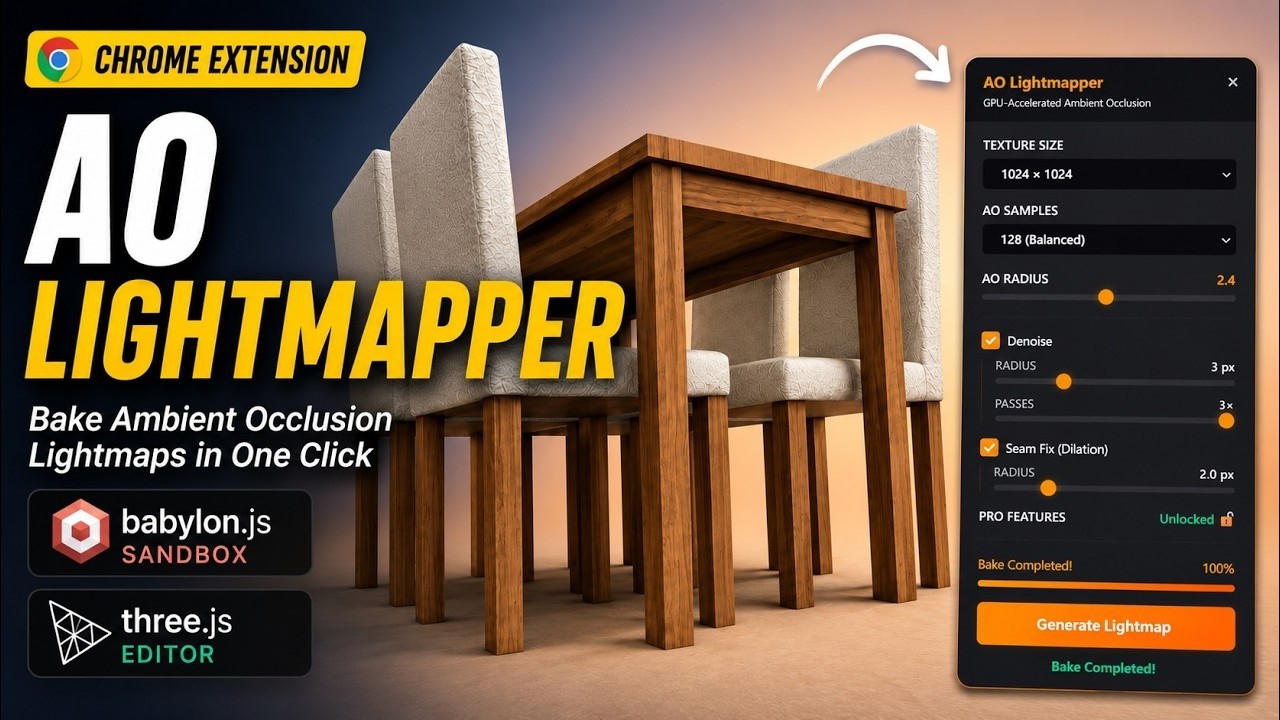


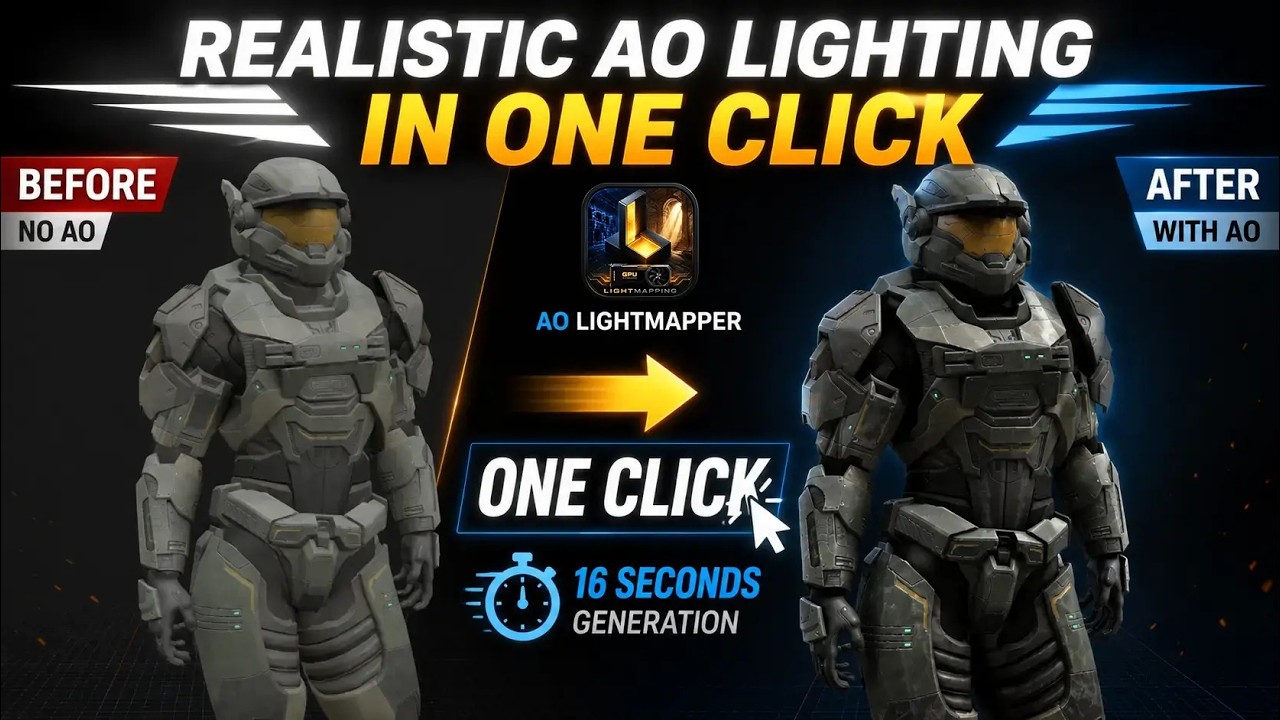


 .
.