I appreciate it, probably I will work on this website for ever, I can’t stop 
I am working on a new animation I can’t decide whith one is best, please share your thoughts.
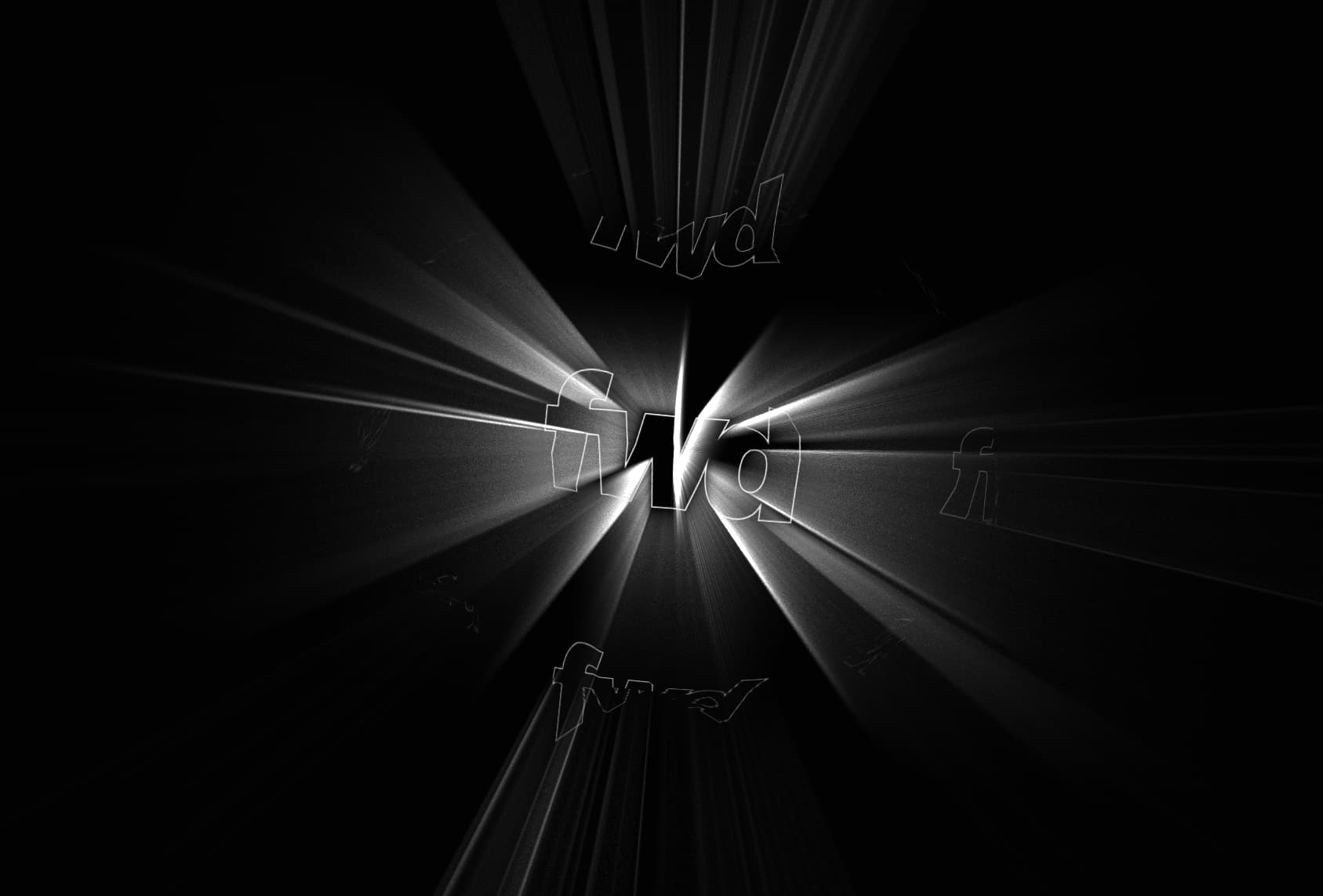
https://webdesign-flash.ro/ht/rays/

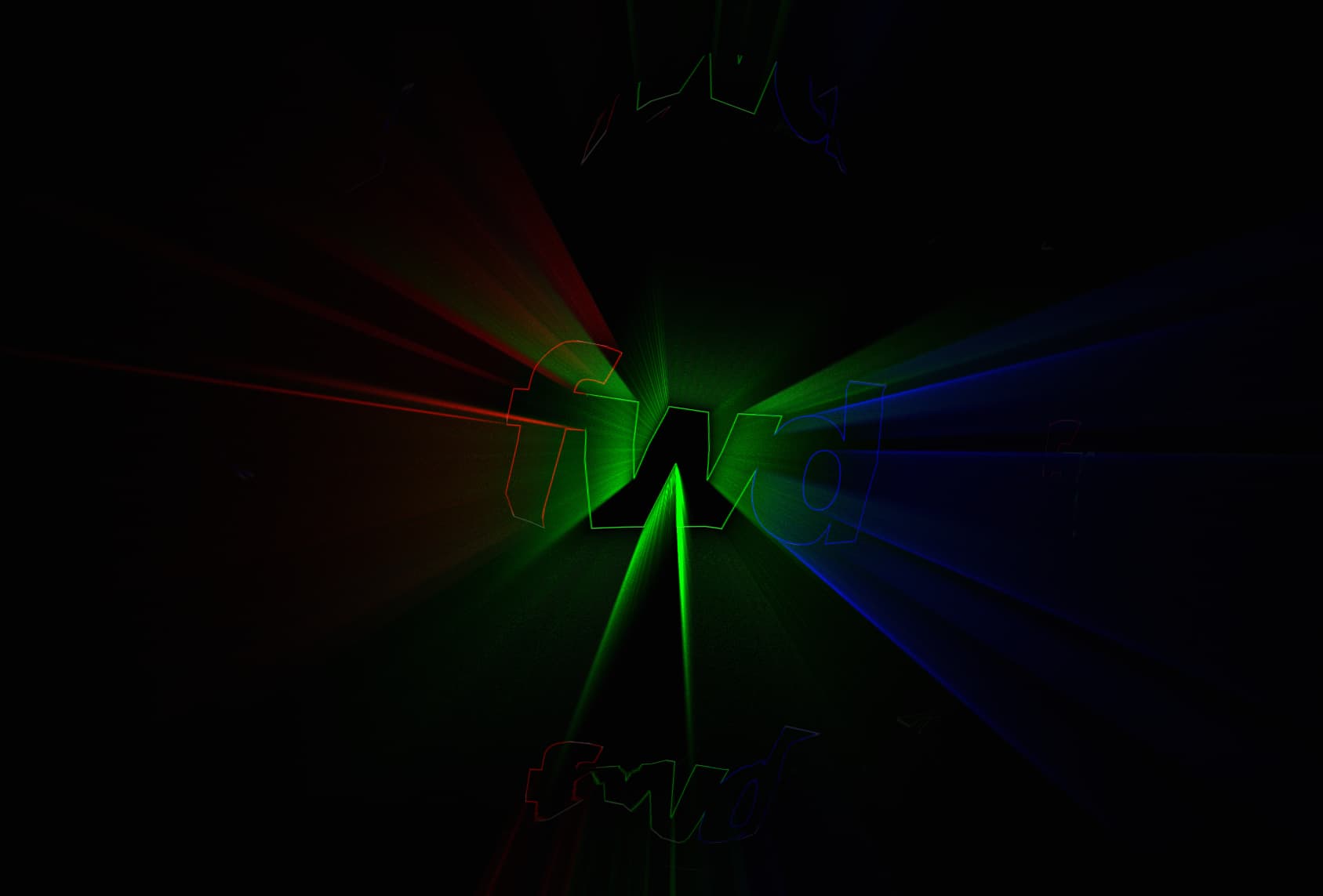
1 Like
Beautiful. Can you tell us a bit about the stack you are using? Are you using @14islands/r3f-scroll-rig or plain react3fiber or even plain threejs? what are the names of some of the effects and post-processing you are applying? rbg-shift, godrays, what else? thx
Hi.
I use plain threejs, I don’t like react, I tried it and had a small bug that took a week to fix since I had no access deeper that react offers, is plain threejs.
What I do is use FBO and repeat the default texture.
Here is the shader code, is not much, so I render the default scene, copy the texture using FBO( Framebuffer Object) and then copy the texture and multiply it with some nath so that it looks like a godray.
There is also a postprocessing used for RGB shift a a small sin wave applied to it.
Here is the full source code for those who want to use this https://webdesign-flash.ro/Icosahedron%20rays.zip
float rand(vec2 co){
    return fract(sin(dot(co.xy ,vec2(12.9898,78.233))) * 43758.5453);
}

void main() {
    vec2 uv = vUv;

    vec4 c = texture2D(uTexture, uv);
    float tempSize = uSize;

    vec2 toCenter = vec2(0.5) - vUv;

    vec4 original = texture2D(uTexture, uv);

    vec4 color = vec4(0.0706, 0.0706, 0.0824, 1.0);
    float total = 0.0;

    for (float i = 0.0; i < uStrength; i++) {
        float lerp = (i + rand(vec2(gl_FragCoord.xy))) / uStrength;

        float weight = sin(lerp * PI);
        vec4 s = texture2D(uTexture, uv + toCenter * lerp * tempSize);
        s.rgb *= s.a;
        color += s * weight;
        total += weight;
    }

    color.a = 1.0;
    color.rgb /= 10.0;
    vec4 finalColor = 1.0 - (1.0 - color) * (1.0 - original);

    // Apply fade based on vUv.y
    float fade = smoothstep(0.0, 0.1, uv.y) * (1.0 - smoothstep(0.9, 1.0, uv.y));
    finalColor.a *= fade;

    gl_FragColor = finalColor;
}
1 Like