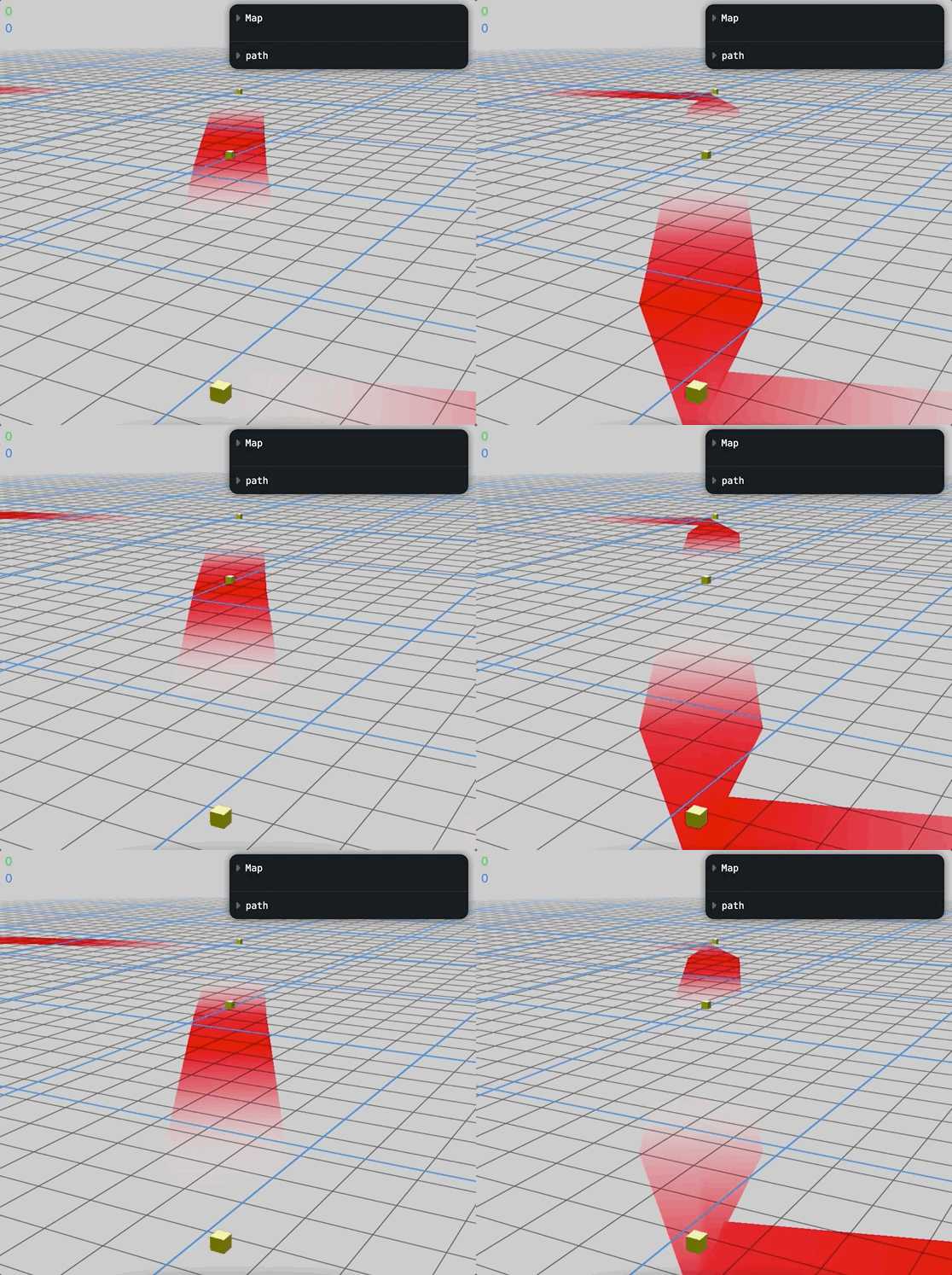
const lineCurves = []
for (let i = 0; i < pathArray.length - 1; i++) {
  const segmentCurve = new THREE.LineCurve3(curvePoints[i], curvePoints[i + 1])
  lineCurves.push(segmentCurve)
}
const curvePath: any = new THREE.CurvePath()
lineCurves.forEach((curve) => curvePath.add(curve))

const tubeGeometry = new THREE.TubeGeometry(curvePath, pathArray.length * 6, thickness, 3, false)
lineRef.current.geometry = tubeGeometry
Hi guys!
While making an XR Navigation, I’m currently struggling with curveArray in TubeGeometry.
As like the gif, when the tube bends at a checkpoint, it appears as a folded tube.
I tried all the properties in TubeGeometry but couldn’t find a good solution.
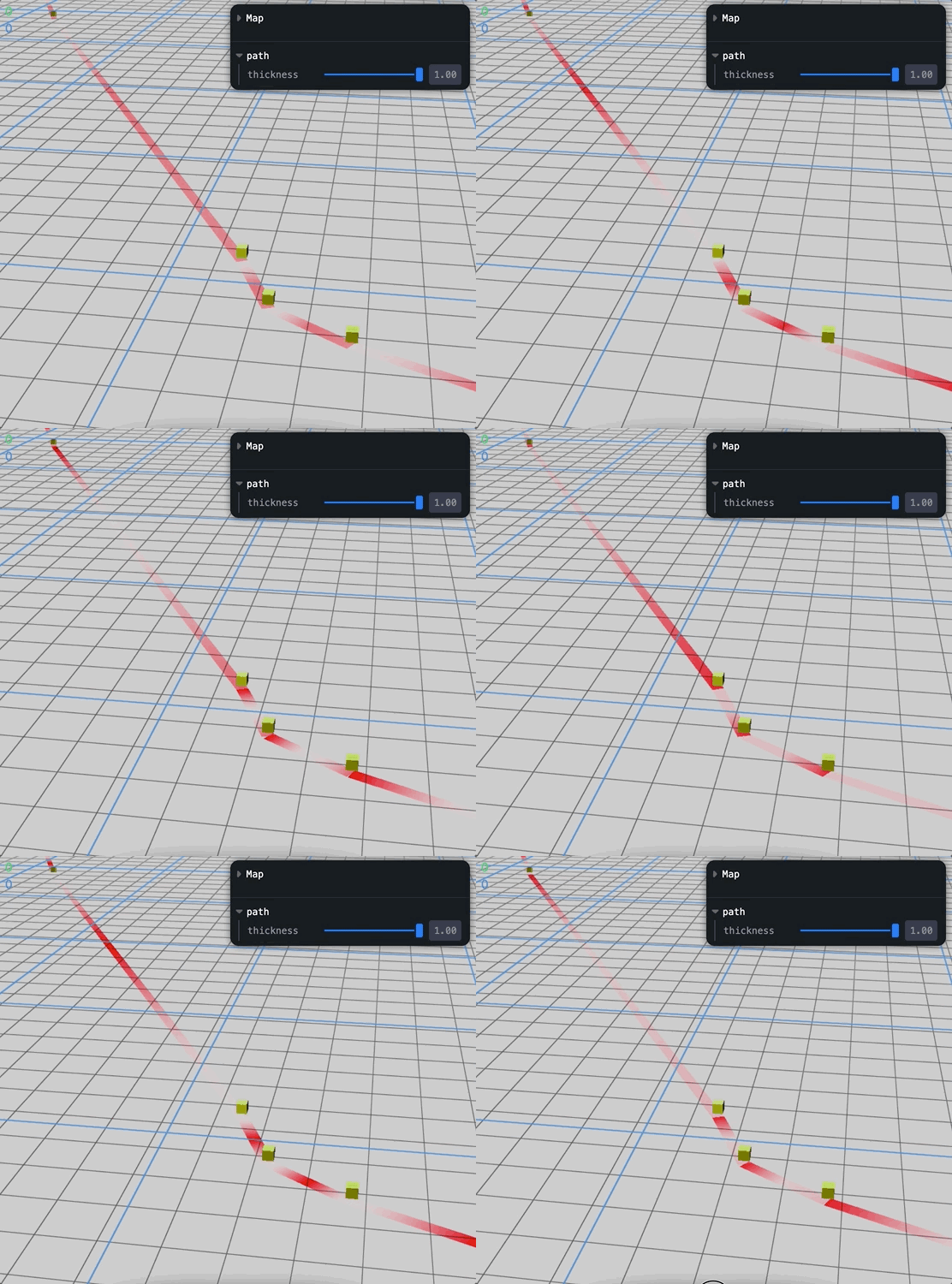
by the way, I tried mergedGeometry to make it not bended like the below.
const tubeGeometries = []
for (let i = 0; i < pathArray.length - 1; i++) {
  const segmentCurve = new THREE.LineCurve3(curvePoints[i], curvePoints[i + 1])
  const segmentGeometry = new THREE.TubeGeometry(segmentCurve, 2, 0.07, 6, false)
  tubeGeometries.push(segmentGeometry)
}
const mergedGeometry = BufferGeometryUtils.mergeGeometries(tubeGeometries)
but in this example, tube are merged together not as like a single bended pipe.
so in fragment shader, tube vUv are so separate that I cannot make a smooth path animation using shader. also we can see the boundaries of each TubeGeometry.
Do you guys have any solution? please save my life thank you


