Played around more with the tonemapper, got it to a really good state where I’m happy with how it looks and feels.
Here’s my full shader in case anyone is interested, feel free to steal
    // scene color in linear Rec. 709
    var color = textureLoad(input_color, vec2i(coord.xy), 0).rgb;

    // Apply exposure
    color *= settings.exposure;

    // Finally tonemap
    color = tonemap_gt7(color, settings.peak_nits, settings.paper_white_nits);

    // NOTE: no dithering, colorspace is wide

    // output in p3 color space
    let color_2020 = CRM_FROM_REC709_TO_REC2020 * color;
    let color_p3 = CRM_FROM_REC2020_TO_P3 * color_2020;

    // apply gamma. Note that gamma is the same same for "Display P3" and "sRGB"
    let color_gamma = sRGBTransferOETF(color_p3);

    return vec4(color_gamma, 1.0);
Needs a bit of cleanup, and my tonemapper works in Rec2020 instead of Rec709, which is what the rest of the pipeline works in, but hopefully this is enough to give you an idea on what to do.
The context configuration is as follows:
{
    format: "rgba16float",
    colorSpace: "display-p3",
    toneMapping: {
        mode: "extended"
    }
}
If you can’t use p3, that’s fine, generally the visual difference will be minimal and you can skip p3 conversion, outputting Rec709
Here’s a demo
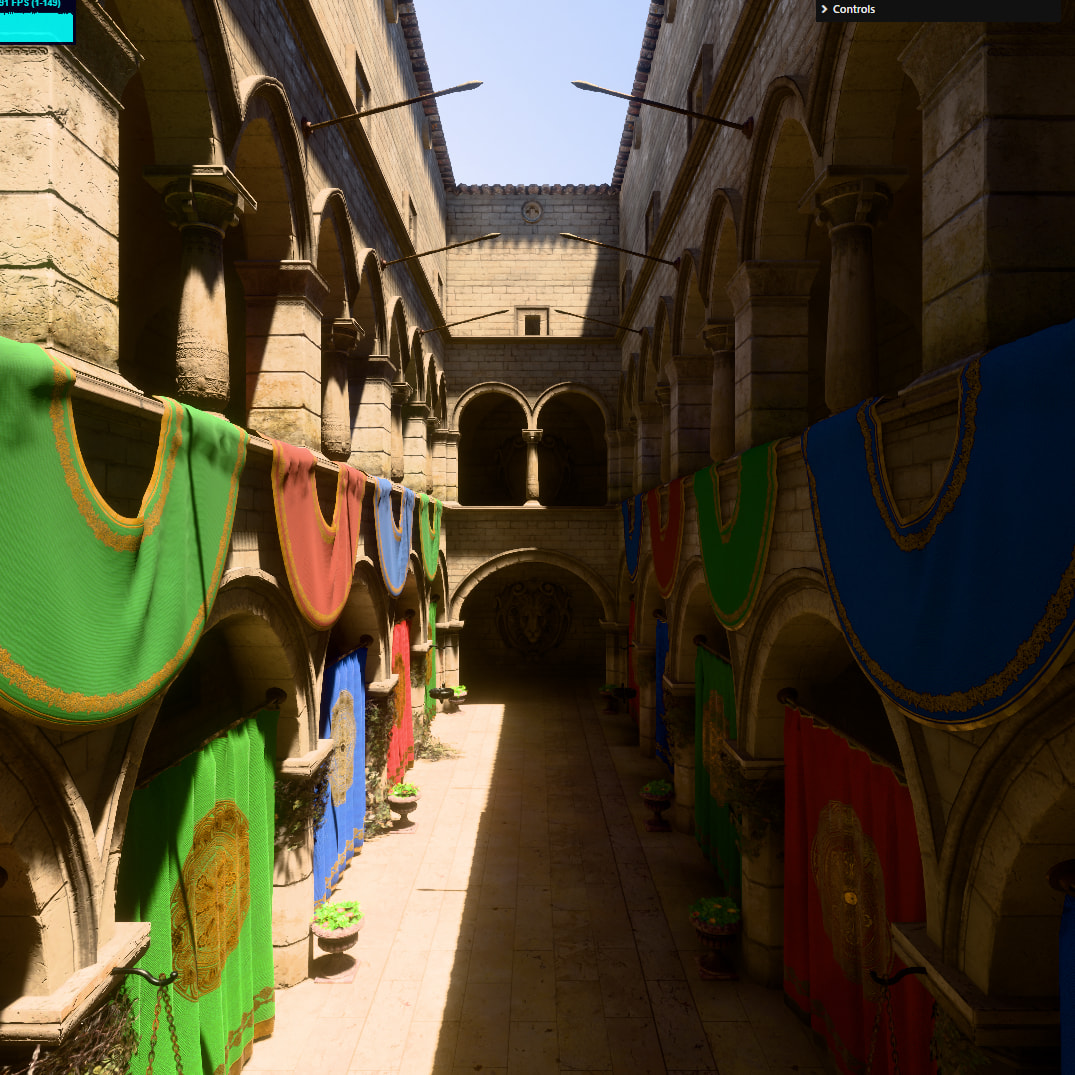
If you have an HDR display that’s properly set up - the content will render in HDR.