A about a year ago now, my main monitor died, when I got a replacement, I went with an HDR panel that supports 1000 nits peak brightness.
Since then I’ve been running the panel in SDR mode and coding happily, but a while back I saw a post by Filippo Tarpini on HDR, so I decided it might be time to try see what all this HDR fuss is about.
What better way than to implement HDR support for Shade, I thought.
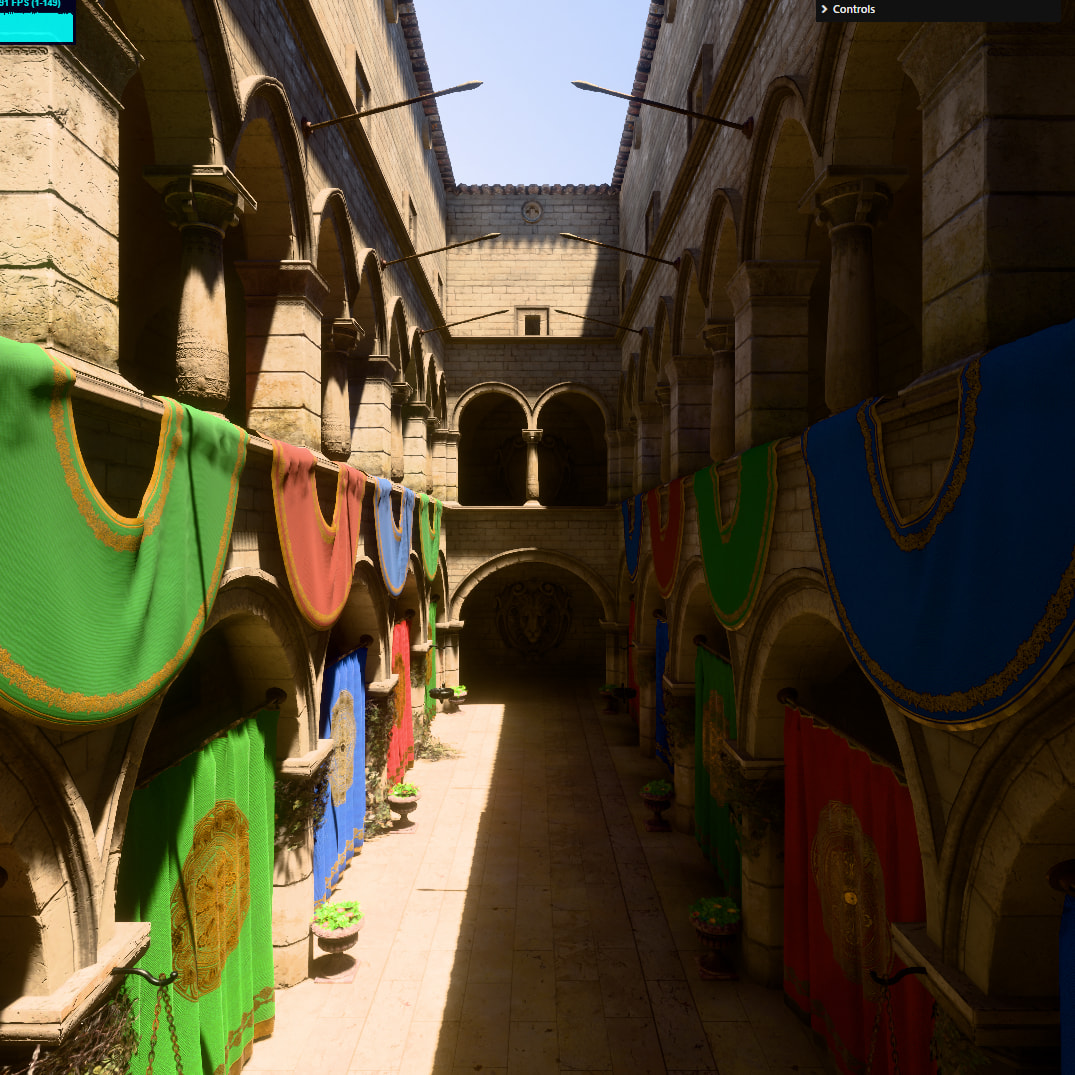
Below is the result
Shade - Google Chrome 22_12_2025 05_39_18.jxr (4.1 MB)
Note that discord insists on converting HDR AVIF to SDR JPEG… poorly:
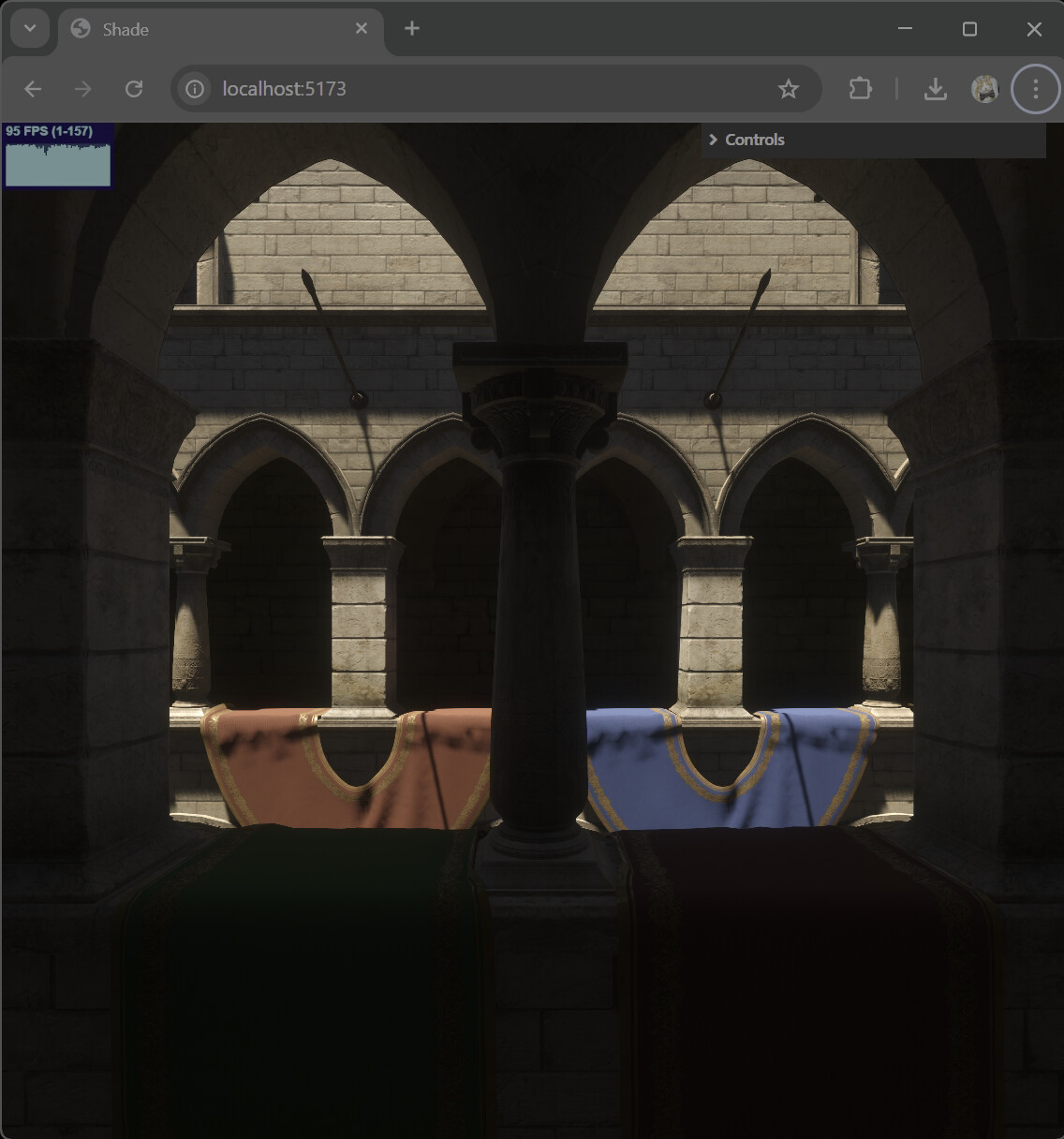
That’s one of the first things I found - support for HDR images on the web, but that’s a separate topic.
Let’s break it down, because we have a few problems to solve in order to output and HDR image onto the screen from WebGPU:
- Does the display support HDR at all?
- What is the display’s peak brightness?
- How do we tonemap for HDR?
Does the display support HDR?
The answer is quite easy:
const iCanHasHDR = window.matchMedia("(dynamic-range: high)").matches;
The caveat is that this can change, so best guard it with
window.matchMedia("(dynamic-range: high)").addEventListener("change", (e) => ... )
What is the display’s peak brightness?
The asnwer is also very simple here:
- NO
That is, there is no API that will tell you this. So what can we do?
We can guess. If display “supports” HDR, it’s likely at least 400 nits, and it might push 1000.
If we say that SDR is about 80 nits (a whole other rabbit hole to get to this one), then 400 nits gives us about 5 times the brightness to play with, which is already awesome.
Beyond that, we can always give the user one of those gamma calibration tools, so they can essentially dial in peak-nits value for us. Incidentally, that’s what the official “Windows HDR Calibration” tool does.
So, we’re already not off to a great start, but hey, you can safely take 400 nits, that’s something.
How do we tonemap for HDR?
This is an interesting one. If you’re not familiar with tonemapping, I wrote on the subject in the past. In essence, the around produces much brighter colors than what our screens can output, and HDR screens are not an exception, so we have to compress image brightness before we output it onto the screen to avoid clipping.
In SDR this is relatively well understood, sicne we’re targetting 0…1 range, but HDR removes the ceiling, so a typical S-shaped curve like this

No longer works. Because the curve is defined for a known region, and if we just normalize it to our peak brightness by saying
“okay, so 400 nits is 1 now”
We’re going to get completely different look on different screens. The whole promise of HDR is that we don’t need to compress (as much). So that doesn’t work.
I mean, you can do it, and I’m not going to judge you for it, at least you in particular, because you’re special to me. But I would judge others.
Also, let’s take a look at that S-curve, what is it actually doing?
The lower part of the curve crushes blacks, upper part crushes whites.
The upper part is understandable, they just don’t fit anyway, but what about the lower part?
We crush lower part kind of for the same reasons, to make more room for “interesting” levels of brightness.
That is to say that lower end of the compression is no longer necessary or even desirable in HDR. But pretty much every tonemapper out there implements some version of an S-curve.
So, this part remains kind of unasnwered to me.
Currently I apply asymptotic compression on the upper 25% of the range, but otherwise leave the values alone.
Going forward, I reckon I will implement something like ACES for the upper range. The lower range probably will still have to get crushed somewhat, to achieve parity with SDR look, but perhaps less aggressively.
All in all, I think HDR is pretty amazing and I think 3d HDR content is something of a game-changer. Once you experience it, SDR content will look bland.