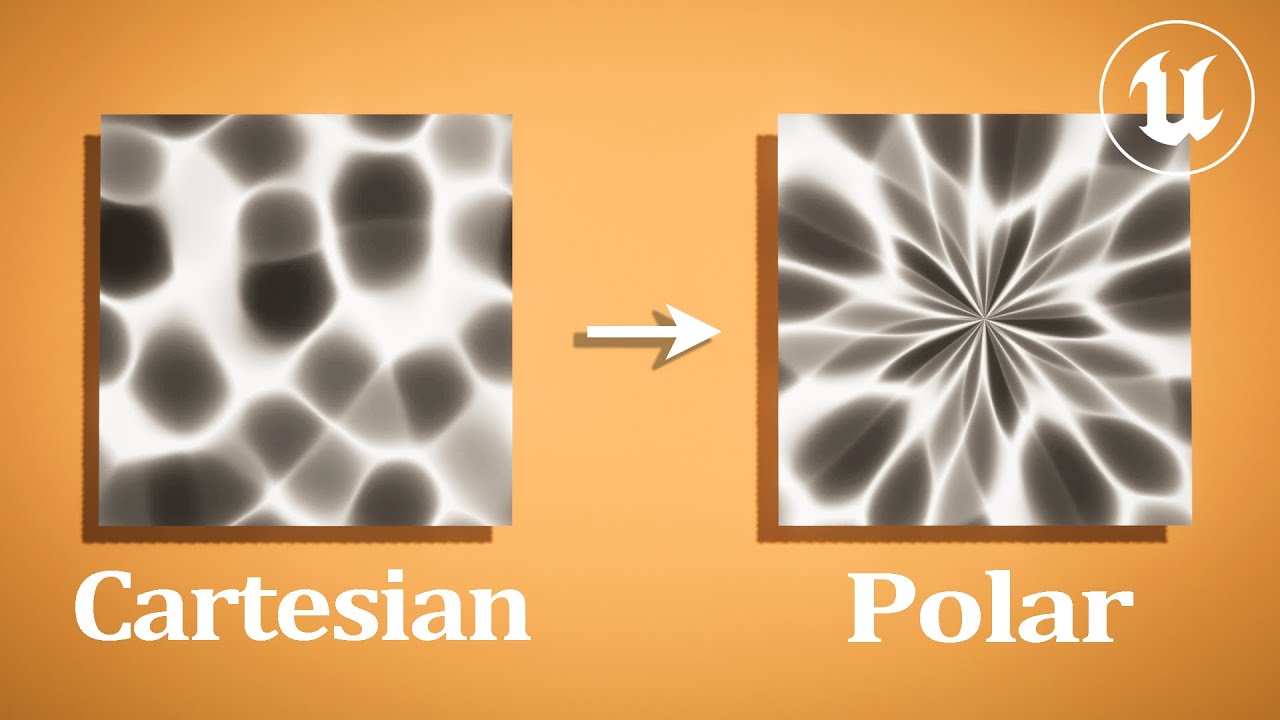
So recently I started playing around with polar coordinates to make circular textures. I was inspired by what people did in unity’s shader graph. I got it working but it looks kind of weird due to the seam seen in the screenshot of the shader.

Now i’ve read something about using the TextureCoordinate derivatives to fix it (not completely sure if I am correct). Does anyone have an idea how this can be achieved?
This is my current shaderMaterial
const material = new ShaderMaterial({
	vertexShader: /* glsl */ `
  varying vec2 vUv;

  void main() {
    gl_Position = projectionMatrix * modelViewMatrix * vec4(position, 1.0);
    vUv = uv;
  }
  `,
	fragmentShader: /* glsl */ `
  uniform sampler2D uTexture;
  uniform float uTime;
  uniform float uProgress;

  varying vec2 vUv;

  vec2 sincos(float value) {
    float s = sin(value);
    float c = cos(value);
    return vec2(s,c);
  }


  vec2 toPolar(vec2 cartesian){
    float dist = length(cartesian);
    float angle = atan(cartesian.y, cartesian.x);
    return vec2(angle / (2. * PI), dist);
  }

  vec2 toCartesian(vec2 uv){
    vec2 cartesian = sincos(uv.x * PI);
    return cartesian * uv.y;
}

  void main() {
    // Make input uvs centered and scaled to -1 to 1
    vec2 uv = vUv - 0.5;
    uv *= 2.0;

    // Get polar coordinates
    vec2 polarUV = toPolar(uv);

    gl_FragColor = vec4(fract(polarUV), 0.0, 1.0);
  }
  `,
	defines: {
		PI: Math.PI,
	},
	uniforms,
})
 ? You can also