Depth Prepass - How is it done?

This has been bothering me for a while. When I do a depth prepass, rendering from front to back, top to bottom, should I render the items one by one passing the texture as a depth attachment or just run it once and threejs maybe chooses the best way to go about things.

Essentially, I’m asking how a proper full depth prepass is done.

A depth prepass can be done with a overrideMaterial = MeshBasicMaterial. Threejs already depth sorts solid objects front to back by default.. (and transparent stuff back to front).

So really you just need to bind your depth+color target and use an overrideMaterial that just renders a solid color.. and it will write the depth buffer.

Then you clear the overrideMaterial, set renderer.autoClearDepth = false, and render your scene as normal with the complex materials.. then set renderer.autoClearDepth = true when you’re done.

You shouldn’t really need to do manual sorting since threejs already does that for you.. (unless you can really do something better than its default sort by mesh.position)

You might have to elaborate, what do you mean by bind depth and colour. Do you mean bind to a render target? Or you mean directly using the webgl context methods?

What I have right now is a scene with two render targets. One for the First Person (FPS) elements like the hands and gun. And the other for the environment. This way the gun is always drawn ontop of the environment.

I implemented an early z tested depth prepass based on the conversation here:

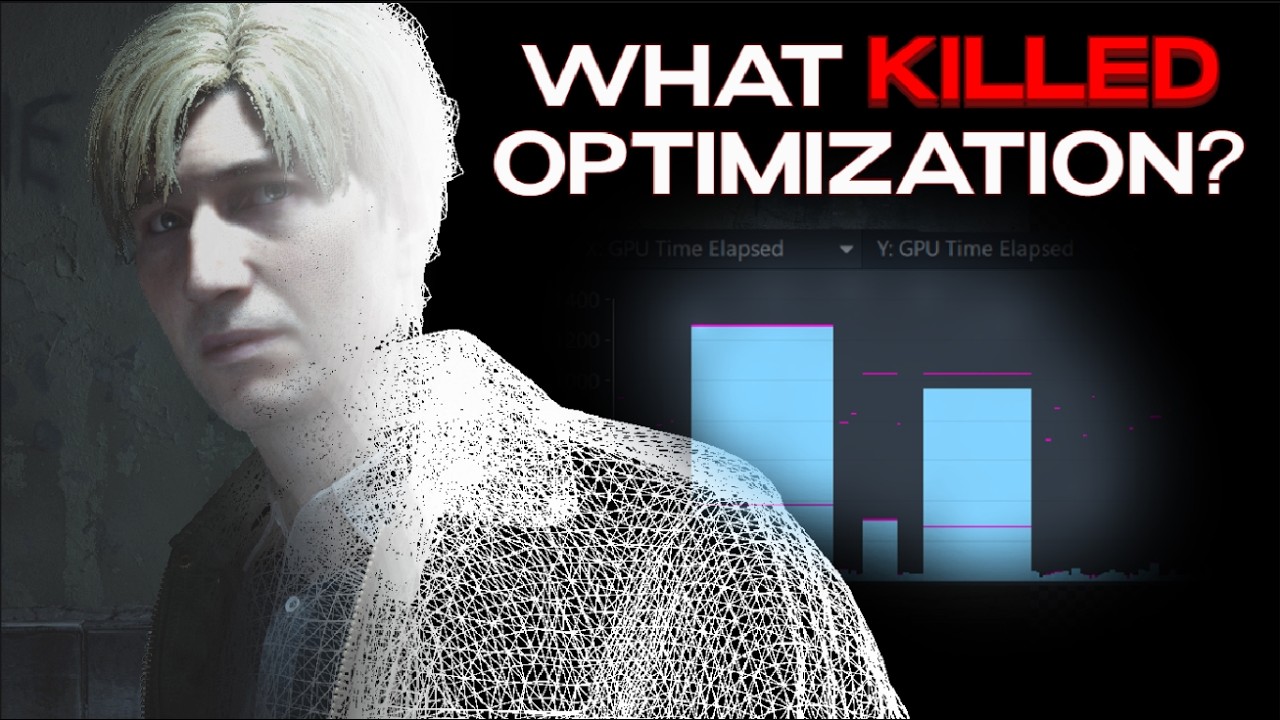
But after watching Threat Interactive for a while, I noticed in one of his videos

…that the depth prepass goes from front to back, top to bottom, to reduce pixel shader invocations.

But my question is, should I pass the incomplete depth prepass texture as a depth attachment for the early z test each time I try rendering an element’s depth info to the depth buffer?

Let’s say I have 3 meshes in my scene, A, B, and C. As I create the depth buffer should I render A first then pass the depth buffer from A and pass it as the depth buffer to cull out pixel shader invocations when adding depth info from mesh B?

( I started writing this answer by hand, but then I put it through gemini to clean it up and check the logic.. I haven’t actually tested it, but it articulates what I’m trying to explain, so treat it as pseudocode )

I think you might be overcomplicating the level of granularity required here. You don’t need to loop through objects one-by-one or pass textures around manually.

Keep in mind that by default, Three.js already sorts opaque meshes front-to-back before rendering them. Because of modern GPU early-Z rejection, you actually get a lot of occlusion optimization out of the box.

If you still need a true depth prepass (for instance, if you have massive merged meshes where object-level sorting fails), it’s done at a macro pipeline level, not mesh-by-mesh. You just let Three.js traverse the scene graph natively and manipulate the global renderer state between two quick passes.

Here is a clean, simplified way to structure it using standard Three.js paradigms:

// 1. Setup a dedicated material for the prepass
// MeshDepthMaterial automatically handles skinning/morph targets if you have them
const depthPrepassMaterial = new THREE.MeshDepthMaterial();
depthPrepassMaterial.colorWrite = false; // CRITICAL: Don't waste fill rate writing colors

// 2. Configure your render loop
renderer.autoClear = false; // Take manual control

function animate() {
    requestAnimationFrame(animate);

    // Clear everything manually at frame start
    renderer.clear(true, true, true); 

    // --- PASS 1: Depth Prepass ---
    // Force the whole scene to use our color-blind depth material
    fpsScene.overrideMaterial = depthPrepassMaterial;
    
    renderer.state.buffers.depth.setTest(true);
    renderer.state.buffers.depth.setMask(true);
    renderer.state.buffers.depth.setFunc(THREE.LessEqualDepth);

    renderer.render(fpsScene, fpsCamera);

    // --- PASS 2: The Real Color Pass ---
    fpsScene.overrideMaterial = null; // Restore original heavy materials

    // Change depth function to EQUAL. 
    // The GPU will now instantly discard pixels that don't match our prepass depth,
    // BEFORE running your expensive fragment shaders.
    renderer.state.buffers.depth.setFunc(THREE.EqualDepth);
    renderer.state.buffers.depth.setMask(false); 

    renderer.render(fpsScene, fpsCamera);

    // --- PASS 3: Weapon Overlay Pass ---
    renderer.state.buffers.depth.setFunc(THREE.LessEqualDepth);
    renderer.state.buffers.depth.setMask(true);
    
    renderer.clearDepth(); // Clear depth so the gun renders cleanly over the world
    renderer.render(overlayScene, overlayCamera);
}

You’re on the right track in understanding how/why the depth prepass works/is needed, but the granularity required in javascript+threejs is different than in a to-the-metal C/C++ app.

In javascript, the state switching between the GPU and JS has higher overhead than in C/C++.. since the JS scheduler is handling a lot of bookkeeping than a pure C/C++ thread, so you want to minimize the number of bounces between JS and the GPU thread, per frame.

First of all, I’ve already implemented a depth prepass with early z testing, but your input on not being so granular is what I was looking for. If for some reason I find out being granular is more performant I’ll share it here.

Also the .state prop is new, I didn’t know about that. Though I’d like to mention that your pseudo code will most probably not work with multiple render targets, you’ll have to clear the render targets manually.

Btw, splitting the scene into two layers can actually help you control how much of the environment you want to see without affecting your FPS character look. For instance, with two render targets, you can have independent FOVs for environment and the FPS character model as shown in this timestamped GDC video:

One added benefit is that by being able to control fov independently you can have the frustum culling knock out a lot more assets on devices that don’t have the raw GPU power without again affecting the FPS character.

So you add an extra set of draw calls for better control. Though I’m not certain yet how this will affect shadows.

Ooh those are great ideas / tips. :slight_smile:

And yes.. take the code with a HUGE grain of salt. It’s straight out of gemini (converted from my less verbose pseudocode).

fwiw, you can also use .layers on objects in threejs to control what gets rendered in what passes… only objects with layer flags that match the camera layer flags get rendered.

Same applies to lights and other things.. (i think)

Yes, I accidentally run into the layers idea some time ago. But for some reason I didn’t want to go in that direction. I’ll need to try and remember why. But I’ll make it a priority to try this.

But question, is it more efficient to have a layers property vs just setting visible to false. Or maybe it’s better to use both the visible flag and layers. This is territory I haven’t played around with btw so I’m curious.

Can you use layers to improve frame rate?

I create programs where you are in a 3D cockpit flying in a 3D world. In the old days, people would use layers for this purpose. One layer would display a static “cockpit” around the perimeter of the screen, or at the bottom of the screen. The second layer would display the external world in the remainder of the screen. However, the kinds of cockpits I create have greenhouse-like structures that can cross the entire screen.

One drawback could be that you have to use separate light sources for each layer. However, I am kind of doing that anyways. In cockpit view, I use an additional light source to create detailed shadows in the cockpit.

It can be faster and cleaner to use layers, than manually setting .visible on different sets of objects every frame. For large amounts of objects in the scene it becomes impractical to mutate the scene and track all that stuff, when you can just set them up at creation time via layers, and just toggle the layers on the camera to control which sections of the scene get rendered.

You can just set up layers something like:

const layers={
terrain: 1,
hud: 2,
}

terrainMesh.layers.enable(layers.terrain)

... at render time:
camera.layers.disableAll();
camera.layers.enable(layers.terrain);
renderer.render(scene.camera); // Render only the terrain

camera.layers.disable(layers.terrain);
camera.layers.enable(layers.hud)
renderer.render(scene.camera); // Render only the hud

I might give that a try..
Quick question: How do you assign objects to the layers?

object.layers.enable( index of the layer )

and then

camera.layers.enable( index of the same layer )

Layers are a 32 bit bitmask.. so you can have up to 32 layers (or any combination)

Internally (inside renderer.render) during rendering something like this happens:

if(object.layers.mask & camera.layers.mask) render(object); // Renders the object

Layer docs:

Object.layers docs:

So every node that inherits Object3D gets this functionality. (Lights, Meshes, Groups, etc.)

I meant the .layer property not “layers” as a concept. I layer my scene just as you explained it.

I have to ask, how do most devs create their HUDs? I use html and CSS, but I’m worried about this. If I move my code to another thread then now I need to create a bridge to communicate with the UI.

I’ve heard talks of drawing it on a canvas using canvas2Dcontext and then drawing that layer ontop of everything. But I haven’t tried anything yet because I don’t know if it’s worth the energy.

Using HTML can be enough for a large class of games, especially if you optimize it to avoid common pitfalls.

You want to avoid operations that trigger UI reflows.. (like changing values every frame)
And extra compositing effort: (drop shadows and complex CSS)

But if you manage those things, you can get good performing HTML UI.. since html+ui is what browsers are hyper optimized for.
The downside here is that it won’t work out of the box for VR and some other cases. (WebVR/XR only displays the webGL layer)

You can also just use it for prototyping, and then roll your own true 3d one once you’ve settled on a design/look.

There are hybrid approaches as well.. as discussed in other threads on here.. especially recent developments in being able to manually render HTML directly to canvas, which can also solve the problem for VR since it gives you the control to embed the UI within your webGL scene via canvastexture.

related: WICG/ html-in canvas thoughts

Btw, I don’t track the individual elements, I place them under an Object3D, then I set that element’s visibility whenever I need it.

That’s pretty efficient. Layers is slightly more efficient. edit: wait no.. Layers is not more efficient than that. It’s just already happening, so you could skip the toggling on subtrees in exchange for just toggling the active layer on the camera.

Yes, your first points is why I use html, the problem is that on Poki.com their play test feature only records the canvas, which means I need to check the console log to see what the user is doing in the UI. Also, with html it becomes trickier to setup UI that fits the look of the game, you don’t have access to shaders, so you either do CSS trickery, or maybe even use videos, similar to how riot’s league of legends client does it.

Also, as an aside, I was in a hurry and used the style attribute to set all the CSS properties. VS Code has been complaining about this for a while, 173+ infringements :sneezing_face:.

I saw the html in canvas trick, the guy who did that must have balded so badly his kids probably contracted it. Kudos to him for figuring this stuff out.

But from what I’m seeing I’ll just have to figure out how to do this as a post-process.

Ok, good, you agree.

I’m essentially in my own bubble so I know it’s efficient but threejs has broken my confidence. It turns on and off features if you stray off the beaten path. Use a render target and it turns off tone mapping and gamma correction. Try fixing this with the internal postprocessing add-on (not postprocessing library), and it starts flickering. I don’t know what I don’t know. But it’s good to see the direction doesn’t have weird side effects.

Though I think threejs might look at Object3D and it’s children as opaque objects. I saw a similar warning in the Group class docs.