async function LoadCameraAnimation(camera) {
  let camid;
  if (new URLSearchParams(window.location.search).has('camera')) {
    camid = new URLSearchParams(window.location.search).get('camera');
  } else if (new URLSearchParams(window.location.search).has('vmd')) {
    camid = new URLSearchParams(window.location.search).get('vmd');
  } else {
    camid = localStorage.getItem('camid');
    if (!camid) {
      camid = 'bts-bestofme';
    }
  }
  const cameraVmdPath = "./camera/" + camid + ".vmd";
  try {
    const vmdClip = await new Promise((resolve, reject) => {
      loader.loadAnimation(cameraVmdPath, camera, (vmdClip) => {
        vmdClip.name = camid; // Set the name to the loaded camid
        resolve(vmdClip);
      }, onProgress, reject);
    });
    return vmdClip;
  } catch (error) {
    console.error('Error loading camera animation:', error);
    throw error; // Re-throw the error to propagate it
  }
}
being my camera code seemingly uses a different way of starting point ( I suspect 0,0,0) than the actual animated camera uses:
et positionXYZ = localStorage.getItem('xyz');
let xyzArray = [];
if (positionXYZ) {
  xyzArray = positionXYZ.split(',').map(parseFloat);
}
let x, y, z;
if (xyzArray.length === 3 && xyzArray.every(coord => !isNaN(coord))) {
  // Use xyzArray values plus (15, 15, 0) offset
  [x, y, z] = xyzArray.map((coord, index) => coord + (index === 0 ? 15 : 15)); // Add 15 to x and y
} else {
  x = 0;y = 19;z = 20;}
camera.position.set(x, y, z);
I was able to change the camera to set to the new position dynamically on startup (and thought this would suffice to have the camera animation follow suit… but alas)
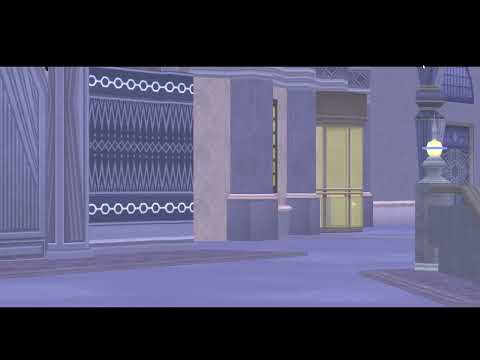
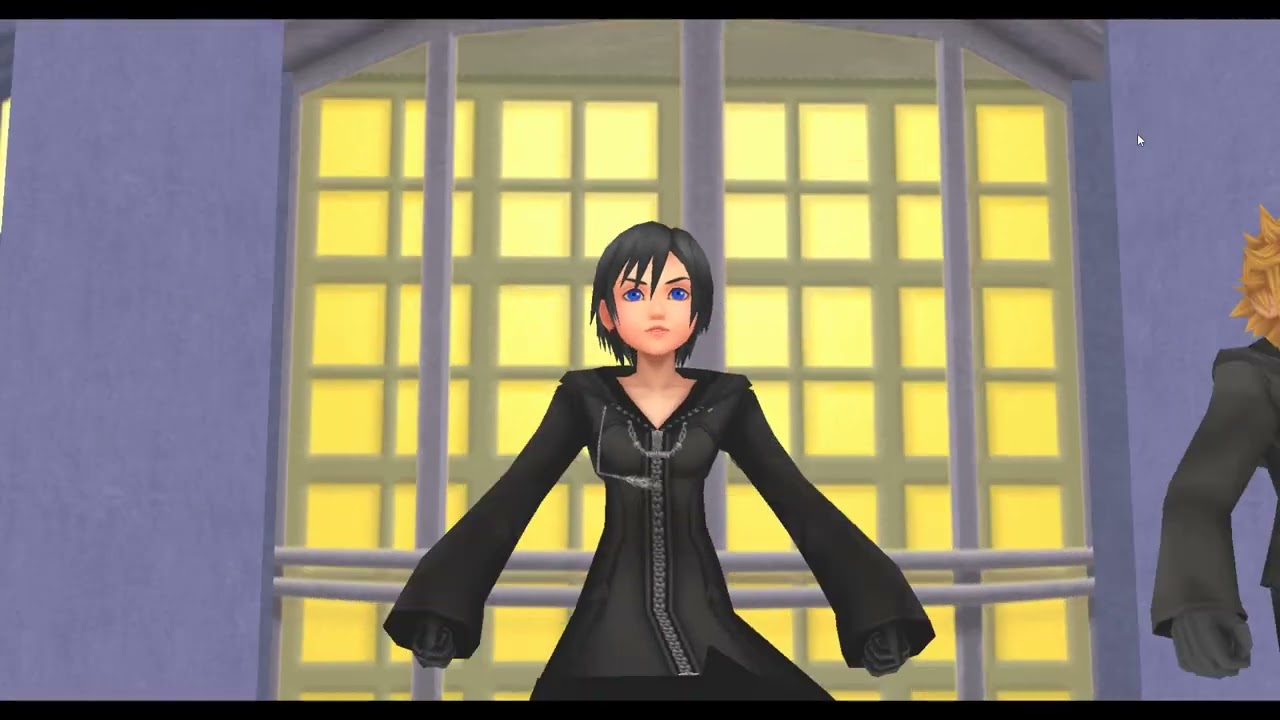
(see how it follows the two when I use “stageload.html” and reload.
Any ideas how I can “convince” the vmd animation to pls pls pls use the new reference point ?
(I suspect it uses 0,0,0, ?)
TL;DR:
I made it possible to reposition my mesh&mesh2 in scene, the init.camera following suite,
but the camera animation(s) seem no not care and just stay at (0,0,0)