Hi, welcome to the forum,
Personally, I would use FontLoader to load a typeface font, in order to create one geometry per letter. Then I would use InstancedMesh to duplicate these letters without skyrocketing the number of draw calls.This way you would have one draw call per letter, so 26 for the English alphlabet, which is acceptable.
There is examples showing how to transform an individual InstancedMesh instance at runtime.
You would have to write an engine that position letters instances at the right place to form words in space. Information about letters dimension is contained in typeface font.
Beware that geometry text is sometimes dense in polygon, depending on the number of curves in a letter. An average T will be like 16 triangles, while an average S will be closer to 300. If you want to play with a complicated font like this, the triangle count may increase very quickly. An obvious workaround would be to model you own optimised glyphs in a 3D software.
The drawback is that you have to define a max number of instances when creating an InstanceMesh. So if you don’t control the words displayed, I imagine that you would have to resize the instance pool sometimes when the number of available letter ‘A’ for instance is exceeded, which is costly.
Another solution which is far simpler but less efficient for your use-case is to use this add-on I made for creating 3D user interface in three.js. It works completely differently : it does not work with instancing, and letters are not letters geometries, but simple planes with a letter texture on it. Then a shader post-process the texture so that it’s not pixelated, and transparent around the letter. It merge the letters geometries per block.
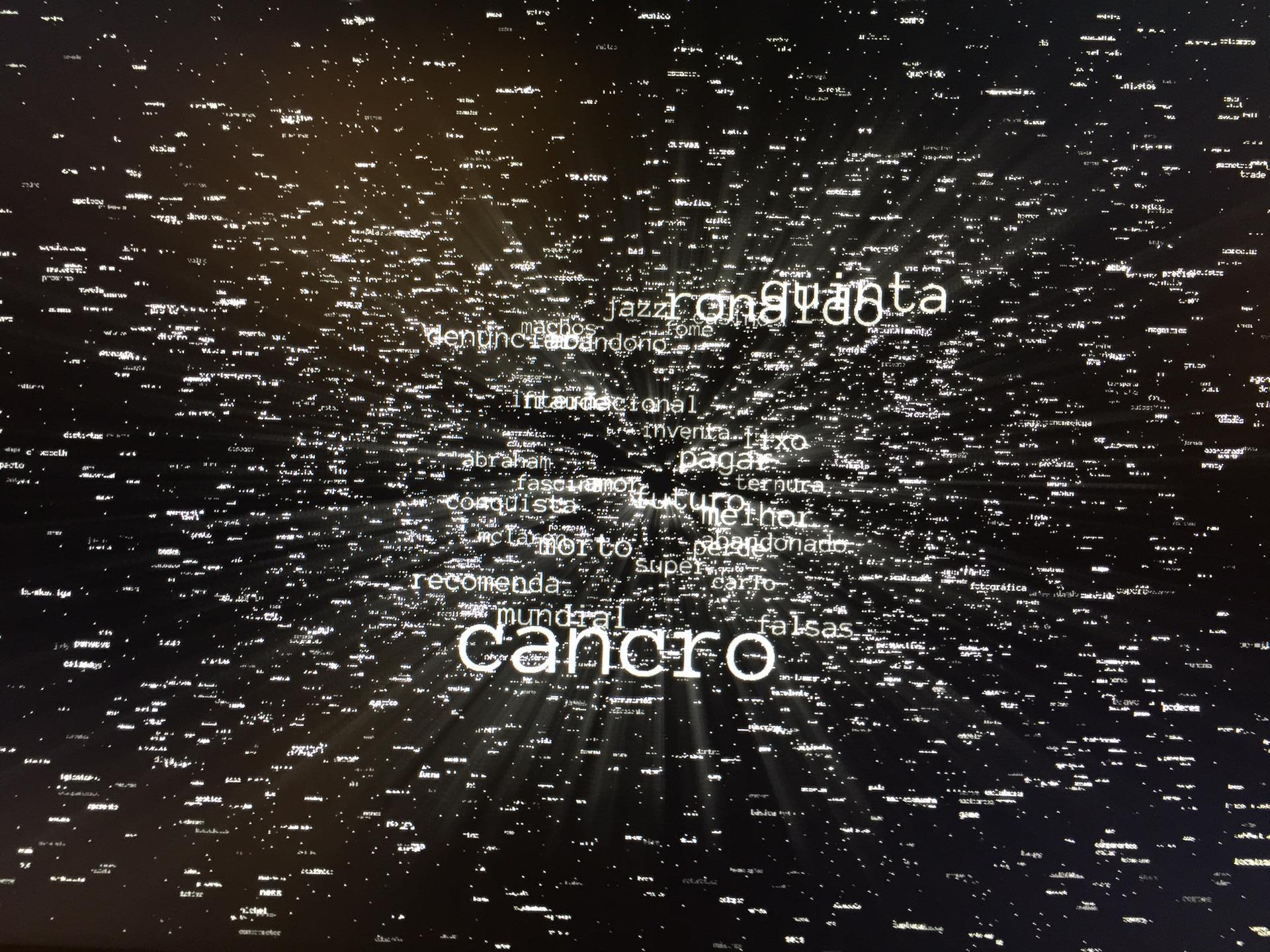
With your use-case, you would have a triangle count lower than with the InstancedMesh option, but one draw call per word, since in your case each word is in a separate block. If you have thousands like on your picture, it’s not acceptable, if you can go for 30 - 50 words, it’s fine.