My texture mapped floor is too glossy

image

export function WoodFloorLight() {
  const textures = useTexture({
    map: '/textures/birch/birch.jpg',
    roughnessMap: '/textures/birch/birch-roughness.jpg',
    normalMap: '/textures/birch/birch-normal.jpg'
  })

  // repeat
  textures.map.wrapS = THREE.RepeatWrapping
  textures.map.wrapT = THREE.RepeatWrapping
  textures.map.repeat.set(2, 2)

  return (
    <Box args={[floorX, wallZ, floorZ]} castShadow receiveShadow>
      <meshStandardMaterial {...textures} />
    </Box>
  )
}

What is going on?

  1. Make sure to set metalness to 0.0
  2. How does the roughness texture look? It should be primarily black / dark grey.
  3. Try disabling the roughness map and see if color texture is loading properly.

Screenshot 2024-03-30 at 5.20.07 PM

without roughness map looks like this

my roughness map looks like this
and color and normal map


My wild guess would be that ‘useTexture’ sets texture color space / encoding automatically to sRGB without telling you - which is useful for color textures but unwanted for data textures like roughness / normals / metalness - depending on your version of three try setting the color space or encoding back to linear for the roughness map:

roughnessMap.colorSpace = THREE.NoColorSpace;

Or

roughnessMap.encoding = THREE.LinearEncoding;

(You can do the same for the normal map, but it most likely won’t have much meaningful effect in this specific case.)

Doesn’t seem to work but have you ever experienced applying a normal map makes my floor all of a sudden not showing the received shadows?

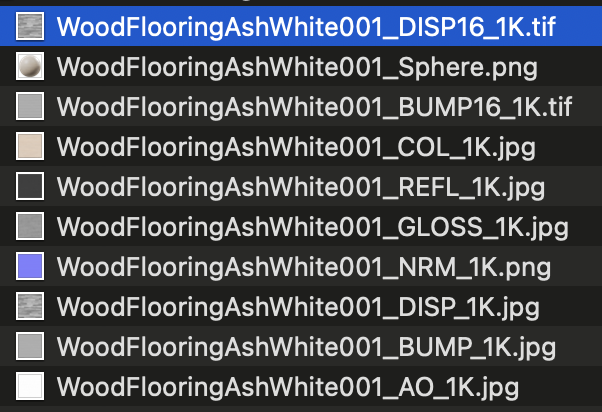
I’ve downloaded

this and applied this new one but it behaves the same.

the package gives me the following and

Screenshot 2024-03-30 at 6.11.18 PM

I’m just stuck like this