import { STLExporter } from ‘three/addons/exporters/STLExporter.js’;
To convert my Vase to STL.
I am experimenting with:
exporter = new STLExporter(); const result = exporter.parse( mesh ); saveString( result, ‘hexagon_thing.stl’ );
at the end of my mesh-creation.
Now it gives me this.
ReferenceError: Can't find variable: exporter
Maybe it is something very simple, I have no experience using imports. It gives me the same for saveString.
Than one last remark:
All the hexagons as a separate .stl would be fun so I can print them in different colors.
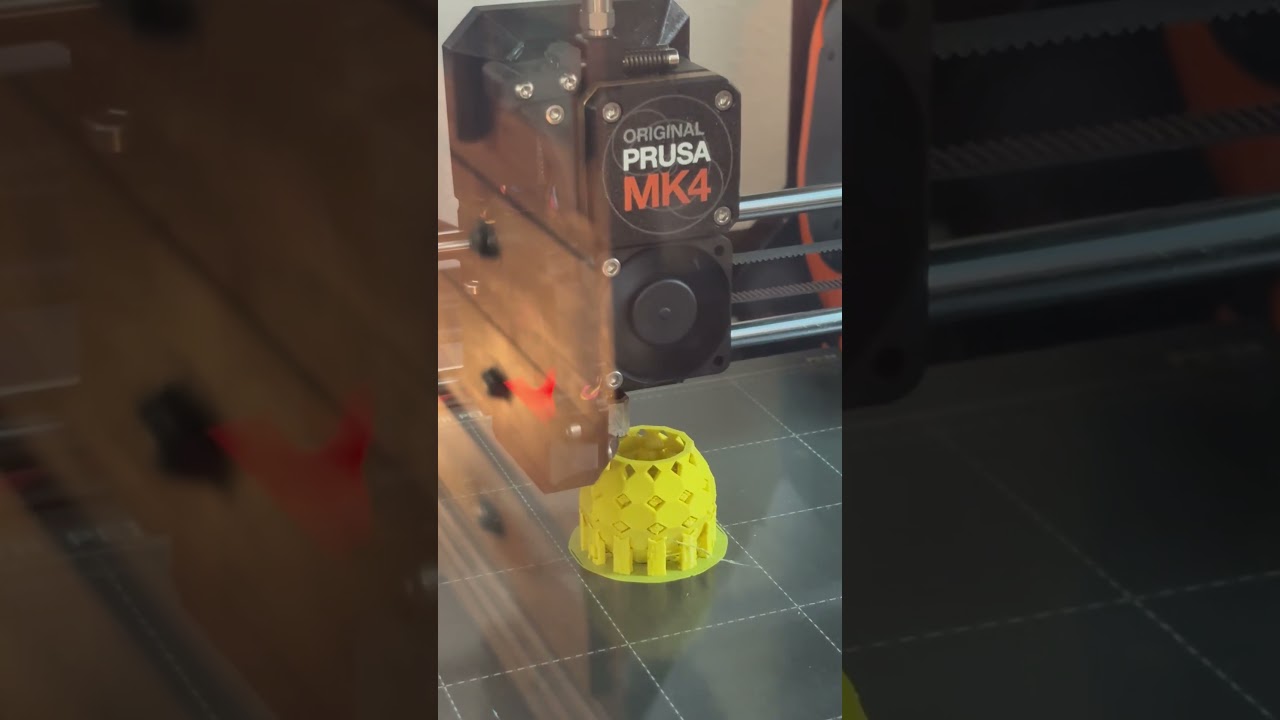
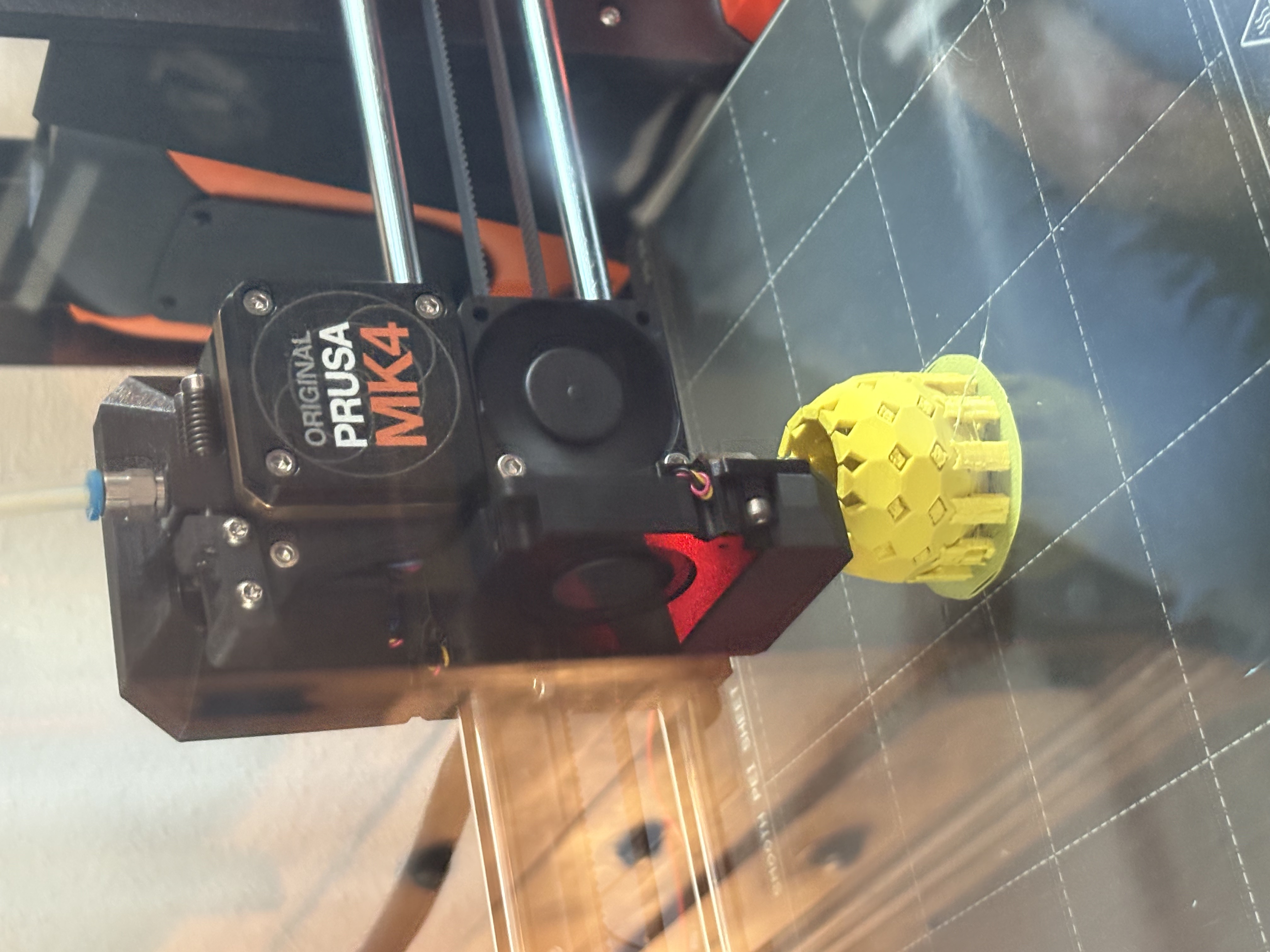
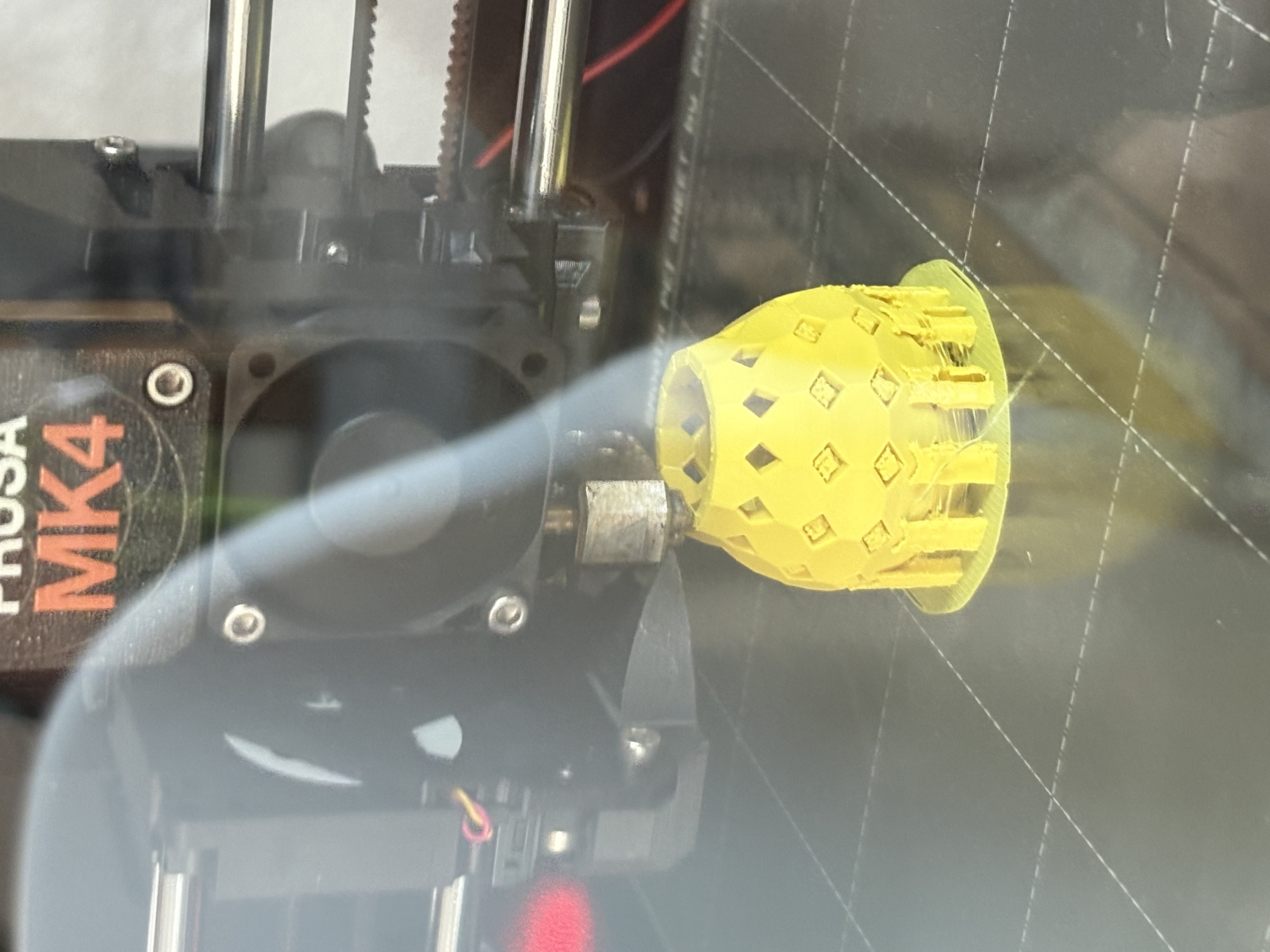
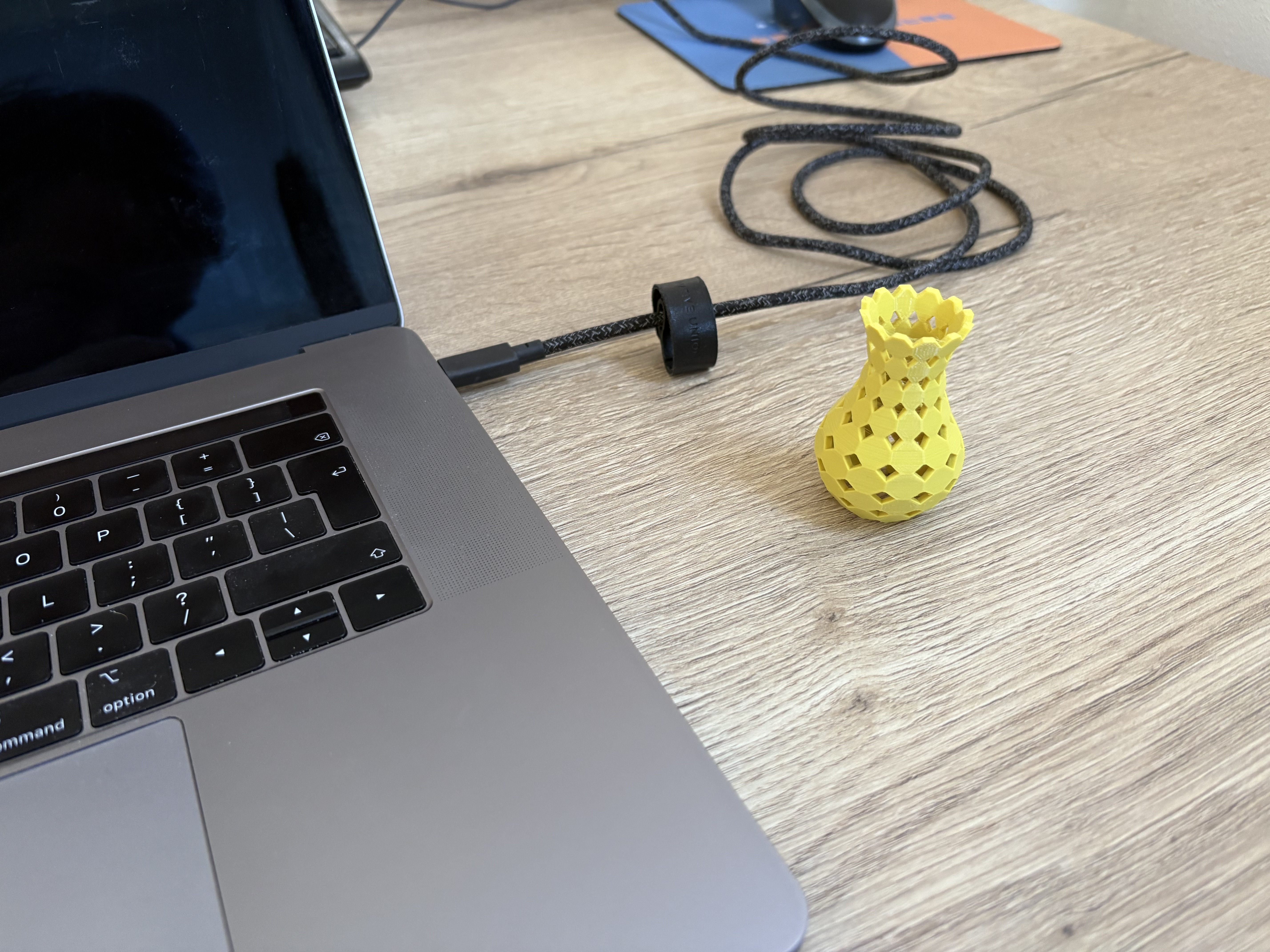
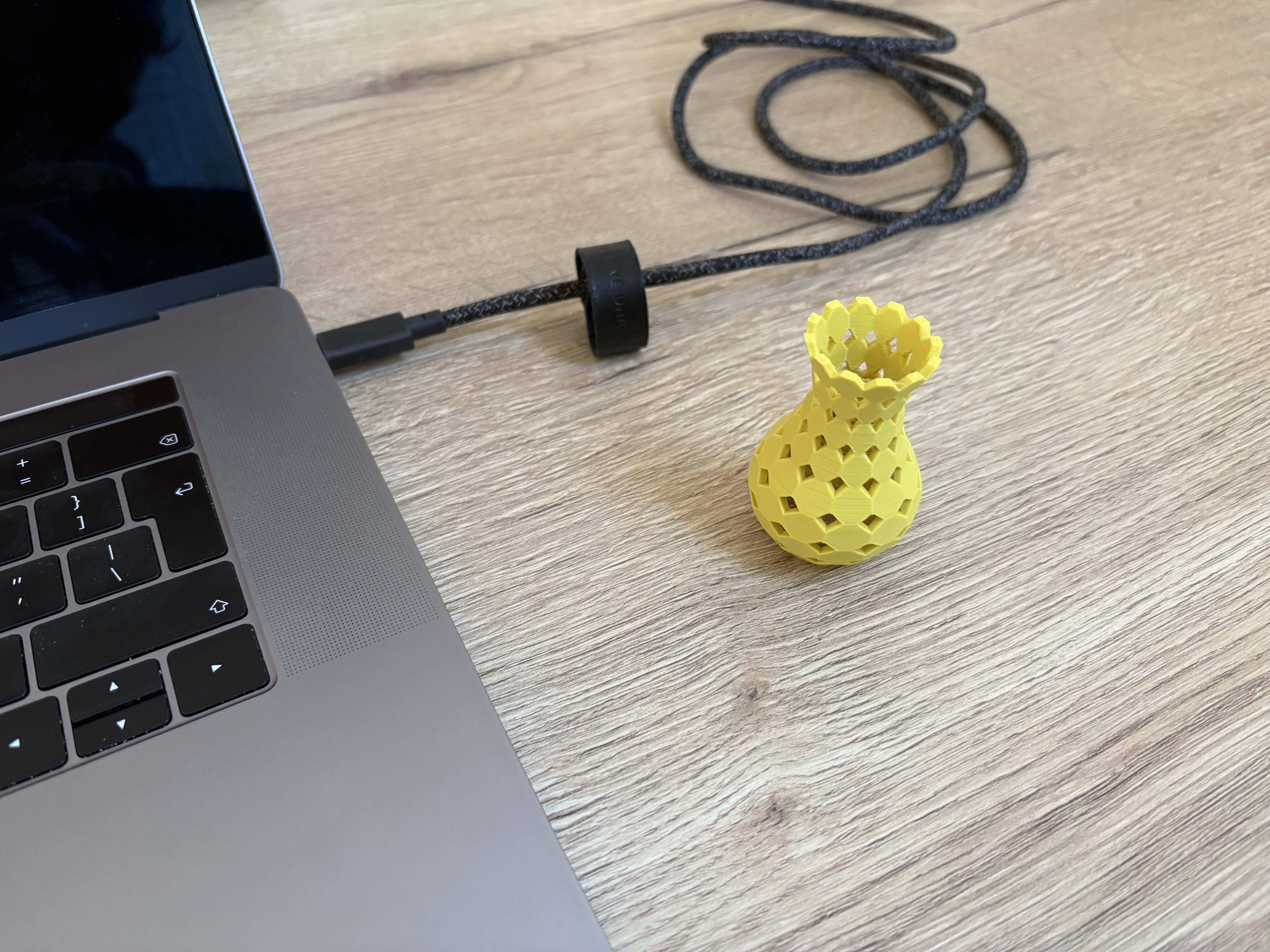
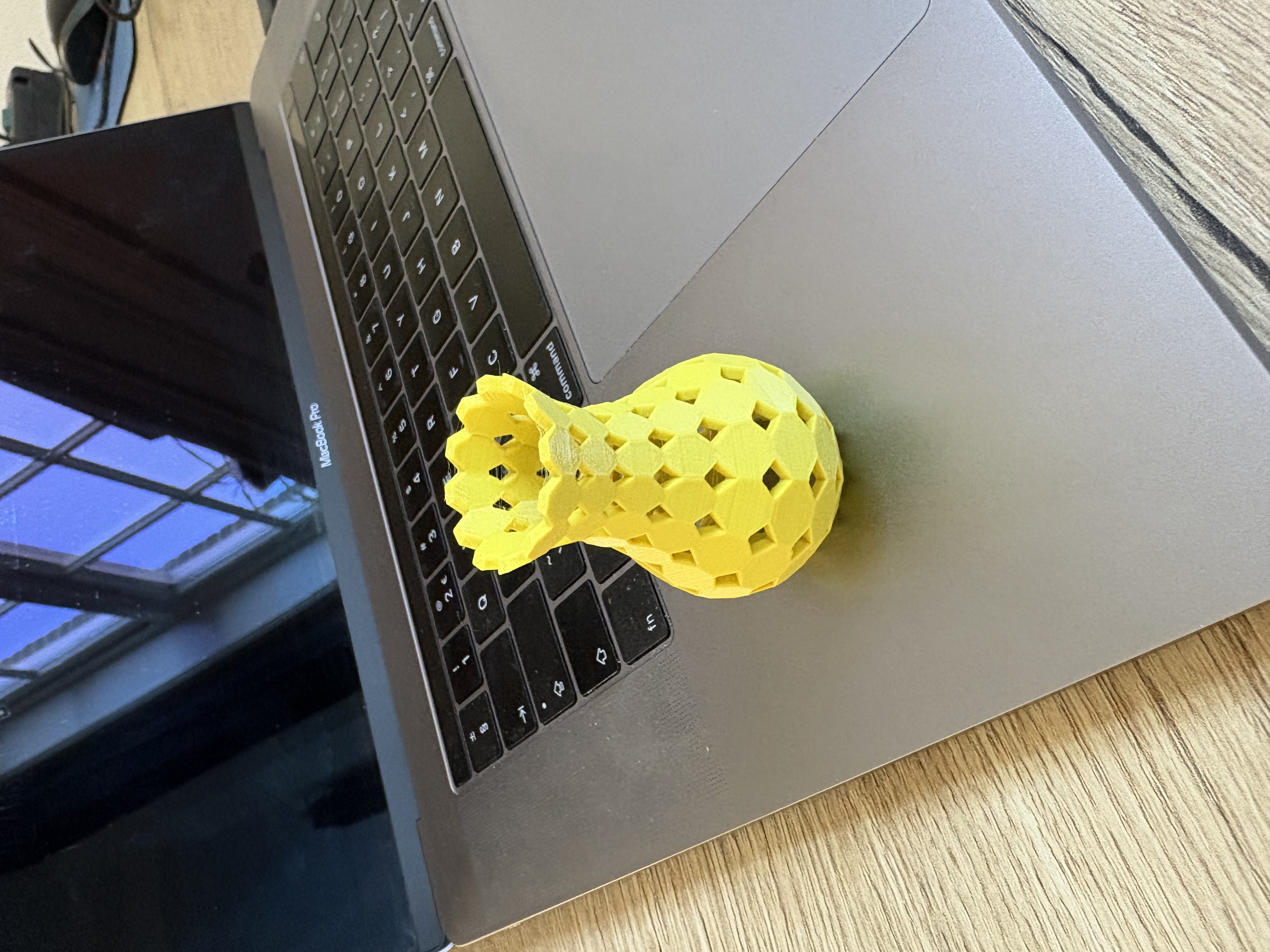
The whole thing as one .stl for the first experiments would be handy as a start. This way is looks like somthing (a vase) easily, which is fun and stimulating, because it is my first 3D print (ever!) as well.
This is a function built into the three.js stl exporter example, not a method of STLExporter itself, have a look at the following functionality, save and saveString…
It sounds like you’re relatively new to JS? You are getting tripped up on some js syntax, like requiring variables to be declared with “const” or “let” before using them.
If you are using an LLM, you can perhaps ask the LLM to write the STLExport boilerplate for you…
For instance:
“can you give me a function in threejs that downloads a supplied scene in STL format to the user?”
import { STLExporter } from 'three/addons/exporters/STLExporter.js';

function downloadSceneAsSTL(scene, fileName = 'asteroid_system.stl') {
    const exporter = new STLExporter();

    // Parse the scene.
    // binary: true produces a smaller file and is standard for 3D printing.
    const result = exporter.parse(scene, { binary: true });

    // Create a Blob from the data
    const blob = new Blob([result], { type: 'application/octet-stream' });

    // Create a hidden link and click it to trigger download
    const link = document.createElement('a');
    link.style.display = 'none';
    document.body.appendChild(link);

    link.href = URL.createObjectURL(blob);
    link.download = fileName;
    link.click();

    // Clean up
    document.body.removeChild(link);
    URL.revokeObjectURL(link.href);
}

...


window.addEventListener('keydown', (e) => {
    if (e.key === 's') {
        console.log("Exporting STL...");
        downloadSceneAsSTL(scene);
    }
});