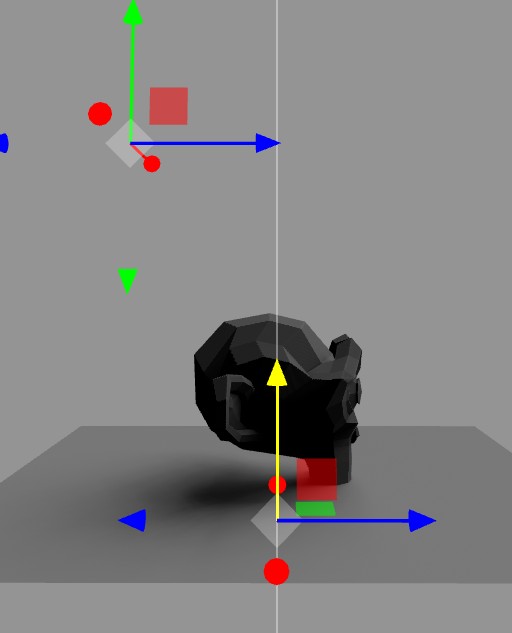
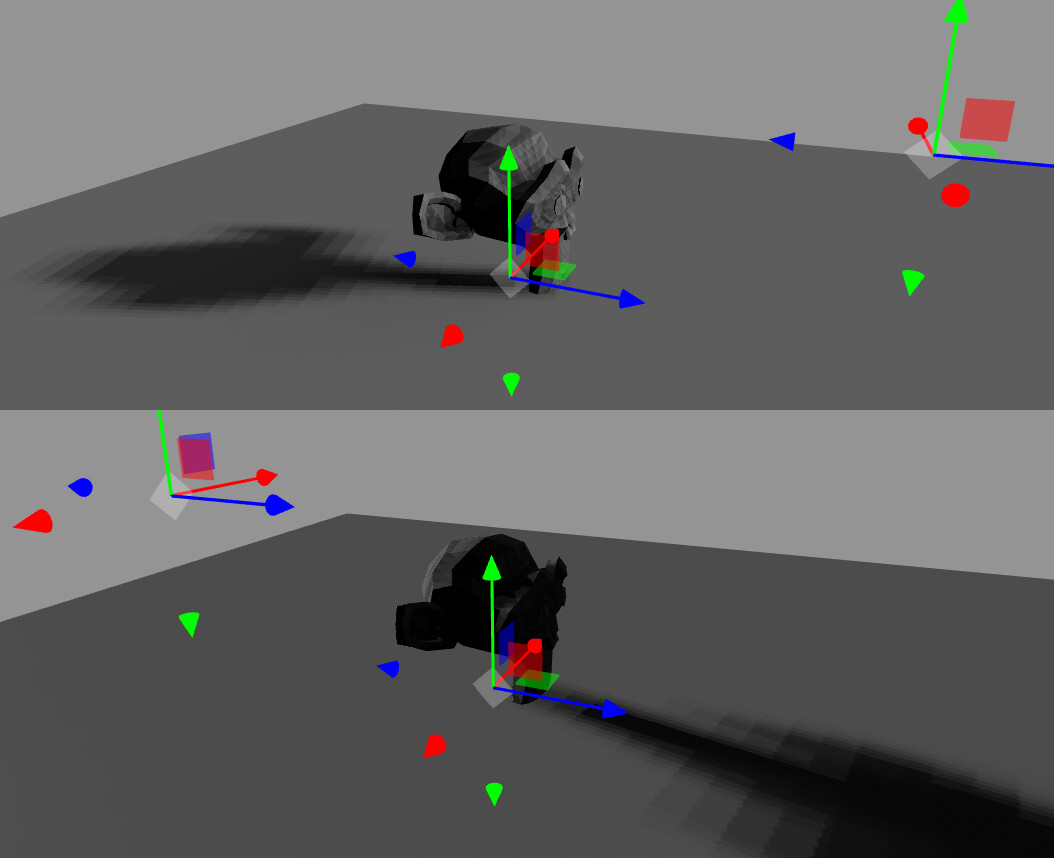
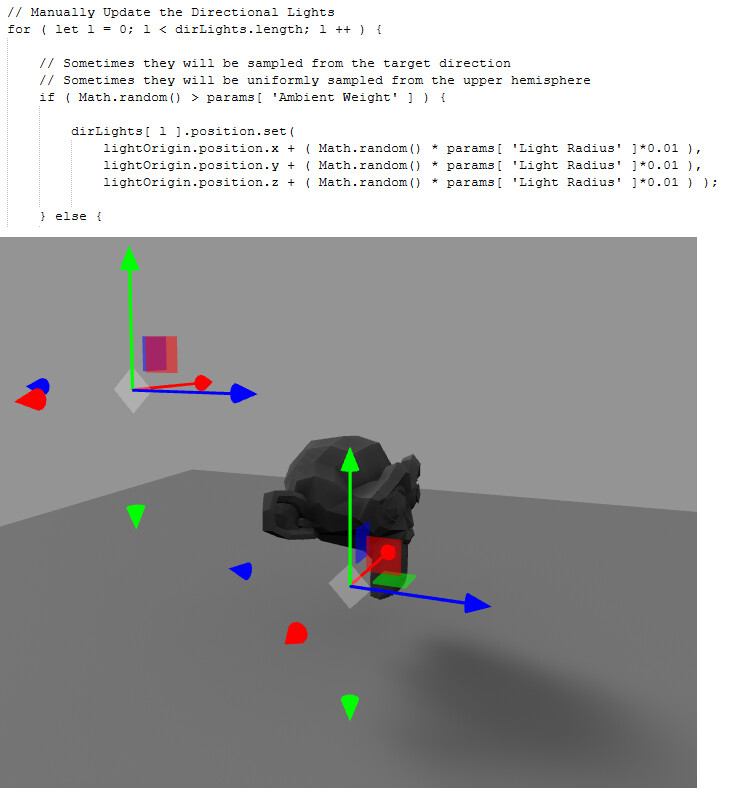
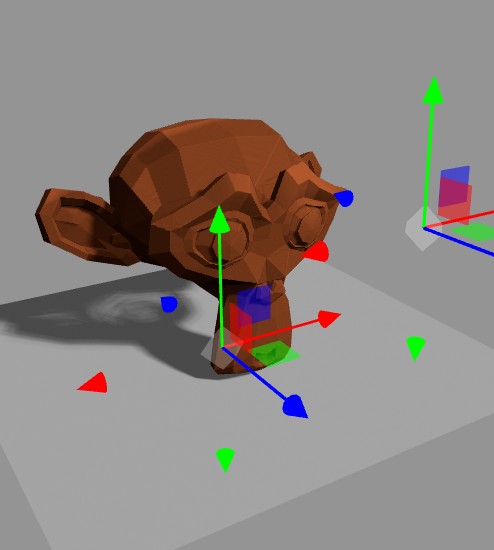
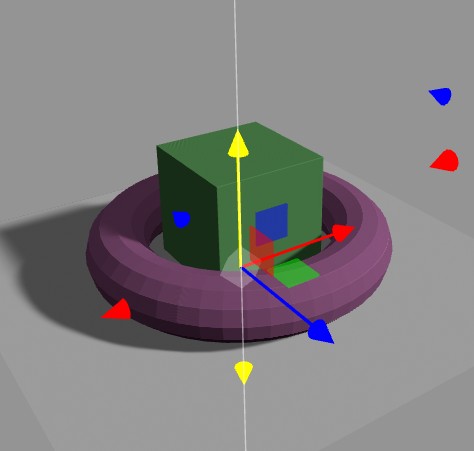
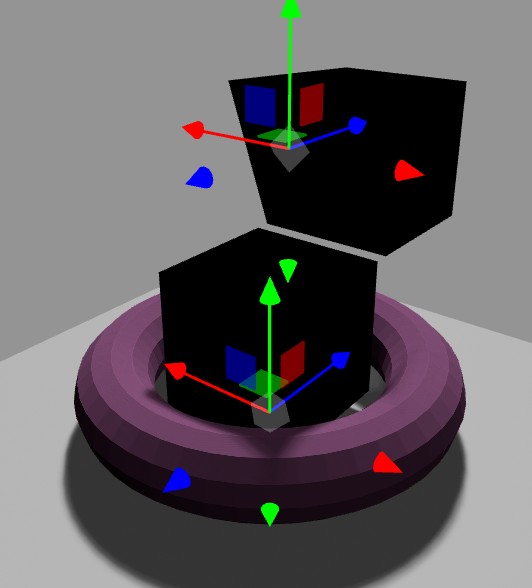
it seems to work only with the provided sample model — I’ve tried several other simple models (cubes, cones, cylinders) with UV unwrapping on both channel 0 and channel 1, but they always come out completely black.
The sample model can’t be imported into Blender to analyze it, and from what I found online there are only old discussions from users reporting the same issue, with no real solution ever given.
What really surprises me is that it’s included in the official Three.js release, even with its own documentation page https://threejs.org/docs/#ProgressiveLightMap (which doesn’t actually explain anything about how to prepare models to use it). So one would assume it should work properly, not just be some experimental feature that only works with one specific and mysterious model — making it basically unusable.
I hope someone can help me figure out whether it’s worth spending more time on this, or if it was accidentally included in Three.js by mistake!
Thanks!
It looks to me like the input meshes may require a second set of lightmap uvs as “uv1”. You can set this up in blender and export via gltf.
So you would have you main texture uvs the “uv” channel, then a second set for the lightmaps “uv1”
Does this sound like what you attempted?
You can probably set up the uv1s manually as a clone of “uv” at runtime.
Thank-you @manthrax for your reply, but it’s just what I’ve done in on all my meshes in Blender, before to try to use them with ProgressiveLightMap in ThreeJS.
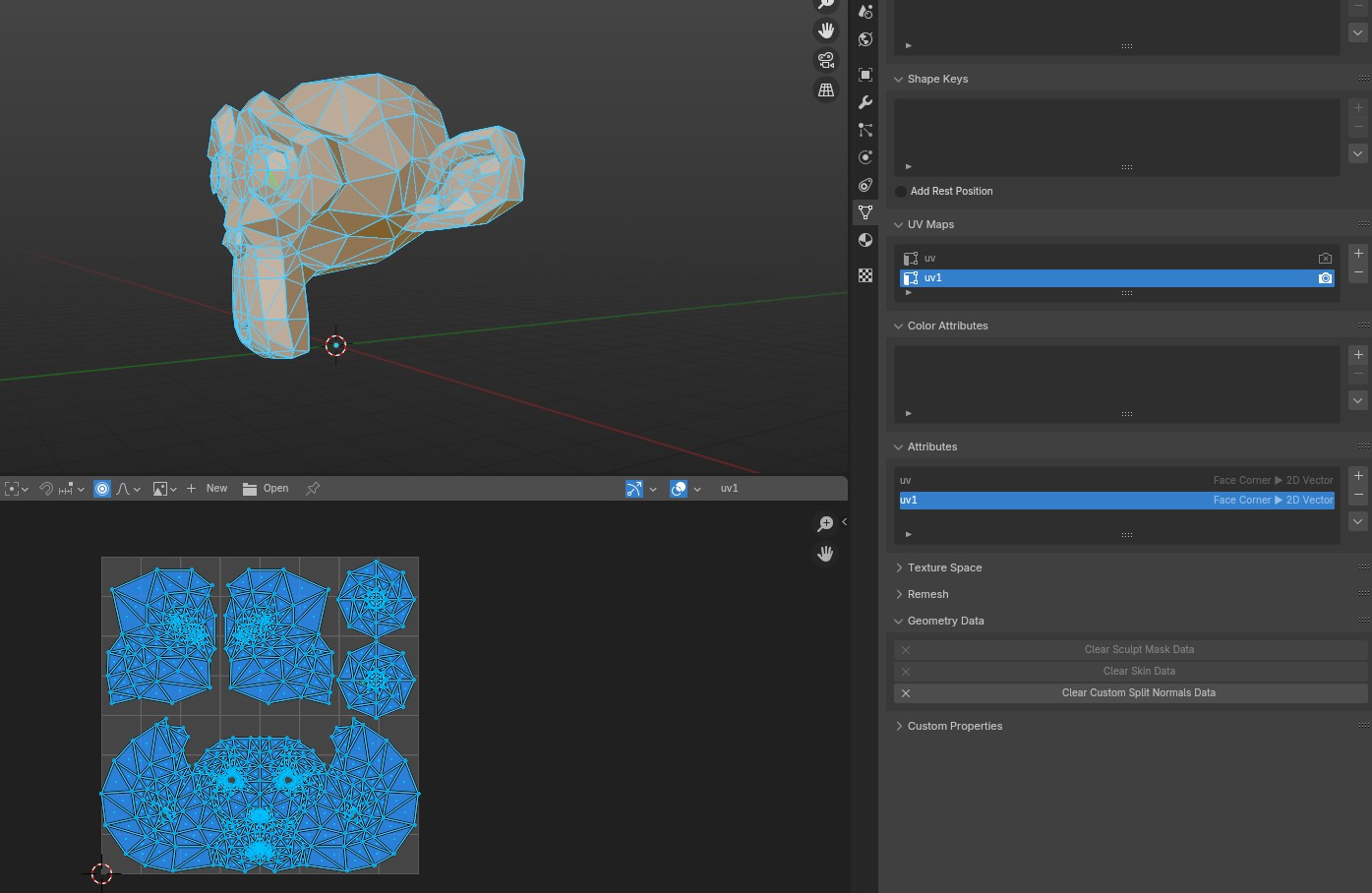
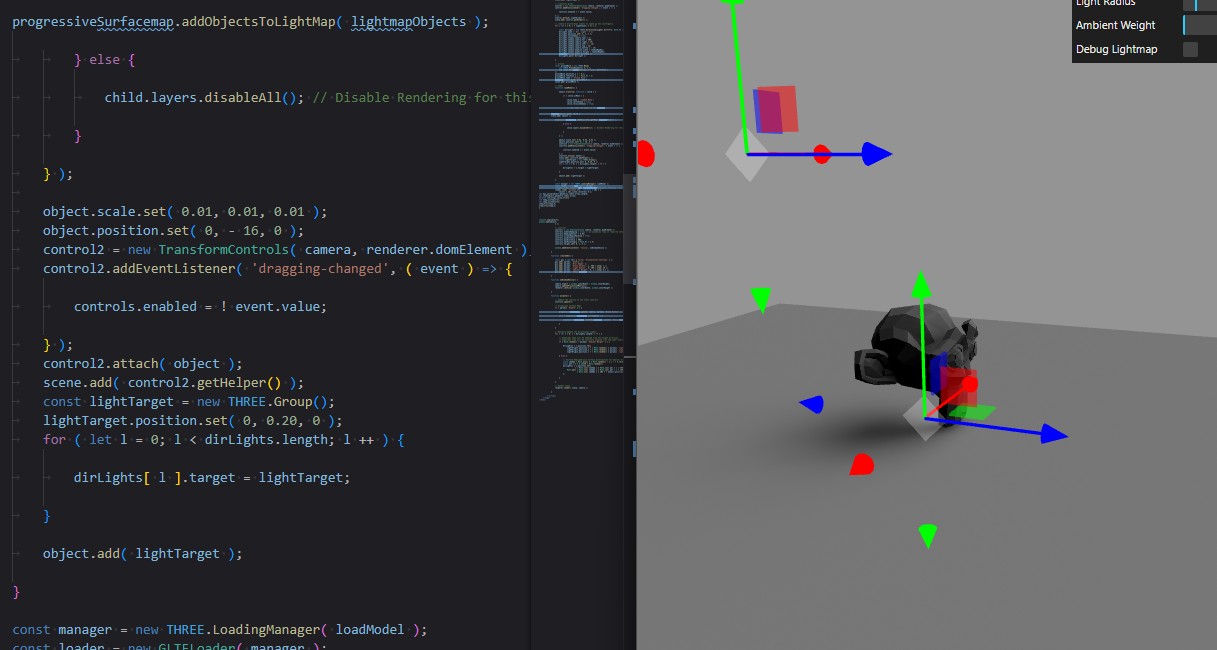
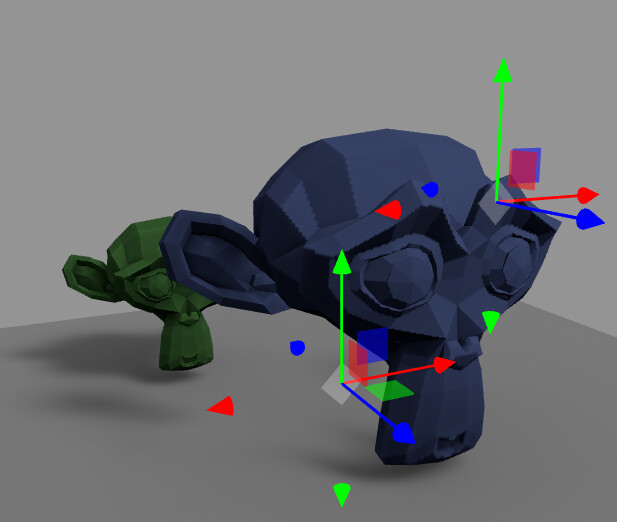
Please look at this picture for example:
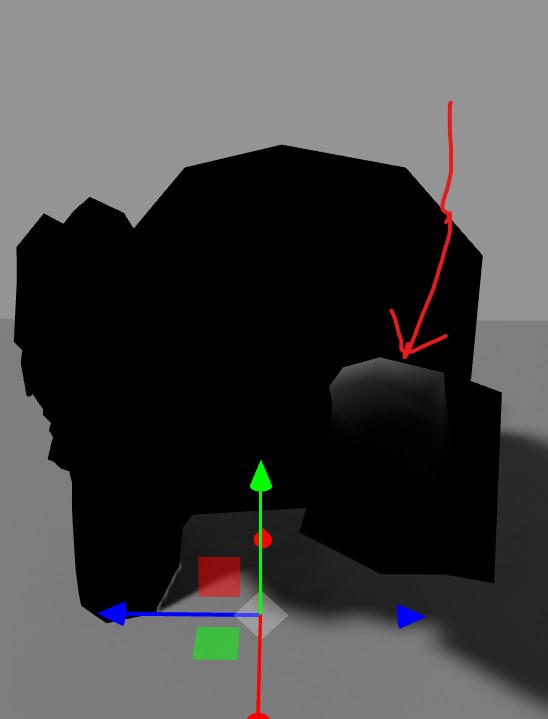
As you can see the Suzanne model has its “uv” and “uv1” attributes (basically the same unwrap), but despite this with ProgressiveLightMap it look totally black:
Curiously if you look better on the Suzanne ear it seem to be some shading (but from nowhere, since it doesn’t react to light and it’s not showed on the debug texture)
Did you ever managed to get ProgressiveLightMap working ?
Thank-you @Chaser_Code for your reply, but I don’t think that lightmap packing can solve the issue, if ProgressiveLightMap don’t work.
Maybe I’m doing something wrong, but actually my opinion is that ProgressiveLightMap is just an experiment that incidentally has been included in ThreeJS
there are two main important parts of the setup besides the secondary uvMap as @manthrax has suggested, progressiveSurfacemap.addObjectsToLightMap here…
making sure to push your lights to the lightMapObjects array lightmapObjects.push( dirLight ); and ensuring to also disable non mesh objects layers in the loaded object…
} else {

 child.layers.disableAll(); // Disable Rendering for this

}
and the second important part, progressiveSurfacemap.update in the render loop…
and the third thing to check would be the console for the following warning…
console.warn( 'THREE.ProgressiveLightMap: All lightmap objects need normals.' ); continue;
Thank-you @Lawrence3DPK yes, I’m actually using the provided example script from three.js webgl - progressive lightmap accumulation
(I’ve just created a new script from this one because I’m using Vite) and I’m just switching from the provided example model and my models.
And it doesn’t work with any of my models (just with the provided one)
This is my example Suzanne model for test monkey3.glb (84.0 KB)
I don’t know if someone ever managed to get ProgressiveLightMap working, but at this point I’m really curious about it
Problems in the generated .glb file from Blender? or in the ProgressiveLightMap.js script?
I’ve checked my glb models with https://gltf.report/ and it doesn’t report any issue, unlike the provided example model ShadowmappableMesh.glb that has a lot of problems…
The problem is with constructing triangles. In Blender, it’s clockwise, but we need it counterclockwise for ProgressiveLightMap.js. No need for second uv1, just default uv.
Just need to replace 2 and 3 items for each triangle index in object.geometry.index.array
Was: 0,1,3,0,3,2.
Now: 0,3,1,0,2,3.
let max_value=object.geometry.index.array.length;
let item=object.geometry.index.array;
for(let n=0;n<max_value;n+=3){
let temp_2=item[n+1];
let temp_3=item[n+2];
item[n+1]=temp_3;
item[n+2]=temp_2;
}
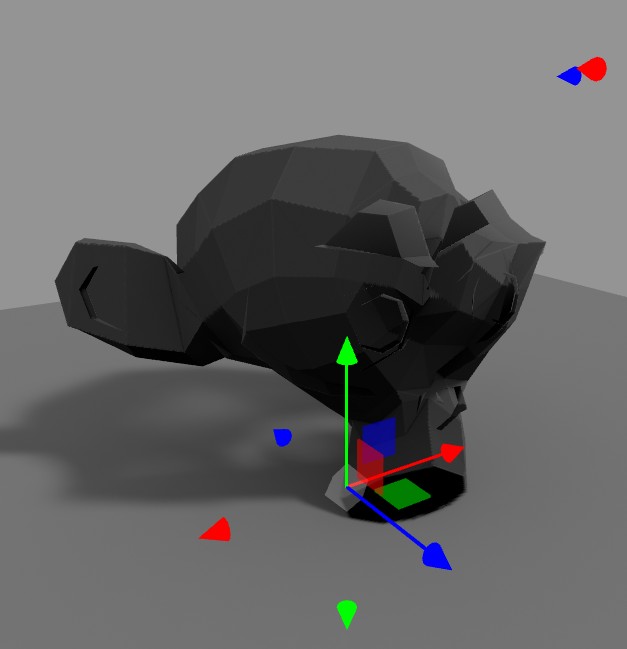
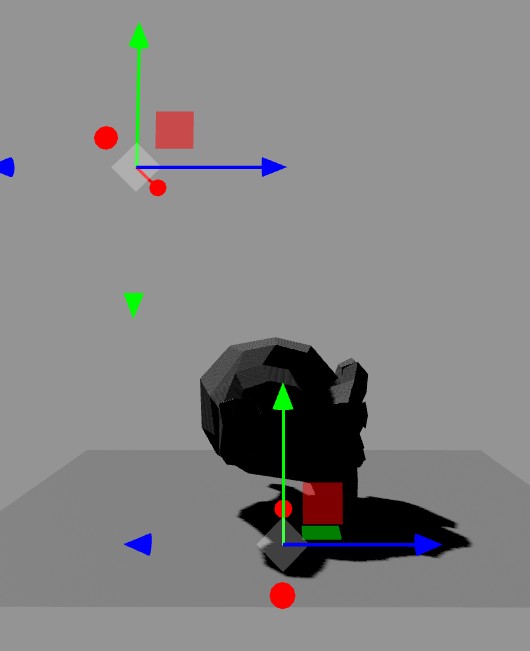
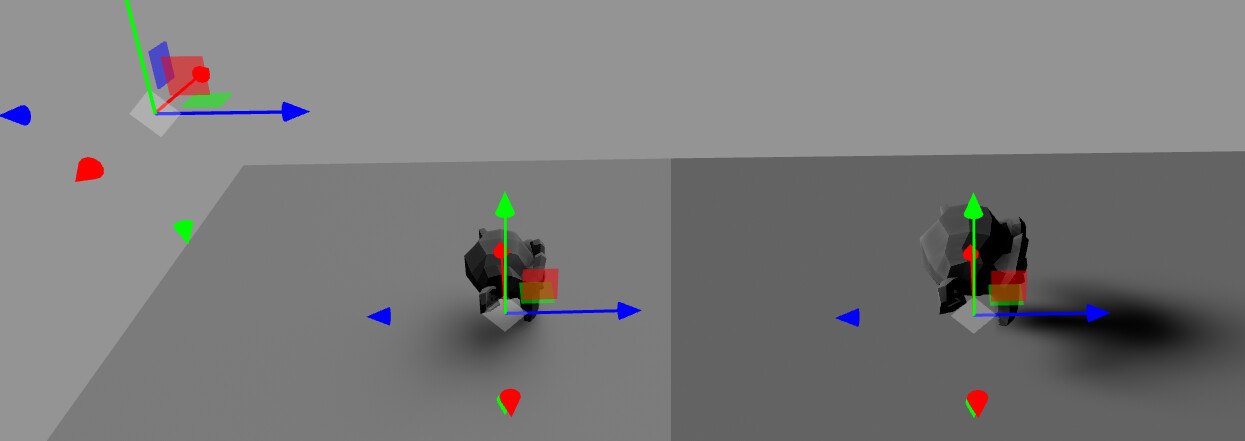
One very last question, do you know if is mandatory for ProgressiveLightMap to have so huge models? For example I had to scale the monkey to 100m x 60m x70m (!!!) to get it showing proper lightmap…
I’ve tried to decrease the plane and the monkey (as other objects) to real world size, but it seem that both shadows and lightmap don’t come from the right position anymore…
Test with real world size - light radius 0 - it’s ok
Hello @Chaser_Code your function to fix the wrong geometry from Blender seem to work only with a single mesh inside the imported GLTF…
I’ve moved your function inside “loadModel()…” in this way:
loader.load('models/twoMonkeys.glb', function (obj) {

object = obj.scene // let's pass all the children

    });
function loadModel() {

        console.log("loadModel")

        console.log("object:", object)


        object.traverse(function (child) {

            if (child.isMesh) {

                console.log("child:", child)


                // Fix wrong geometry from Blender

                let max_value = child.geometry.index.array.length;

                let item = child.geometry.index.array;

                for (let n = 0; n < max_value; n += 3) {

                    let temp_2 = item[n + 1];

                    let temp_3 = item[n + 2];

                    item[n + 1] = temp_3;

                    item[n + 2] = temp_2;

                }


                // child.name = 'Loaded Mesh';

                child.castShadow = true;

                child.receiveShadow = true;

                // This adds the model to the lightmap

                lightmapObjects.push(child);

            } else {

                child.layers.disableAll(); // Disable Rendering for this

            }

        });

        progressiveSurfacemap.addObjectsToLightMap(lightmapObjects);

        scene.add(object);
        …
so to iterate for each child, but it show black again (twoMonkeys.glb)
Maybe blender check objects indexes and if they are same, then save only one index for two objects for optimization. Its like same objects share one index. And when we change index once, its ok, if twice, then it became origin index values and cant see changes. I just put cloning index.
Add child.geometry.index=child.geometry.index.clone();
Before let max_value=child.geometry.index.array.length;
I’m really sorry for bothering you again with this, I really appreciate all your help
Your suggestion about inverting the triangles (the clockwise/counterclockwise issue) worked perfectly for models coming straight from Blender. But now I’ve run into a weird new problem, when i modify them somehow in ThreeJS and I export-import again in ThreeJS it doesn’t work anymore.
My workflow is:
1 - Export model from Blender as GLB
2 - Import into Three.js and use XAtlas to generate a UV unwrap (creates a new uv1 channel)
3 - Export the unwrapped model using GLTFExporter
4 - Import this new GLB in Blender, just to check that everyting is correct (“uv” is the original one, new “uv1” is definitely there)
5 - Import this new GLB in ThreeJS and use ProgressiveLightMapwith with its new uv1.
The model shows up completely black in ProgressiveLightMap.
It’s really weird because It doesn’t matter the uv (“uv” or “uv1”) used, and your triangle inversion fix makes absolutely no difference - it’s totally black whether I use it or not..
Unfortunately it seem that I can’t upload any file (???) to this post, so here the link to the unwrapped model that doesn’t work
child.material.metalness=0;
child.material.side=1;
child.geometry.index=child.geometry.index.clone();
let max_value=child.geometry.index.array.length;
let item=child.geometry.index.array;
for(let n=0;n<max_value;n+=3){
let temp_2=item[n+1];
let temp_3=item[n+2];
item[n+1]=temp_3;
item[n+2]=temp_2;
}