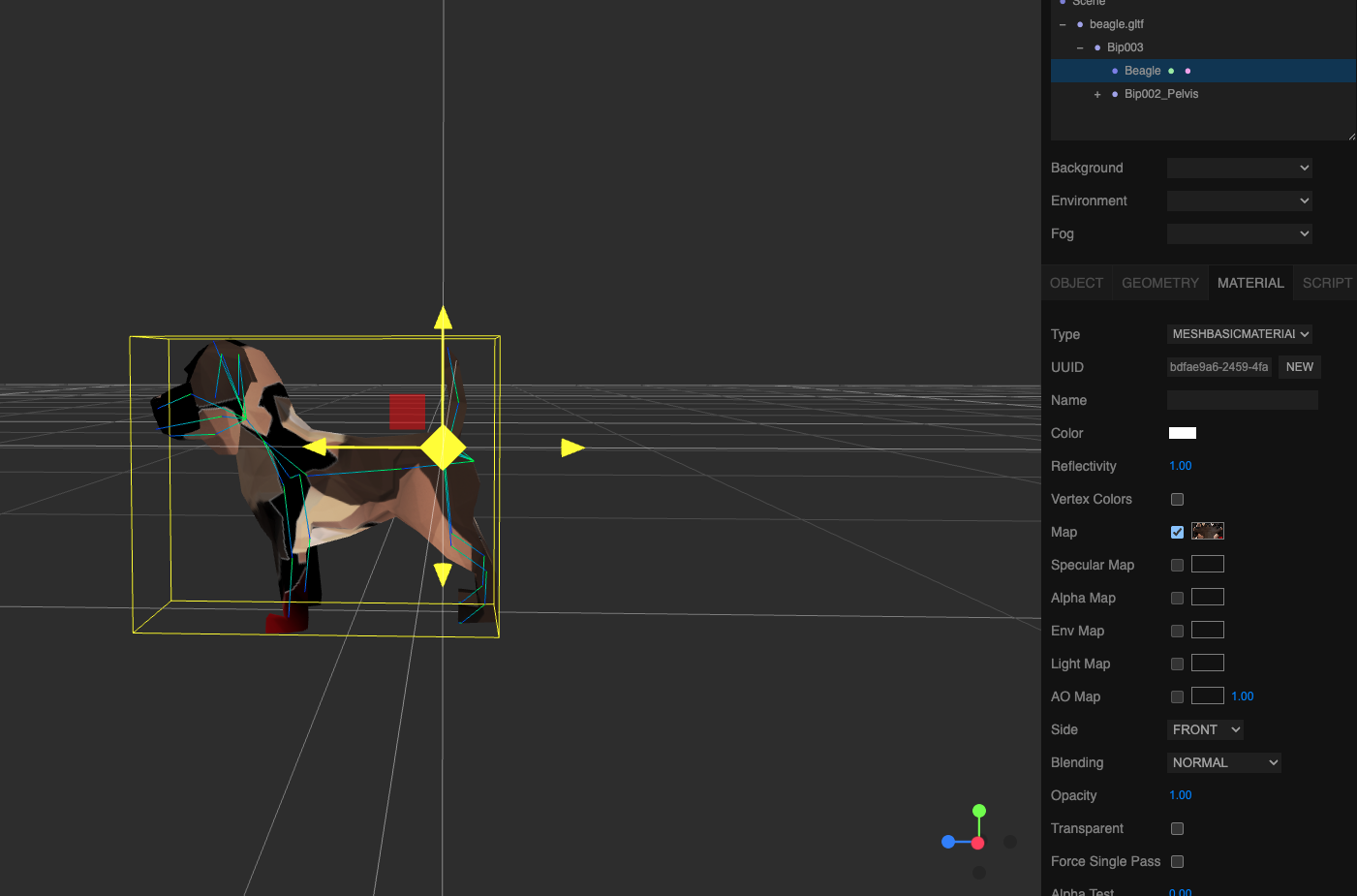
I am trying to add material to my model that I have exported from Blender (gltf). On blender when connecting the image to the model through Principle BSDF, it works perfectly. but when i import the same image on the map for the material under MESHBASICMATERIAL, it acts weird. it is maping the legs to the face etc. I am a complete beginner in both blender and threejs, so if this question was not clear, i can try to further clarify.

There are some other possible causes (harder to say without seeing the .blend) but my guess here would be —
Textures are mapped onto the mesh using texture coordinates (“UVs”) and there are different conventions for how these coordinates are handled. In a plain three.js application I think you’d be missing the texture.flipY = false flag here, but the three.js Editor does not have a UI control for that setting. If you only needed to get it working in the Editor then you could vertically flip the texture yourself … but if the eventual goal is a working .gltf file then you might want to add the texture in Blender and export there.
Hey Donmccurdy, thank you so much, I had tried toggling the texture.flipY flag but it was not working. but I just flipped the texture image and it worked. It was becoming very frustrating, but I’m so glad I was able to get it working. I appreciate you alot